



80+ Gold vs 80+ Platinum for Couch co-op gaming in SA
80+ Gold vs 80+ Platinum for couch co-op gaming is about PSU efficiency, heat, fan behaviour, quality, and wattage headroom, not direct FPS. SA buyers should compare the whole build.
Read more🔧 Fix side play in mechanical switches effortlessly. Learn expert methods to enhance keyboard precision and longevity. Read more ➡️
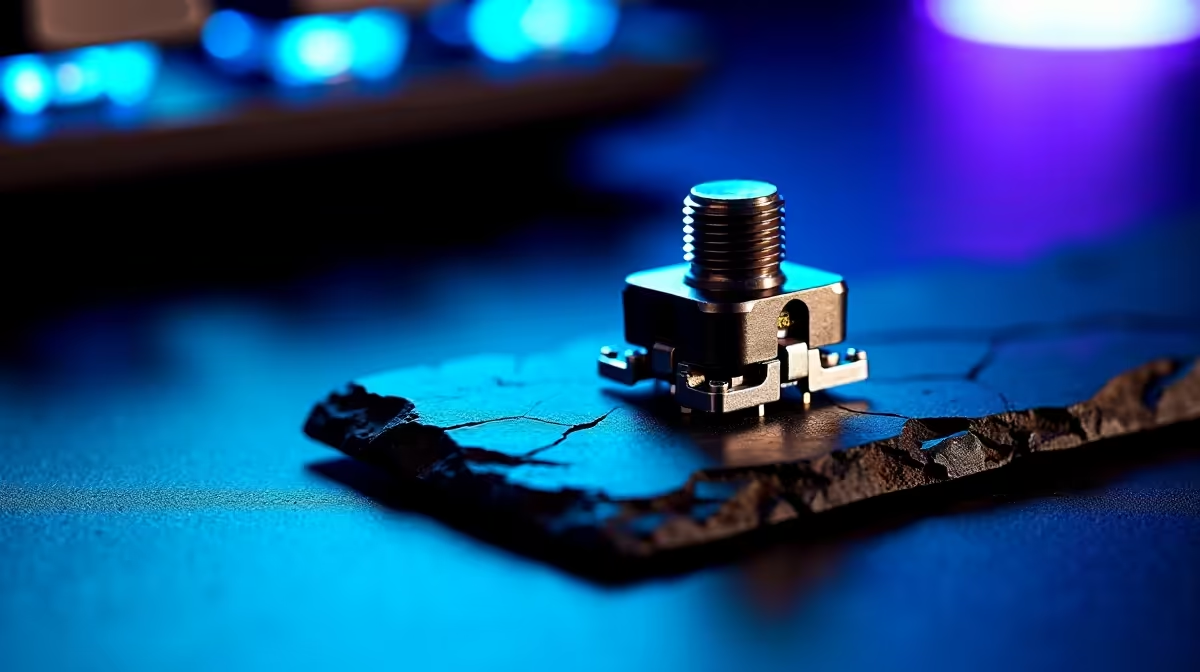
That last-second flick in Valorant... you clicked, but the shot never happened. Or maybe it felt... mushy? That frustrating inconsistency isn't just in your head. It's often caused by "side play" in your mouse's mechanical switches—a tiny wobble that can mean the difference between a clutch win and a "how did I miss that?!" moment. But don't stress, there are ways to fix this and get the crisp, precise clicks you need to dominate.
So, what exactly is this gremlin in your gear? Side play, or button wobble, is the slight horizontal movement you feel on your main mouse buttons before the click actually registers. Think of it like a loose key in a lock. You have to jiggle it into the right position before it turns.
This wobble, combined with pre-travel (the distance the button moves down before activating), creates a feeling of disconnect. For South African gamers who demand instant feedback, this is a massive problem. It can throw off your muscle memory and lead to inconsistent aim. The goal is to reduce side play in mechanical switches to ensure every single click is intentional and immediate.
It boils down to manufacturing tolerances. To prevent buttons from sticking, there has to be a tiny gap between the button plunger and the switch housing. In cheaper or older mice, this gap can be a bit too generous, leading to noticeable wobble. While a small amount is normal, excessive play can sabotage your performance.
Before attempting any mods, check online forums or Reddit for your specific mouse model. See if other gamers have found ways to reduce side play. Sometimes a simple fix exists, but you also want to be aware of any potential risks, like voiding your warranty.
You've got two main routes to achieving those snappy, precise clicks: the DIY path and the upgrade path.
For those who love to tinker, it's possible to manually reduce side play in mechanical switches. The most common method involves carefully placing a small piece of aluminium tape or a tiny plastic shim inside the button housing to fill the gap causing the wobble.
Disclaimer: This is an advanced mod. It will almost certainly void your warranty and carries the risk of damaging your mouse if done incorrectly. It's a high-risk, high-reward solution for enthusiasts who are out of warranty and comfortable opening up their peripherals. A much safer bet is to invest in a mouse designed with tighter tolerances from the start, using the best gaming mouse components available today.
Honestly, the best way to guarantee precise clicks is to choose a mouse designed for competitive gaming. Modern manufacturers are hyper-aware of issues like side play and pre-travel. They now use advanced tensioning systems and premium switches to deliver a solid, crisp click right out of the box.
Whether you prefer the zero-latency reliability of a reliable wired mouse for your home setup or the freedom of a cutting-edge wireless mouse for a cleaner desk, you'll find that newer models have largely engineered this problem away. You're not just buying a new mouse; you're buying consistency.
And don't forget that your mouse's performance can be enhanced even further. Upgrading to slicker feet or adding grip tape can give you superior control, making your already precise clicks even more effective. You can find a huge variety of these premium mouse accessories to fine-tune your setup. 🚀
Ready for Clicks You Can Trust? Stop letting button wobble cost you rounds. Upgrade to a mouse built for victory and experience the difference that precise, tactile clicks make. Shop Evetech's best gaming mouse deals for performance that leaves lag in the dust.
Loose switches typically indicate side play. Reduce it using O-rings or switch film dampeners for tighter keystrokes.
Stabilize switches with DIY methods like switch films or pre-built stabilizers. These minimize side play effectively.
Excessive wobble is often due to poor switch housing design. Consider tighter switch builds or lubrication to resolve this.
Yes! Use O-rings or dampeners under keycaps to reduce side play without removing existing switches.
Yes, switch stabilizers like costars or plate/PCB mount systems can significantly reduce side-to-side instability.
Some side play is normal, but excessive movement reduces typing accuracy. Use recommended methods to improve precision.
Side play introduces inconsistency in keystrokes, lowering typing efficiency. Fix it to enhance keyboard responsiveness.
80+ Gold vs 80+ Platinum for couch co-op gaming is about PSU efficiency, heat, fan behaviour, quality, and wattage headroom, not direct FPS. SA buyers should compare the whole build.
Read more
80+ Platinum or 80+ Titanium for competitive should be shortlisted around the job it must do. South African buyers should compare fit, performance, compatibility, and upgrade room, warranty path, and upgrade room before treating any pick as best.
Read more
The real world difference between IPS and OLED for AAA single-player gaming is immersion versus versatility. OLED lifts contrast and dark scenes, while IPS can suit bright rooms, mixed PC use, and SA buyers watching total setup cost.
Read more
HDMI 2.1 vs HDMI 2.0 for SA MMO needs a workload-first comparison. For SA buyers, judge real performance, platform fit, warranty path, power needs, and upgrade timing before choosing either side.
Read more
USB4 and Thunderbolt 4 differ for competitive esports through dock, display, and capture consistency. Use this real world difference between usb4 and thunderbolt 4 for competitive guide to keep SA tournament desks tidy without assuming better ping.
Read more
Magnetic switches vs Mechanical switches depends on Competitive esports needs, platform limits, and budget fit. Compare compatibility, latency, upgrade path, and real setup constraints before choosing for an SA build.
Read more
B850 motherboard FPS drops needs a methodical troubleshooting pass. Review drivers, thermals, power settings, background apps, cables and game settings before replacing parts in an SA gaming setup.

Gaming PC FPS drops in South Africa often come from drivers, thermals, background apps, power plans, or in-game settings. Check one change at a time and use the same scene before buying upgrades for your local setup.

Difference between PCIe 5.0 and PCIe 4.0 explained for PC builders starts with bandwidth, lanes, and support. SA builders should match the motherboard, GPU, NVMe drive, and budget before choosing a platform.

Windows 11 mechanical keyboard setups rarely cause display banding directly. Fix color banding by checking HDR, colour depth, GPU range, monitor profiles, and any new RGB utility conflicts.

Steam Big Art Mode enlarges library artwork in Big Picture Mode and on Steam Deck, while the same beta adds configurable screensavers. Both features are optional and currently require the Steam beta client.

Diablo 4 HDR settings work best after Windows and the display are calibrated, then the game's black point, brightness and white point are adjusted in that order. Use visible shadow detail and controlled highlights, not copied values from another screen.

The best HOTAS for Elite Dangerous is a separate stick-and-throttle set with enough analogue axes for pitch, roll, yaw and thrust, plus local support. Evetech's captured flight-simulation sample lists the complete Logitech X56 at R4,999.

Nintendo Switch 2 docked VRR arrives with system version 23.0.0 and also requires a dock update. The connected TV or monitor and the running software must support VRR before the output can follow changing frame rates.

NVIDIA lists 550W required system power for the RTX 5060 reference specification, based on a high-end test system. A quality 550W unit can be enough, but CPU draw, transient load, connectors and ageing decide real headroom.

The VAIO T combines a 13.3-inch display with a multi-flip mechanism for laptop, tablet and outward-facing viewing modes. Orders begin in Japan on 18 September; South African availability is unconfirmed.

OpenRGB's master branch now carries changes labelled for 1.0 final, including translation and platform work, but the official tags page still lists 1.0rc3.1 as the newest packaged release. Stable users should wait for the signed release channel.

The Cooler Master GPU Shield Adapter monitors current on individual 12+4-pin contacts, adds visual and audible warnings, and can reduce system power during a severe abnormality. Local availability is unconfirmed.