Quick Answer
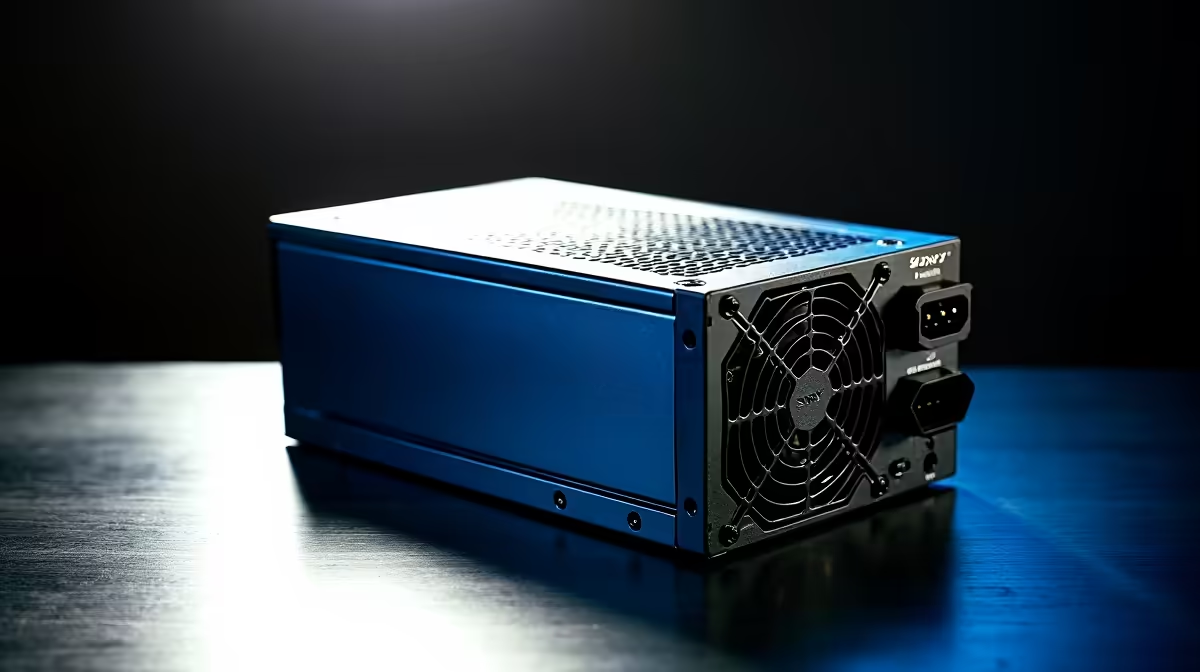
Every percentage point of PSU inefficiency becomes heat inside the case. A Bronze-rated PSU at 85% efficiency on a 600W load dissipates around 106W as heat, while a Titanium unit at 94% efficiency dissipates only around 38W for the same load. That 68W difference is meaningful when your GPU and CPU are already generating 400W to 500W of heat that your cooling system must manage.
The Thermal Maths of Efficiency 🌡️
Efficiency percentage tells you directly what fraction of input power is converted to useful output versus heat. At 82% Bronze, a 1,000W system draws 1,220W from the wall and dumps 220W as internal PSU heat. At 94% Titanium, the same system draws 1,064W and dumps only 64W as heat. That 156W reduction is roughly equivalent to removing a second mid-range GPU's heat load from your case. In practice this means case temperatures drop by 3 to 6 degrees C with a high-efficiency PSU swap alone, which reduces how hard your CPU and GPU coolers need to work and lowers overall system noise. South African summer ambient temperatures of 30 degrees C or above amplify this benefit further.
High-Efficiency Components Beyond the PSU 🔧
Voltage regulator modules (VRMs) on premium motherboards also affect system heat. An entry-level motherboard running a Ryzen 9 9950X converts power through less efficient MOSFETs, dissipating extra heat near the CPU socket. High-end boards like the ASUS ROG Crosshair X870E use 90A or 110A power stages with up to 90% VRM efficiency, keeping the CPU power delivery area significantly cooler. Similarly, DDR5 memory operates at 1.1V versus DDR4's 1.35V, generating proportionally less heat across all memory modules at full bandwidth. The cumulative effect of choosing efficient components at each tier compounds across the full system.
Cooling ROI for South African Builders 💨
For South African gamers in warmer provinces like Gauteng (where summer indoor temperatures regularly reach 28 degrees C without air conditioning), a 5 to 6 degree C reduction in case temperature can push a system that thermally throttles under sustained gaming load into stable territory without adding more fans or a larger cooler. An 80 Plus Titanium PSU priced at R6,000 to R8,000 can eliminate the need for a R3,000 case fan upgrade or a more expensive CPU cooler to maintain target temperatures. Price the system holistically: cooling hardware and electricity costs are part of the total cost of ownership.
Measure Before and After ⚡
Use HWiNFO64 to log GPU hotspot, CPU core, and case ambient temperatures during a 30-minute gaming session before swapping your PSU. Run the same session after the upgrade. The delta is the real thermal improvement, and it is often larger than most builders expect from a PSU change alone.
FAQ
Will a more efficient PSU let me use fewer case fans?
Often yes. If your build currently runs warm and you are compensating with extra fans, a Titanium PSU may bring temperatures down enough to remove one or two fans without losing thermal headroom.
Does GaN transistor technology improve PSU heat output?
Yes. GaN MOSFETs switch faster and at lower resistance than traditional silicon MOSFETs, reducing switching losses and heat generation in the conversion stage. PSUs using GaN technology typically run cooler with smaller heatsinks internally.
How does a more efficient PSU affect GPU overclocking headroom?
A stable, low-heat PSU delivers cleaner 12V power, which GPU voltage controllers convert more predictably. Cleaner input power often means GPU memory and core clocks hold their targets more reliably during extended overclocking sessions.
Running hot and paying too much in electricity?
An upgrade to a high-efficiency PSU from Evetech's Platinum and Titanium range can cut case temperatures and electricity costs simultaneously. Browse the full range to find the right wattage for your build.