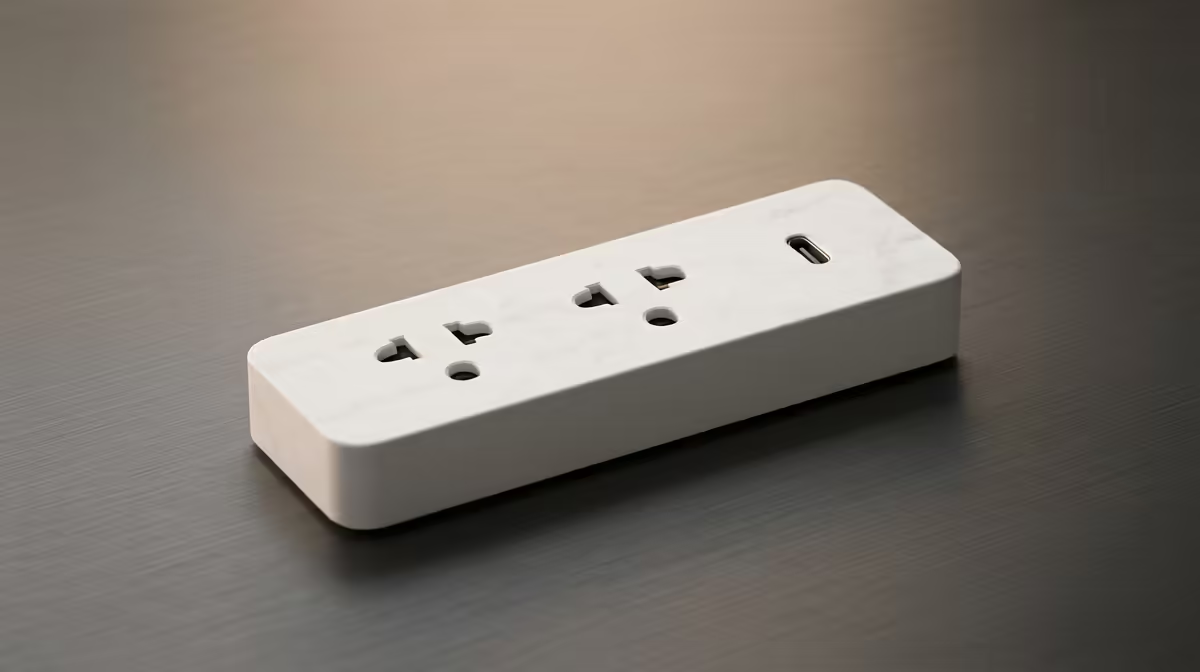
A remote worker should choose a smart plug set by safe appliance load, schedule and manual control, not by the number of app features. Timed lamps or selected low-risk desk devices can simplify routines. Computers, storage and network hardware should not be cut abruptly if they require proper shutdown.
Assign every plug one controlled task
Write down the appliance, rated current and reason for automation. Confirm that it restarts safely after power returns. Avoid heaters, cooking equipment or other high-draw loads unless the plug manufacturer explicitly supports the use. Check whether essential work can continue when the app, Wi-Fi or internet is unavailable.
The supplied factpacks verify no smart-plug model or price. Check current listings for South African socket format, maximum load, Wi-Fi band, scheduling, local control, account sharing, firmware support, safety certification and warranty. A cloud-only product can behave differently during an internet interruption, so offline operation needs direct confirmation.
Use a unique password and limit access to responsible users. Label each plug and retain easy manual control. Test one unit on a low-risk lamp through a complete work week before buying a set. Expand only when the schedule reliably saves effort and never risks an active computer, client call or unsaved file. Document the result for future troubleshooting.
Automating a remote-work room? > Check Evetech for current smart-home options after mapping loads, schedules and offline control.