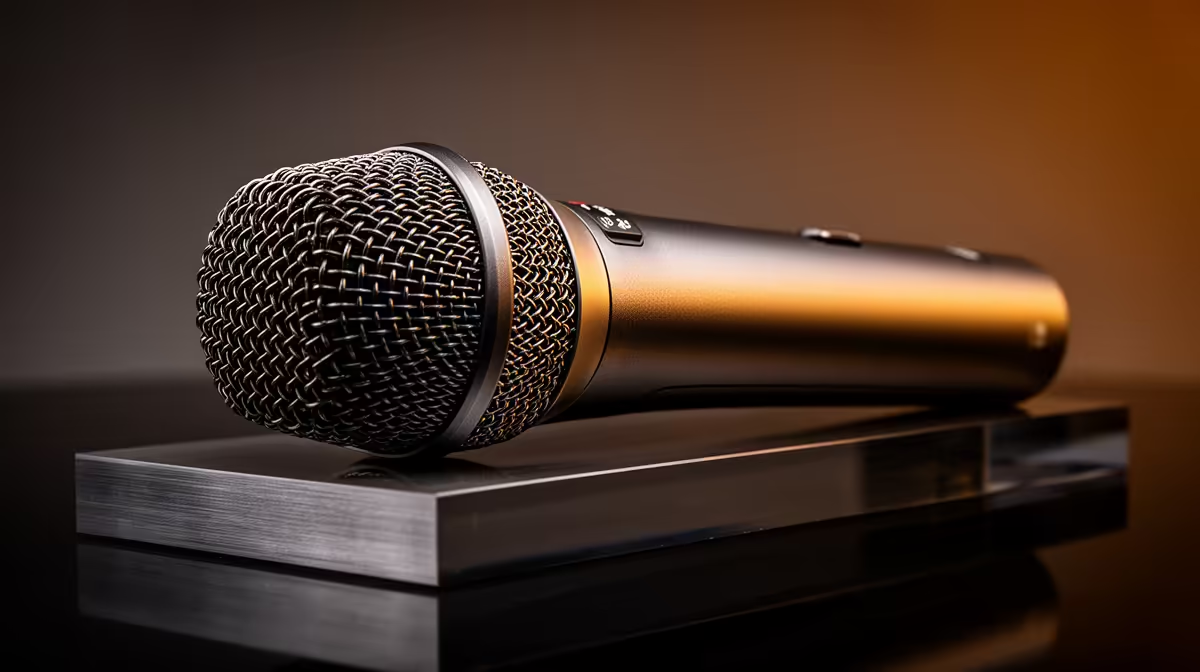
HyperX SoloCast 2 at R690 suits a remote worker who wants a simple desk microphone for clearer calls, voice notes, and occasional streaming without overbuilding the setup. Start by choosing for the room first: a compact work desk needs something easy to place, while a more flexible creator desk may justify extra connection options.
Quick Answer
The HyperX SoloCast 2 at R690 is the sensible middle pick if your priority is cleaner voice capture from a dedicated microphone rather than relying on a laptop mic. It fits a remote worker who takes regular meetings and wants the desk to stay tidy.
The NearStream AM10X-P USB/XLR at R730 is the more flexible option because its USB/XLR spec gives you room to keep things simple now and connect into a broader audio setup later. For a remote worker who also records training clips, webinars, or live streams, that extra connection path is useful.
The MARVO MIC-07 at R351 is the budget-friendly microphone choice when you need a dedicated voice setup for calls but do not want to spend close to the higher options. It makes sense for a secondary desk, a student work area, or a first remote-work audio upgrade.
Home Office Desk Setup In South Africa
For most SA remote workers, the best choice is the one that keeps speech clear while fitting the desk, laptop, monitor, and headset layout you already use. The HyperX SoloCast 2 at R690 works well as a focused daily-call pick, while the NearStream AM10X-P USB/XLR at R730 is better if your work may grow into streaming or recorded content.
Ready to choose the right microphone?
Use HyperX SoloCast 2 at R690 as the microphone shortlist benchmark, then check whether its listed spec matches the space, workload, and upgrade path.