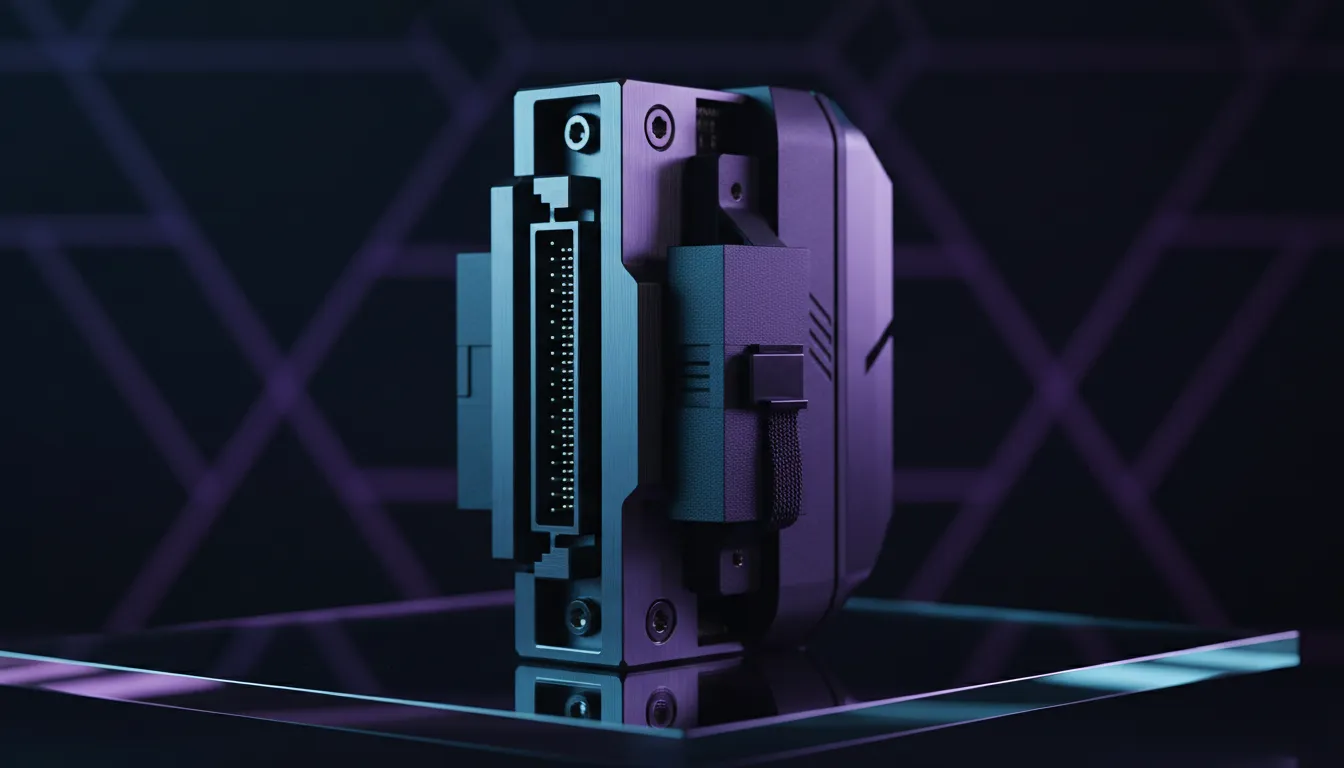
Building a PC in South Africa often feels like an art project. You spend thousands of Rands on a GPU with stunning shroud designs... only to hide it face-down. Rotatable PCIe slots are changing the way we look at our hardware. Instead of the usual horizontal orientation, these slots allow for vertical GPU mounting... giving your build a professional, showroom finish while preventing that dreaded PCB sag. 🔧
Understanding the Appeal of Rotatable PCIe Slots
Standard chassis design has remained the same for decades. Your motherboard sits vertically... and your components stick out horizontally. While this is functional, modern graphics cards have become massive triple-fan monsters. They are heavy. They often sag over time... which can damage your PCIe slot.
Many high-end computer cases now feature rotatable PCIe slots. This design allows the entire rear expansion bracket to turn 90 degrees. It provides a native way to mount your card vertically without needing to mod your chassis. It is the cleanest way to showcase the "face" of your GPU.
Improving Aesthetics with Vertical GPU Mounting
The primary reason most South African gamers choose vertical mounting is purely visual. If you have invested in a card with intricate RGB lighting or a unique shroud colour, you want to see it.
Brands like Fractal Design PC cases have mastered this balance. Their rotatable brackets ensure that even the heaviest cards remain stable. By shifting the weight to the chassis frame rather than the motherboard, you protect your expensive internal components. 🚀
Thermal Management Tip ⚡
When using vertical GPU mounting, ensure there is at least two fingers of space between the GPU fans and the side glass panel. If the card is too close to the glass, it cannot pull in cool air. This leads to thermal throttling and higher fan noise during intense gaming sessions.
Functional Benefits and Space Management
It is not just about looks. Rotatable PCIe slots provide flexibility for custom water-cooling loops. Sometimes, a horizontal GPU blocks the path for your reservoir or tubing. By rotating the slots, you open up the bottom of the case for pumps or additional radiators.
If you are looking for a bold aesthetic on a budget, certain Gamdias gaming cases offer excellent airflow alongside these mounting options. Even if you are browsing Gamdias gaming cases under R1,500, you can find modern layouts that support creative hardware placement. ✨
Choosing the Right Riser Cable
Remember that rotatable PCIe slots usually require a PCIe riser cable. This cable acts as an extension cord between the motherboard and the GPU. Always ensure your riser cable matches the PCIe generation of your hardware (e.g., PCIe 4.0) to avoid performance drops.
Vertical mounting makes sense when you want to eliminate sag... highlight your hardware... or clear space for custom cooling. It is a simple adjustment that makes a standard rig look like a professional workstation. ⚡
Ready to Show Off Your Build?
Whether you want the sleek minimalism of a vertical mount or the classic horizontal look, the right chassis makes all the difference. Explore our massive range of computer cases and find the perfect home for your high-end hardware today.