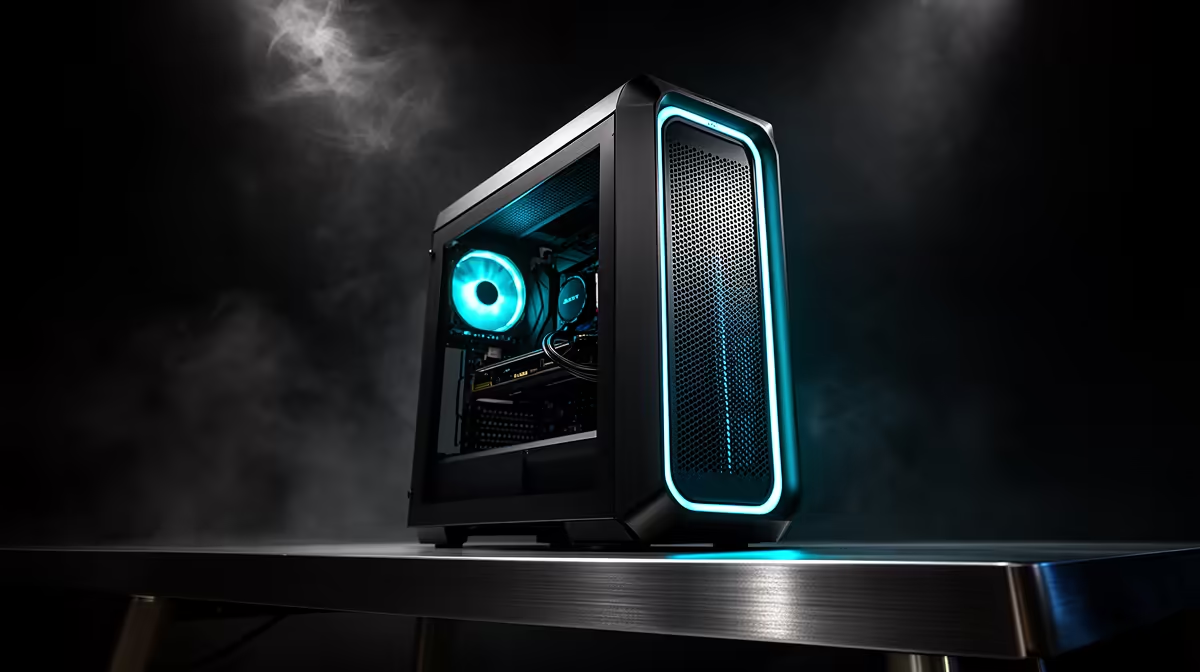
A workstation PC delivers its value through a balanced pairing of CPU, GPU, RAM and cooling. Before you order, a quick compatibility and balance check stops you from overspending on one part while another bottlenecks the build.
Quick Answer
A workstation PC is built for sustained professional workloads, not just peak frame rates. Prioritise core count, ample RAM (32GB to 64GB or more) and a professional GPU such as an RTX or RTX A-series card matched to your software. A capable workstation typically lands from around R25,000 upward at Evetech.
Specs That Actually Matter
For professional work, multi-core CPU performance, RAM capacity and a GPU certified or well-supported by your software drive productivity. Many professional apps lean on VRAM and stable drivers, so an RTX A-series or higher-VRAM card matters more than raw gaming benchmarks. Add fast NVMe storage so large project files load and save without waiting.
Compatibility Checklist Before You Order
Confirm the CPU and motherboard socket match, the RAM is sufficient (32GB to 64GB-plus dual-channel), the PSU clears the GPU and CPU draw with headroom, and cooling handles sustained loads. For your workload, check that the GPU has enough VRAM and that drivers suit your applications, since a mismatch wastes the investment.
Reliability And Sustained Performance
Workstations run long, heavy sessions, so thermals and stability matter more than peak clocks. A robust cooler keeps the CPU and GPU from throttling during rendering or compute. Quality RAM and a reputable PSU reduce crashes that cost hours of work. Balance the build so the component your software stresses most, CPU, GPU or RAM, is the one you invest in.
FAQ
What specs matter most in a workstation?
Multi-core CPU power, ample RAM (32GB to 64GB-plus) and a GPU with enough VRAM and good driver support for your software. Fast NVMe storage and sustained cooling round out a productive build.
Do I need a professional GPU?
It depends on your software. Some apps benefit from RTX A-series stability and VRAM, while others run fine on consumer RTX cards. Match the GPU to what your applications actually use.
What should I check before ordering?
Matching CPU and board socket, enough dual-channel RAM, a PSU with headroom over the GPU and CPU draw, sustained cooling, and a GPU with the VRAM and drivers your software needs.
Identify the component your software stresses most, then choose a workstation PC at Evetech that invests there with enough RAM, VRAM and sustained cooling.