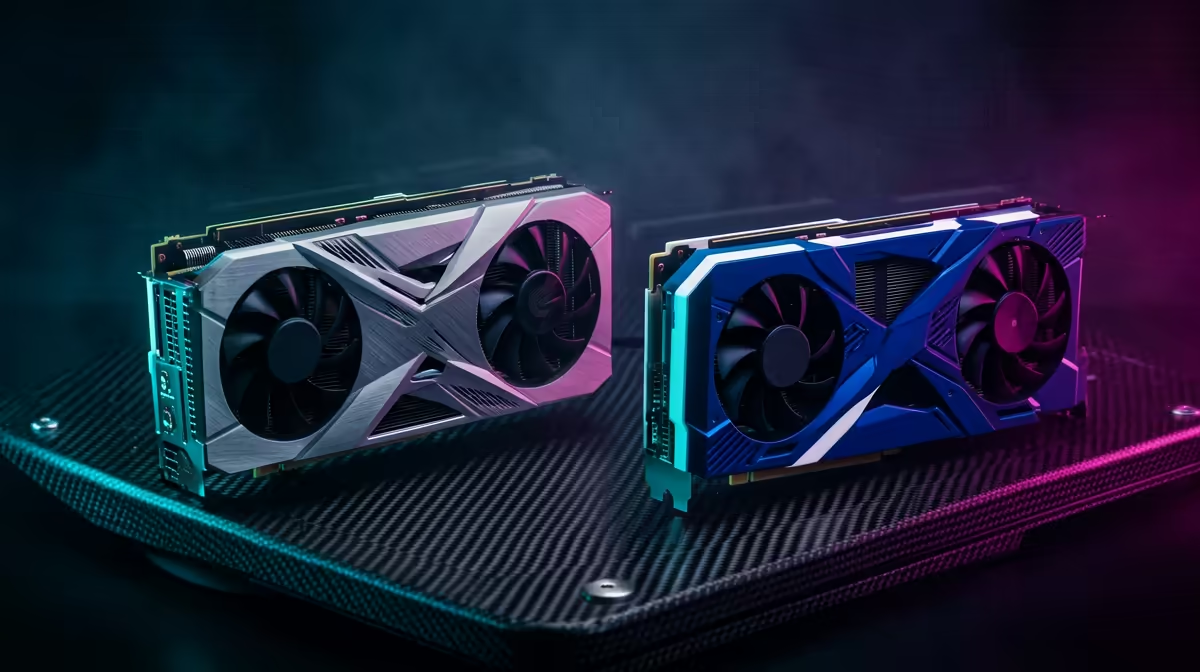
Picking between AMD and NVIDIA for Expedition 33 at 1440p comes down to far more than a single benchmark bar. SA buyers should weigh the local price gap, the monitor already on the desk, and how much the rest of the build still needs. Expedition 33 is a visually rich turn-based RPG built on Unreal Engine 5 with demanding lighting, which shapes how each card behaves on a typical SA desk.
Quick Answer
At 1440p in Expedition 33 you do not need to spend more than roughly R15,000 on a GPU to play at high settings. The RX 9070 typically edges raster value while the RTX 5070 leads on feature depth, and either card targets comfortably above 80-120 fps depending on the title on a 1440p 144Hz or 165Hz monitor. Pick on the local price gap on the day and which feature set you actually use.
Where the RTX 5070 earns its price in Expedition 33
The RTX 5070 leans on DLSS upscaling and frame generation, which is genuinely useful for Expedition 33 at 1440p when you want extra headroom without dropping settings. Its NVENC encoder also makes it the cleaner pick if you stream to a SA audience or record clips, and the ray tracing path is the stronger of the two. 1440p is the resolution most SA buyers in this card class actually target, so the GeForce card suits buyers who do more than just game. Make sure your PSU has the right connector and your case can keep it cool during long SA-summer sessions.
Where the RX 9070 stretches your rand further
The RX 9070 usually carries the better raster performance for the money, and that saved budget can go toward a 1440p 144Hz or 165Hz monitor, a larger NVMe SSD, or quieter cooling. For Expedition 33 it handles high presets confidently and its larger frame buffer gives reassuring headroom; 12GB or more is the practical floor for texture-heavy titles. If you mostly play rather than stream, the Radeon card is the pragmatic SA buy, especially when the local price gap is wide. Check the card length against your case before ordering.
Settings and SA build notes for Expedition 33
Before you commit, match the card to the panel you own: there is little point pairing either GPU with a 60Hz screen when both can drive a 1440p 144Hz or 165Hz monitor. Turn on the upscaler at Quality mode first, then tune shadows and reflections, which give back the most frames for the least visual loss in Expedition 33. Students on a tight budget can pair either card with a Ryzen or Core mid-range CPU and 32GB of DDR5 without bottlenecking 1440p play, keeping the whole build under control.
FAQ
Should I buy the RTX 5070 or RX 9070 for Expedition 33?
Neither is clearly best for Expedition 33. Choose the RX 9070 for rand-per-frame value or the RTX 5070 if you stream, record, or want the stronger ray tracing path at 1440p.
Do I need a 4K screen to enjoy Expedition 33 on these cards?
No. a 1440p 144Hz or 165Hz monitor is the practical match in this class; a higher-end display only makes sense if you also plan a future GPU upgrade.
Will either card bottleneck a mid-range SA build?
No. Paired with a current mid-range Ryzen or Core CPU and 32GB of DDR5, neither card is held back at 1440p, so you can spend the rest of the budget on storage and a good monitor.
exact monitor model and refresh rate before buying. It stops you paying for GPU power your panel cannot display, and it makes the RTX-5070-versus-RX-9070 call obvious.