Quick Answer
The RX 7900 XT is a high-end 1440p/4K card with 20GB of VRAM, and at Evetech it sits around R16,000-R18,000. It earns its place when it clears a real bottleneck: you'll see 120-165 fps at 1440p Ultra in titles like Cyberpunk 2077 and Hogwarts Legacy, and 65-90 fps at 4K Ultra in most current AAA games at higher resolutions.
What the RX 7900 XT actually delivers
Match the card to your screen first. The RX 7900 XT targets high-end 1440p/4K, so it shines on a 1440p 144Hz or 165Hz panel rather than a basic 1080p 60Hz monitor where you'd pay for headroom you never use. With 20GB on board you have enough VRAM for Ultra textures and ray tracing in most current titles, and frame pacing stays smooth in demanding open-world games.
Power, case and CPU pairing
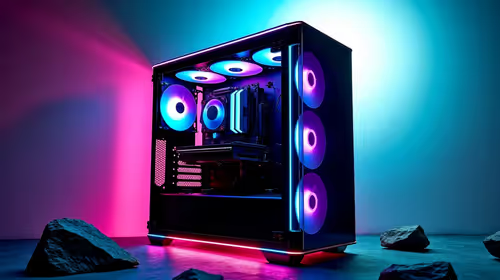
Plan the rest of the build around the GPU. The RX 7900 XT wants an 800W PSU of clean, quality power and a case with decent front-to-back airflow, since these chips run cooler and quieter with two or three intake fans. Pair it with a modern 6- or 8-core CPU so the processor never holds the card back at high refresh rates; an older quad-core will leave performance on the table.
FAQ
Is the RX 7900 XT good for 1440p gaming?
Yes. It's built for 1440p, delivering 120-165 fps at 1440p Ultra in titles like Cyberpunk 2077 and Hogwarts Legacy. On a 144Hz or 165Hz panel you'll have frames to spare in most games.
How much does the RX 7900 XT cost in South Africa?
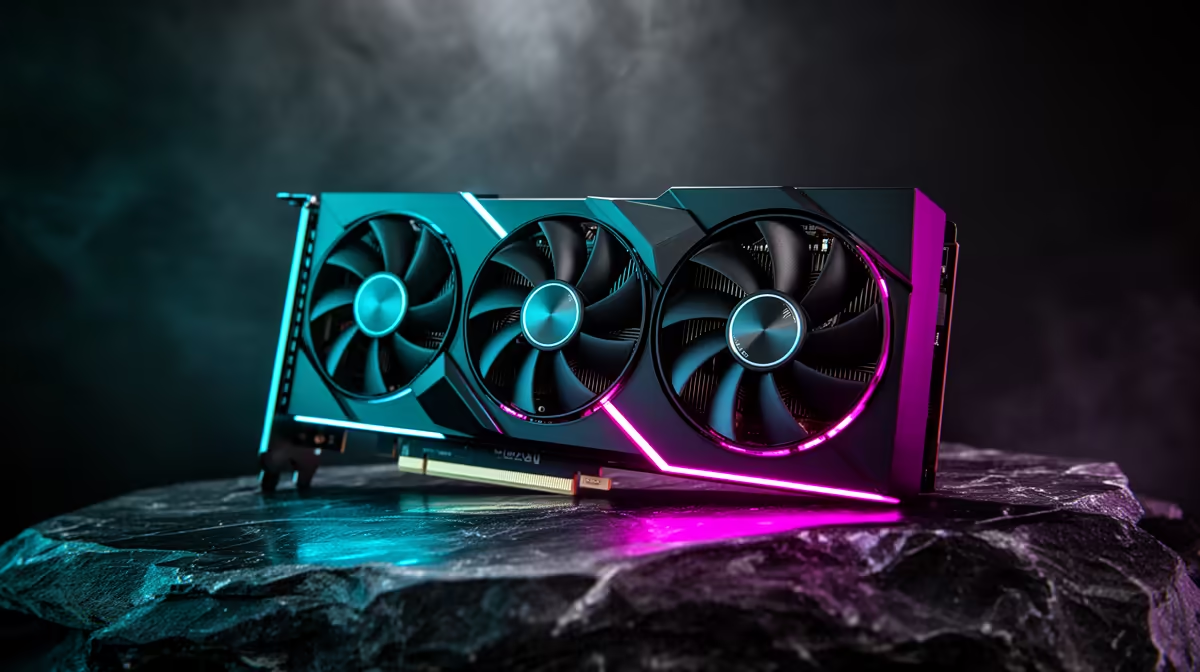
At Evetech it's currently around R16,000-R18,000 depending on the board partner and cooler design. Triple-fan models sit at the top of that band, dual-fan versions at the bottom.
What PSU do I need for the RX 7900 XT?
Plan for an 800W PSU from a reputable brand. That gives transient headroom for the GPU spikes plus the rest of the system without tripping protections.
Buyer tip
Test the RX 7900 XT on your own monitor at native resolution first, then drop only the heaviest options like shadows and volumetrics if you want extra frames.