Quick Answer
For 4K, a RX 9070 build makes sense when the graphics card price stays in the broad R11,000-R15,500 band and the rest of the PC is kept lean. The practical target is 60-90 fps with FSR or tuned settings; Native 4K is demanding, so treat this as an upscaling and settings-tuned build rather than a max-settings promise.
Build the budget around the GPU
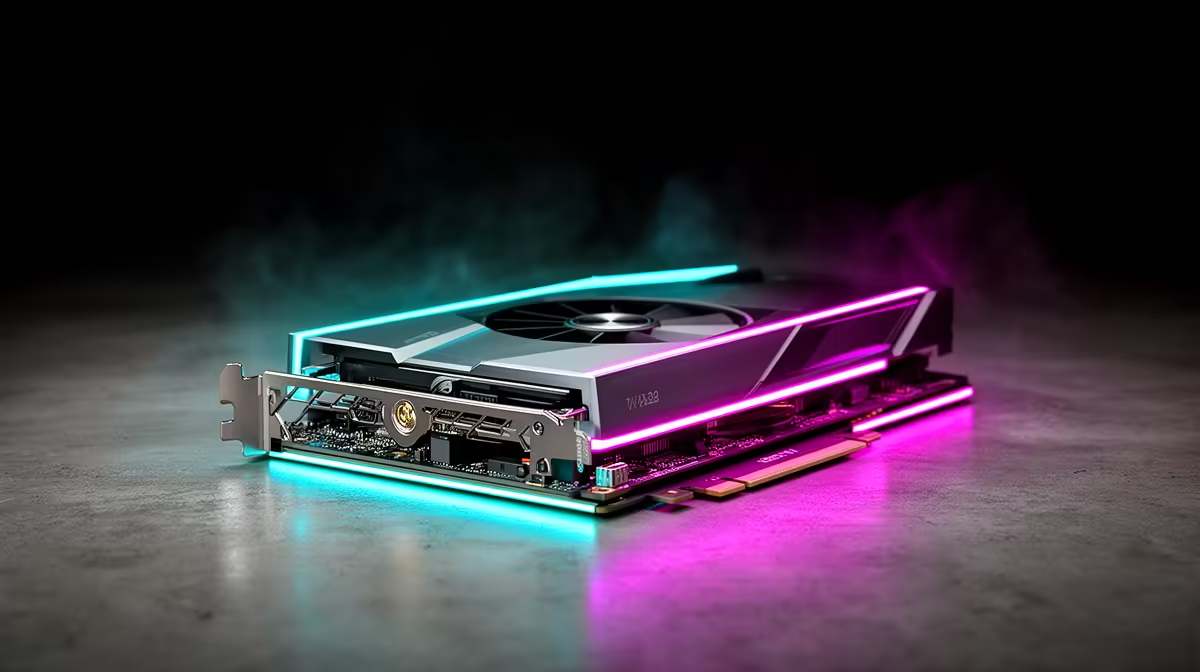
The RX 9070 should take the biggest share of the gaming budget because it drives most of the frame rate at 4K. Use Ryzen 7 7700 or Ryzen 7 9800X3D, B650 motherboard with 32 GB DDR5-6000, 32 GB DDR5, a 1 TB NVMe SSD, and a quality 650-750 W power supply before spending on cosmetic extras.
It is a strong 1440p card and a cautious 4K card when FSR is acceptable. For SA buyers, broad Rand-per-frame value improves when the GPU is paired with a sensible CPU instead of an overbuilt motherboard and cooler.
Expected performance and settings
Use high settings as the starting point, then tune shadows, ray tracing, and upscaling. Competitive games can often push well beyond 144 Hz, while heavier single-player games may sit closer to 60-100 fps depending on the engine.
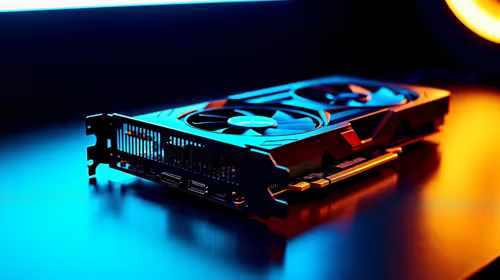
The 16 GB GDDR6 memory spec is the key buying signal. At 4K, VRAM pressure and texture settings can matter more than a small factory overclock, so compare memory, cooling, and warranty before the shroud design.
SA buying checklist
Confirm case airflow, PSU connectors, monitor resolution, and whether the card physically fits before checkout. A 27-inch 1440p 144 Hz or 165 Hz monitor is often the cleanest match; 4K should wait until the GPU budget can support it.
FAQ
Is this build good Rand-per-frame value?
Yes, when the GPU price stays inside the broad local band and the supporting parts are not overbought. Rand-per-frame drops quickly if you add a premium board, oversized cooler, and RGB case before improving the GPU.
How much RAM should the build use?
Use 32 GB DDR5 for a fresh gaming build. It gives modern games and background apps enough headroom without jumping into workstation pricing.
Should SA gamers choose 1080p, 1440p, or 4K?
Choose 1080p for high-fps esports, 1440p for the best visual and value mix, and 4K only when you accept lower fps or upscaling. The monitor choice should be made before the GPU is ordered.