Quick Answer
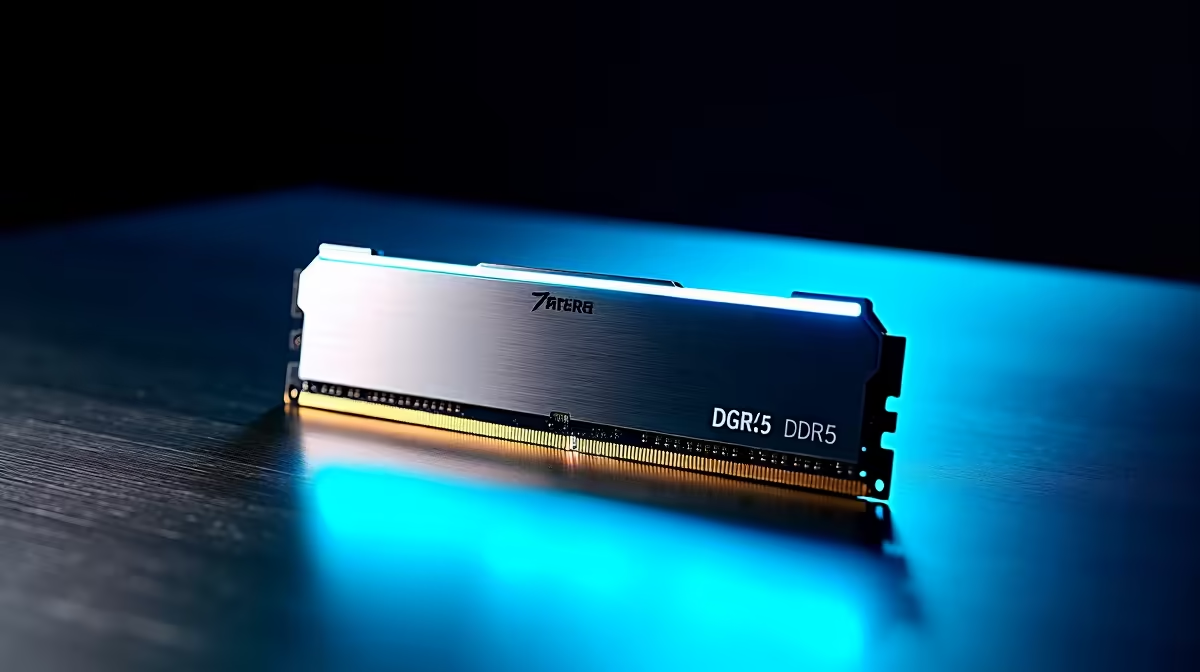
For a Ryzen 7 7700X build, a 2x32GB (64GB (2x32GB) total) kit at DDR5-6000 CL30 is the right buy in South Africa. Two sticks (not four) keeps the memory controller happy on AMD AM5, and you only step up to the bigger capacity if you run heavy multitasking, virtual machines or large creative projects.
Why 64GB (2x32GB) suits this 8 cores, 16 threads CPU
The 64GB (2x32GB) pairs a 8 cores, 16 threads CPU with headroom for browser-heavy work, Discord, a few game launchers and background recording all at once. On AMD AM5 the sweet spot is DDR5-6000 CL30 with a clean EXPO profile; pushing past DDR5-6400 usually forces a 1:2 memory-controller ratio and loses you a few fps.. A single large kit also leaves both DIMM slots filled cleanly, so airflow and AIO clearance stay predictable in a typical mid-tower. For most SA gamers the practical limit is 6000 MT/s effective; beyond that the gains shrink and stability gets fiddly.
Capacity vs speed: where your rand goes
- 64GB (2x32GB) total: enough for 1440p gaming plus Chrome, OBS and a creative app side by side
- Speed over DDR5-6000: only worth it if your board and CPU silicon post it stably
- Two sticks, not four: four DIMMs drop the safe frequency and can cost you stability on AMD AM5
Spend the saved budget on a faster SSD or a cooler that lets the CPU hold boost clocks longer, rather than chasing a memory number you will not feel in a game.
Buying it in South Africa
Budget roughly R7,000 to R8,500 for the Ryzen 7 7700X itself, then add memory on top. Evetech stocks matched 32GB and 64GB kits locally with the same warranty and stock you can check before you buy. Pick a low-profile or standard-height kit if you run a tall air cooler, and keep the kit on its QVL where possible for a first-try POST.
FAQ
Is 64GB (2x32GB) overkill for gaming on a Ryzen 7 7700X?
For pure 1440p gaming, 32GB is plenty; 64GB (2x32GB) mainly helps if you stream while gaming, run virtual machines, or edit large video and photo projects.
Should I buy four sticks to reach 64GB (2x32GB)?
No. Two larger sticks are the safer route on AMD AM5 because four DIMMs lower the speed the controller can hold reliably. Buy a single dual-stick kit at the capacity you need.
What speed should I run the kit at?
Enable the EXPO/XMP profile so the kit runs at its rated DDR5-6000 CL30 rather than the default JEDEC speed. Verify the posted frequency in BIOS before you call it done.
Match a 64GB (2x32GB) kit to your Ryzen 7 7700X build
Check Evetech's DDR5 range for a matched 64GB (2x32GB) kit, confirm it is in stock, then enable the profile in BIOS so you actually get the speed you paid for.