Quick Answer
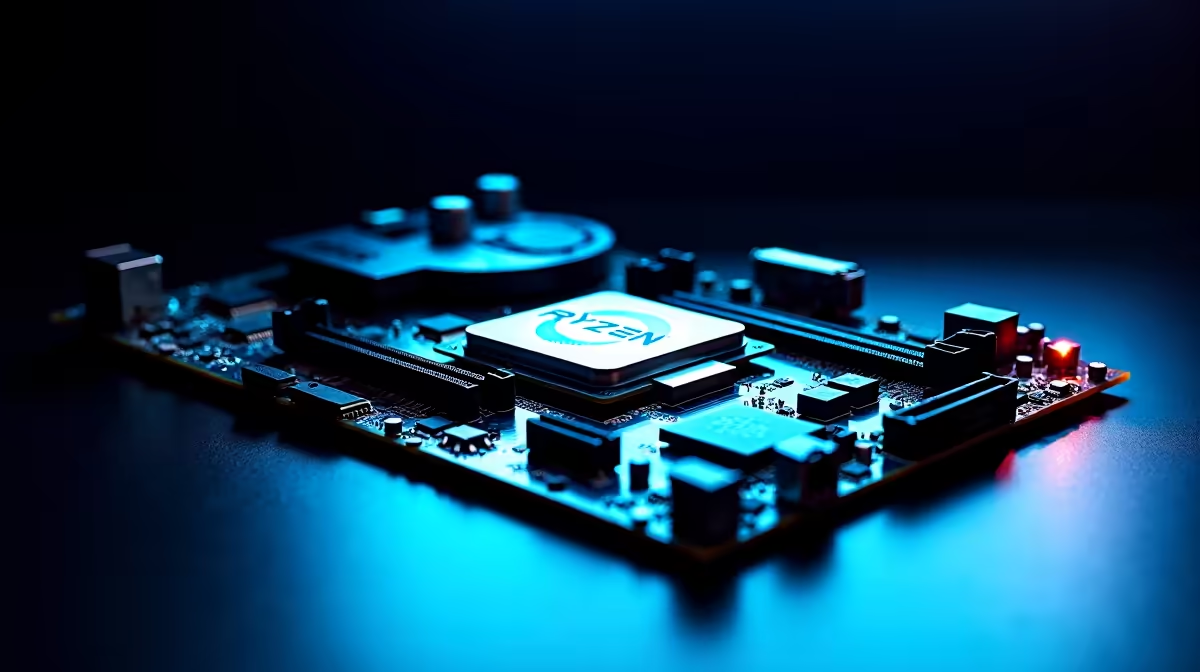
A microATX B650 or B650E board gives the Ryzen 9 7900X3D solid VRMs in a compact form, ideal for a smaller case while keeping two DDR5 slots for a 2x16GB or 2x32GB kit.
Choosing the microATX board for your Ryzen 9 7900X3D
microATX trades a couple of expansion slots for a smaller footprint. For the Ryzen 9 7900X3D, look for a board with at least an 12+2 phase VRM so the 120W power draw stays cool under all-core load. B650 is the value pick; B650E adds PCIe 5.0 to the GPU slot.
What to verify before buying in SA
Check the board's VRM rating, its memory support list for your DDR5-6000 CL30 kit, and that the rear I/O carries the ports you actually use. Confirm the BIOS is current for Zen 4 support before first boot. A 12-core Zen 4 chip in a 120W envelope wants VRM heatsinks that sustain all-core load without throttling, so favour boards reviewers have stress-tested rather than guessing from a spec sheet. Budget realistically and plan cooling, case clearance and the PSU around the board together, since a mismatch there is the usual reason a strong CPU underperforms in a real build.
FAQ
Is a microATX board enough for a Ryzen 9?
Yes, provided the VRM is rated for the chip. A decent B650 mATX board with a 12-phase VRM handles a 12 or 16-core Ryzen 9 fine for gaming and most creator work.
B650 or X670 for a microATX build?
B650 covers nearly everyone and is cheaper. Choose X670 mATX only if you need extra PCIe 5.0 lanes or more rear USB; most builders save the money for the GPU.
Will a microATX board limit cooling?
Not directly, but the smaller case it usually goes in might. Plan AIO or air-cooler clearance and case airflow around the higher heat of a Ryzen 9.
Pro Tip
Flash the motherboard BIOS to the latest stable version before first boot so the Ryzen 9 7900X3D is recognised and your DDR5-6000 kit trains cleanly. Many AM5 boards ship with firmware that predates current Ryzen support.