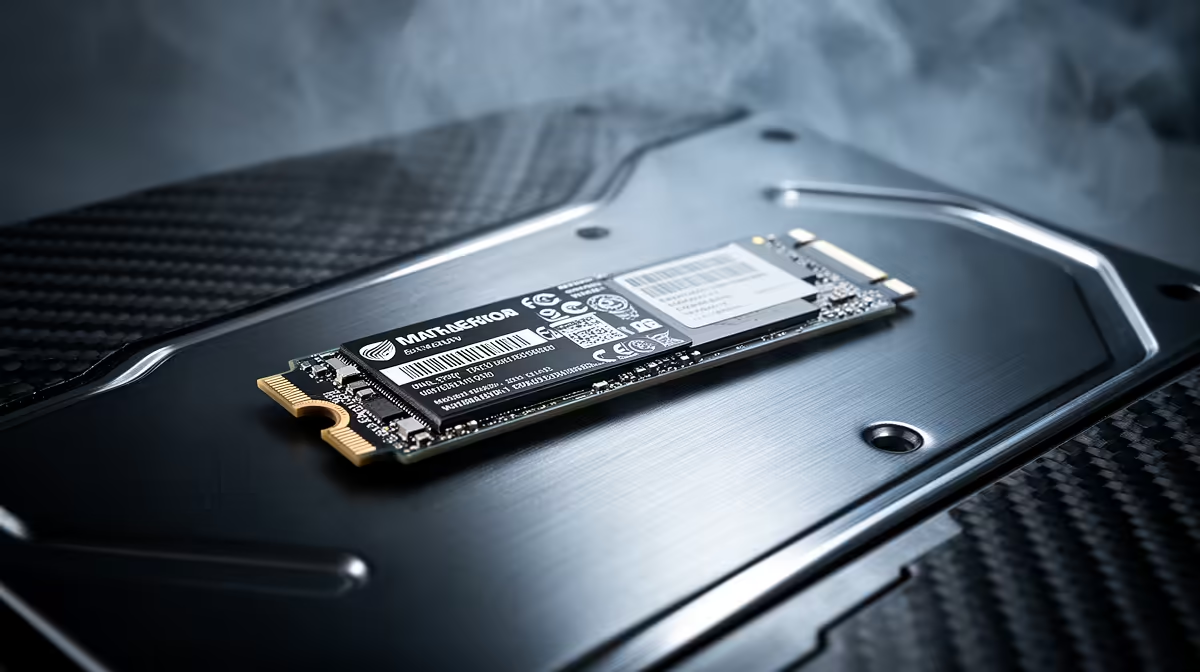
Samsung 990 PRO at R4,648 suits South African students, engineers, and data-heavy users who want a fast 2TB drive for running MATLAB without pushing near the stated budget. A nvme ssd is the right upgrade when large project folders, cached datasets, toolboxes, and scratch files need to open quickly without turning the whole workstation into a storage bottleneck.
Practical NVMe Picks For This Workload
The Samsung 990 PRO at R4,648 is the strongest fit here because it stays comfortably below the stated budget while matching the 2TB storage brief. That matters when one machine has to hold course files, project exports, local datasets, and simulation outputs instead of constantly moving folders between drives.
ADATA LEGEND 900 1TB NVMe at R948 is a cheaper 1TB option for a secondary build, a lab PC, or a desktop where the main operating system drive is already sorted. It gives you NVMe storage at a low entry price, but for heavier local data work the smaller 1TB capacity needs more careful folder management.
WD Blue SN5000 NVMe at R998 is another sensible budget NVMe option when the priority is a clean storage upgrade rather than maximum capacity. ORICO NVMe M.2 enclosure at R160 is useful if you want to turn an existing M.2 drive into portable storage for moving project folders between a campus machine and a home desktop.
Student Desk MATLAB Storage Setup
For a student desk or creator desk, the Samsung 990 PRO at R4,648 keeps the main workstation simple: one 2TB NVMe drive for software, assignments, datasets, and exports. Pairing an ORICO NVMe M.2 enclosure at R160 with a spare M.2 drive also gives you a compact way to carry older project files without filling the main drive.
Ready to choose the right SSD?
Use WD Blue SN5000 NVMe at R998 as the nvme ssd shortlist benchmark, then check whether its listed spec matches the space, workload, and upgrade path.