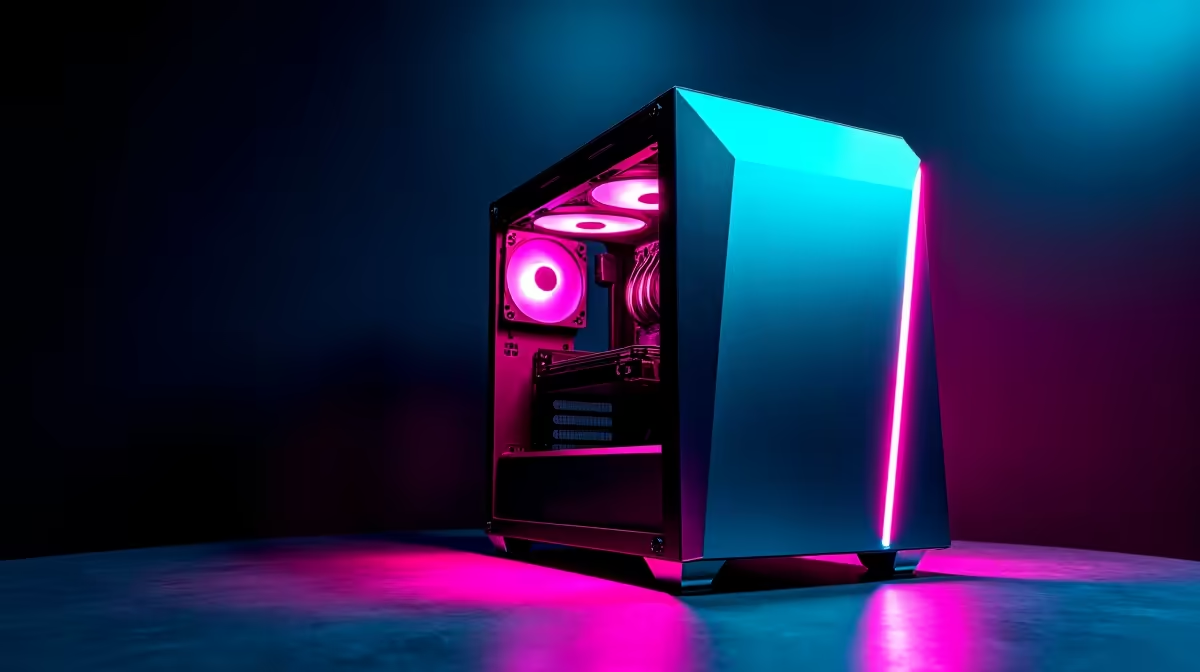
A smart 4K editing rig for esports should treat creator work and competitive play as separate performance targets. Editing needs codec support, storage and display accuracy. Esports needs stable frame delivery, low input delay and high refresh. A balanced system can serve both when the budget covers the right graphics card and display path.
Build the esports baseline
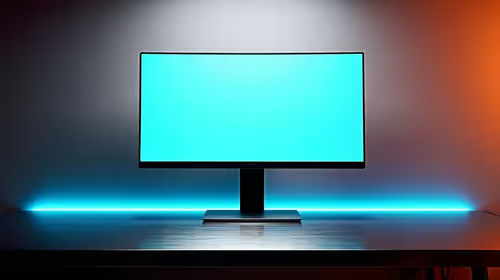
The verified Palit RTX 5060 8GB costs R4,800. The verified Dell SE2726H at R1,797 is listed as a 27-inch Full HD 144Hz monitor. Confirm current game performance, monitor inputs, PSU plugs, card clearance and cooling. Run the tournament title at competitive settings and inspect low-frame behaviour plus input response.
Prove the editing side
Import the normal 4K codec, play the busiest timeline and export the delivery format. Keep camera originals and project files in versioned backups. A Full HD high-refresh gaming monitor cannot replace a colour-accurate creator display where grading matters. Record the stable graphics driver and use separate work and play profiles. Choose the rig when both the esports test and representative export pass without storage or driver conflict.
Connect every intended display before purchase because output bandwidth and available ports shape the shared setup.
Keep project media and game installations on planned storage volumes, then test an export while the game launcher updates to expose avoidable contention.
Combining 4K editing and esports? > Ask Evetech to balance graphics, displays, storage and cooling around both workloads.