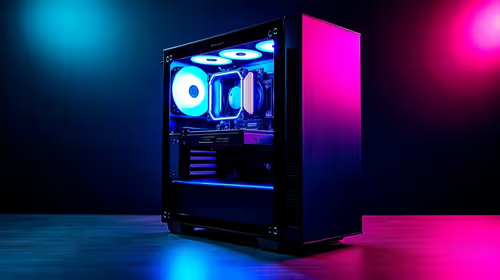
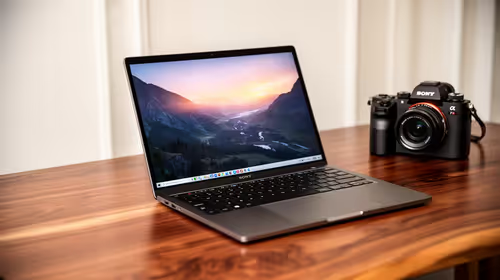
A 4K editing rig built mainly for family use and homework is usually excessive. Choose editing-class hardware only when someone in the household regularly works with demanding 4K footage. Documents, browsing, calls and school platforms need a dependable, supported computer rather than workstation-level graphics.
Divide the household workload into routine study, shared communication and genuine media production
List users, applications, storage needs and simultaneous tasks. For editing, test the actual codec, timeline effects and export settings. For homework, check browser compatibility, webcam and microphone quality, keyboard comfort, parental account controls and whether the computer must move between rooms.
The Minisforum UM750L with a Ryzen 5 7545U, 16GB memory and 1TB storage at R4,600 is a verified compact-PC reference, not a guaranteed 4K editor. The Palit RTX 5070 Ti 16GB at R12,700 is a verified graphics card, not a complete rig. Confirm live application support and full specifications.
Reserve funds for a suitable display, licensed software, backup storage, input devices and reliable connectivity. Create separate user accounts, protect school files and keep media originals in an independent backup. Consider a modest shared computer plus remote or school resources if editing is occasional.
Spend the available budget against measured needs, not the ceiling. A balanced family system is smarter when intensive editing is not a repeated workload.
Planning a shared family computer? > Compare Evetech PCs around real homework and editing workloads.