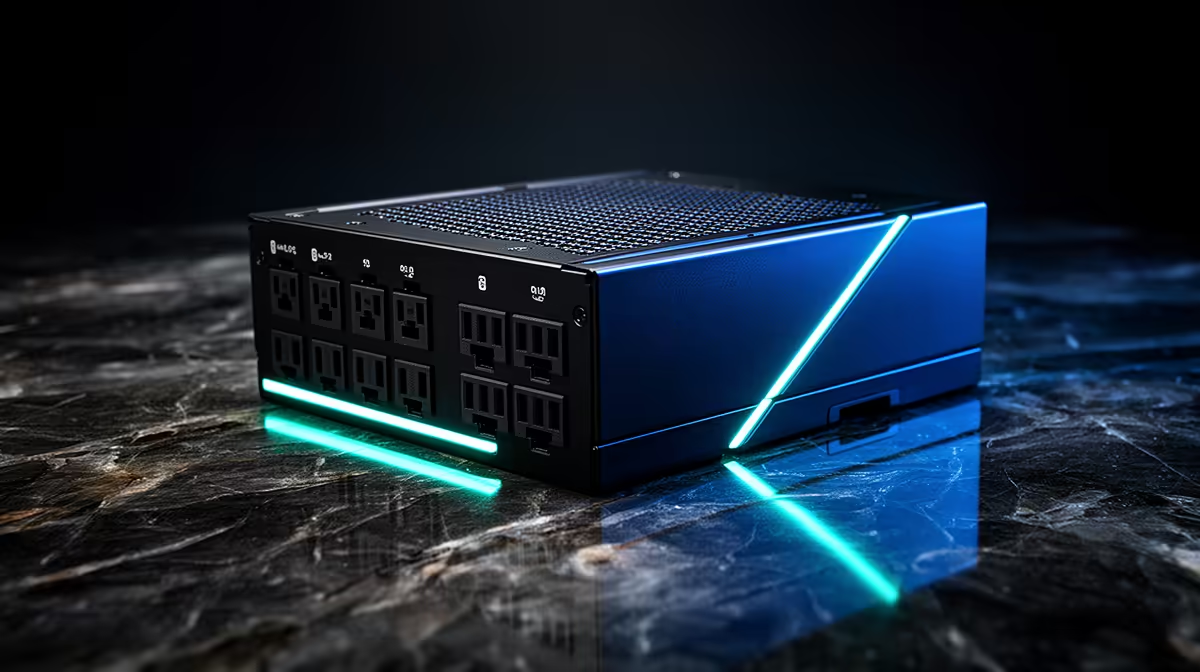
A smart 850W power supply is unnecessary for Canva unless the same desktop contains a graphics card and processor that genuinely require that capacity. Browser-based design does not draw power according to the total computer allowance, and a laptop cannot use a desktop PSU.
Size the supply from the finished build, not the design app
List CPU, graphics card, board, storage, cooling and required connectors. Check graphics guidance, transient headroom, PSU dimensions and case ventilation. For Canva itself, test browser responsiveness, memory pressure, upload speed and display comfort before replacing electrical hardware.
The Cooler Master Elite 850W Gold ATX 3.1 at R930 and Corsair RM850e at R1,900 are verified 850W PSU references within the broad ceiling. Their prices do not establish suitability for a particular PC. Confirm current connectors, protection features, efficiency information, physical fit and warranty against the complete component list.
Use only cables supplied for the selected unit, seat connectors fully and keep intake airflow open. Never open a PSU enclosure. Protect design files with version history and an independent backup, because wattage cannot recover a deleted campaign or failed account.
Buy 850W only when the documented desktop needs it with sensible margin. For ordinary Canva work, spend on a readable display, enough memory and dependable storage first.
Building a design desktop? > Compare Evetech power supplies against the final hardware list.