An 850W power supply is rarely the smart starting point for distance learning. Video classes, documents and research do not need extreme desktop power. Choose the computer, display and study software first; size a PSU only when the final desktop parts list includes a graphics card or upgrade that justifies it.
Spend on study continuity
The ASUS ExpertBook P1503 with Core i5-13420H, 8GB memory and 512GB storage is a verified laptop reference at R9,858. A portable system may fit distance learning better than a large tower because it includes a screen and can move between study locations. Confirm course software, memory needs, camera and battery expectations.
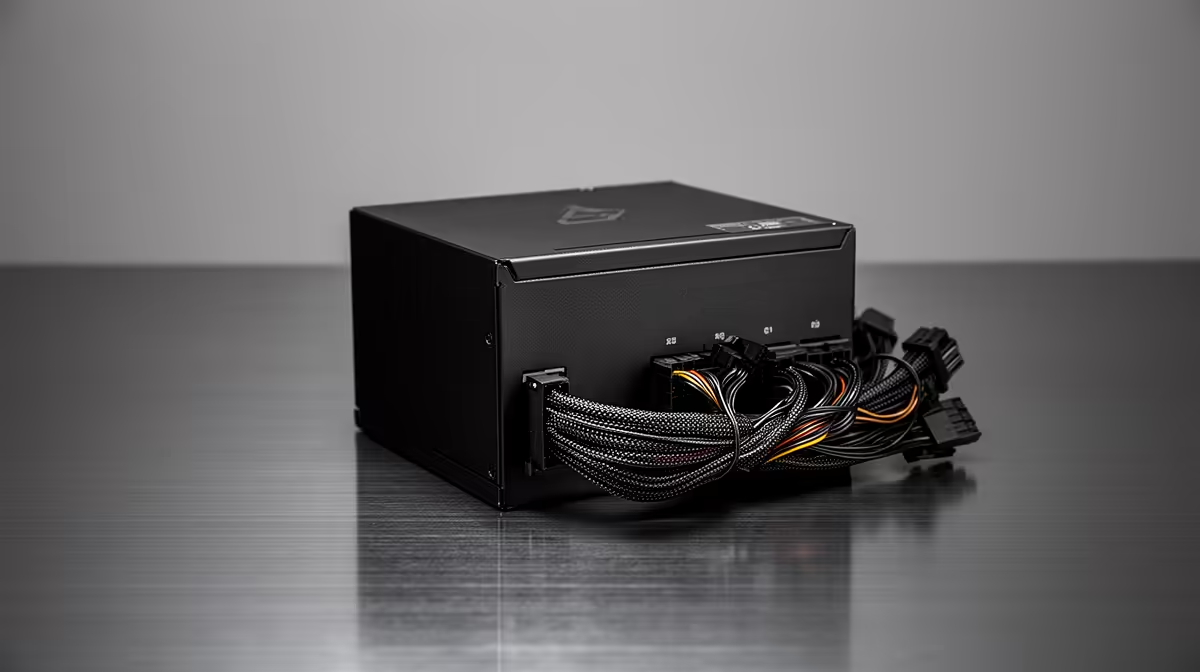
If a desktop is required, list the CPU, GPU, motherboard, drives and cooling. The Corsair RM850e is a verified 850W reference at R1,900. The DeepCool PF750 is a verified 750W reference at R550. Neither is automatically correct. Check connectors, case fit, warranty, protection documentation and independent testing for the exact build.
Keep classes and assignments in approved backups, test the camera and microphone, and preserve money for a clear display or network improvement. Power-supply capacity does not provide battery runtime. Assess a suitable UPS separately when orderly shutdown is required. Buy 850W only when a documented component needs it, not because the overall study budget can absorb it.
Planning a distance-learning computer? > Compare verified laptops and desktop power supplies with Evetech around the course needs.