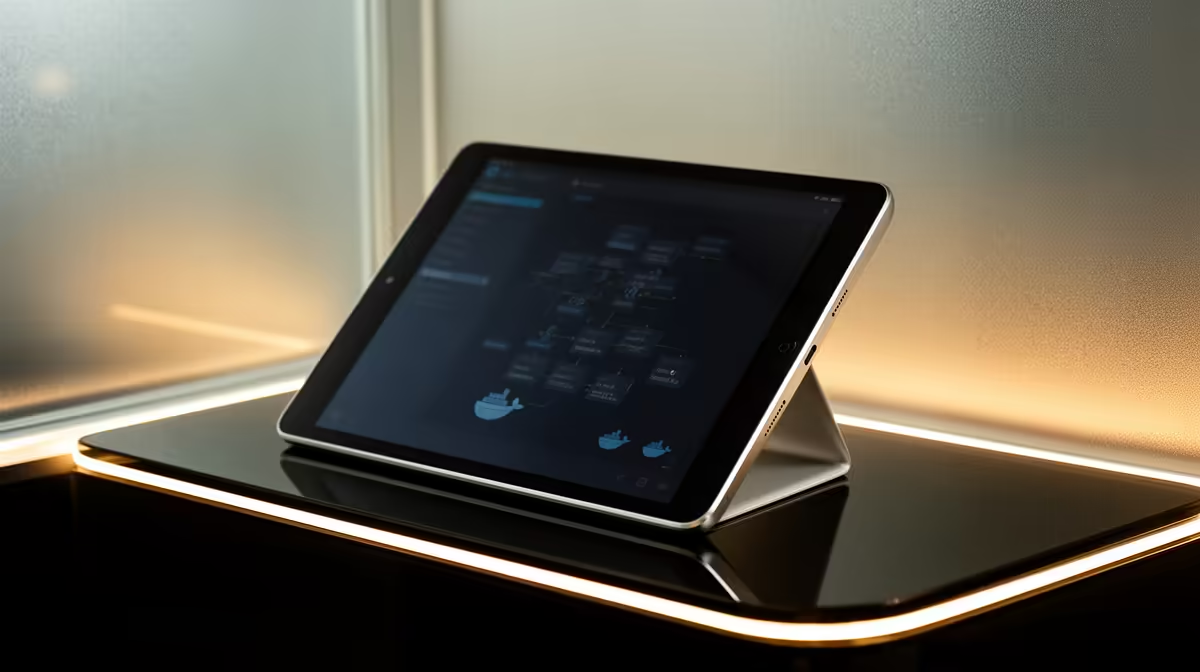
An Android tablet can monitor Docker dashboards, open documentation or connect to a remote shell, but it is a poor primary Docker host. Mobile operating systems restrict background services, development tools and storage access. The verified facts contain no Android-tablet SKU, so keep the container host and tablet companion roles separate inside the budget.
Build Docker on a supported computer
At R4,600, the verified Minisforum UM750L includes a Ryzen 5 7545U, 16GB memory, 1TB storage and Windows 11 Pro. Confirm current virtualisation, operating-system and Docker support. Start the normal containers, build an image and test storage plus network access. A mini PC still needs a monitor, keyboard and mouse for initial setup or local recovery.
Use the tablet as a secure companion
Compare tablets elsewhere by current Android version, browser support, keyboard options and battery life. Use a supported remote-access tool with strong authentication. Keep secrets outside notes apps and do not expose the Docker management port to the public internet. Download critical documentation for offline use. A tablet adds convenient monitoring after the host works; it should not carry the only recovery credentials.
Rebuild one container from version-controlled files before relying on the tablet dashboard for administration.
Try the intended terminal, repository and remote-desktop workflow on Android first; touchscreen navigation and background task limits may outweigh the attractive hardware price.
Building a compact Docker lab? > Explore Evetech mini PCs, then compare tablets only as secure companion devices.