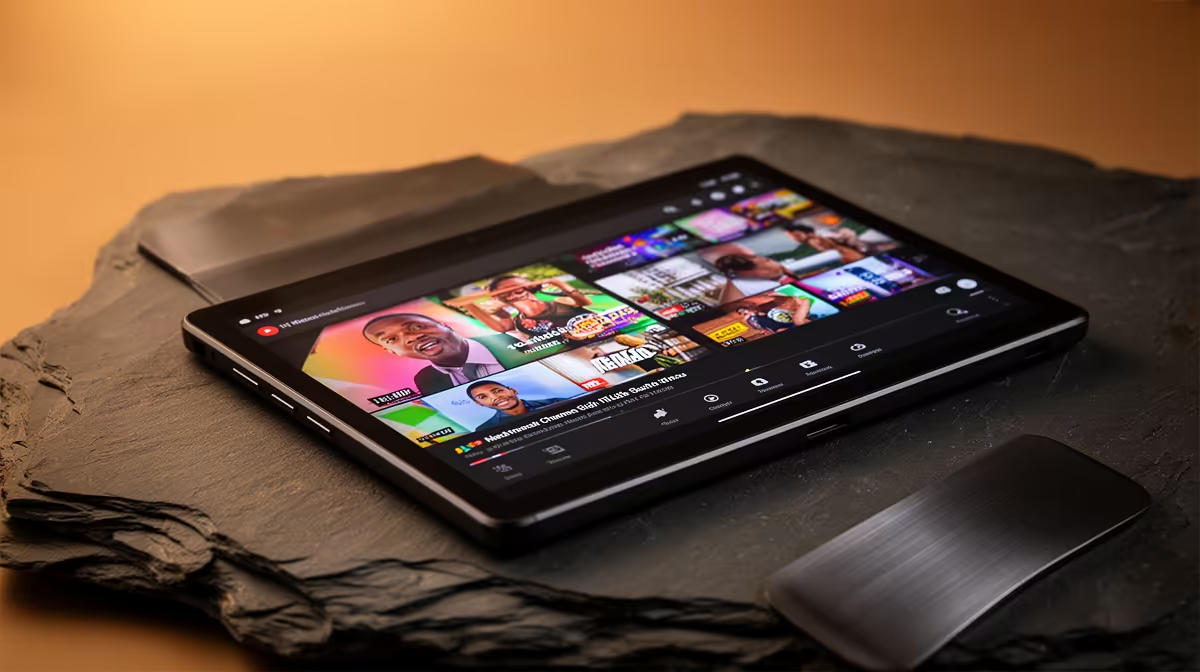
An Android tablet can run a YouTube channel when the creator records, edits and publishes short projects through supported mobile apps. It becomes a poor main device for complex timelines, large external-media libraries or desktop-only plugins. The verified facts contain no Android-tablet SKU, so source one elsewhere after checking app support, storage expansion, USB-C video and microphone connections.
Build around the production format
List the cameras, resolution, typical episode length, caption workflow and thumbnail tools. Test importing real clips, editing multiple layers and exporting at the delivery setting. The ASUS Vivobook S14 P5405 at R12,700 provides verified Core Ultra 5 hardware, 16GB memory and 512GB storage as a conventional laptop alternative when desktop software or file management matters.
Connect capture hardware carefully
The NearStream V08AF 4K webcam at R678 and NearStream AM10X-P USB/XLR microphone at R730 are verified creator options, but a tablet needs compatible USB support, power and applications before either can be assumed to work. Keep source clips and project files on independent backups. A large total allowance should pay for reliable capture, audio, storage and lighting rather than an expensive tablet that cannot open the required editor. Publish a private test episode before committing the whole channel workflow.
Check screen brightness outdoors and stylus behaviour only when those functions appear in the channels real shooting plan.
Building a mobile YouTube kit? > Tell Evetech the cameras, editor, file sizes and required computer connections.