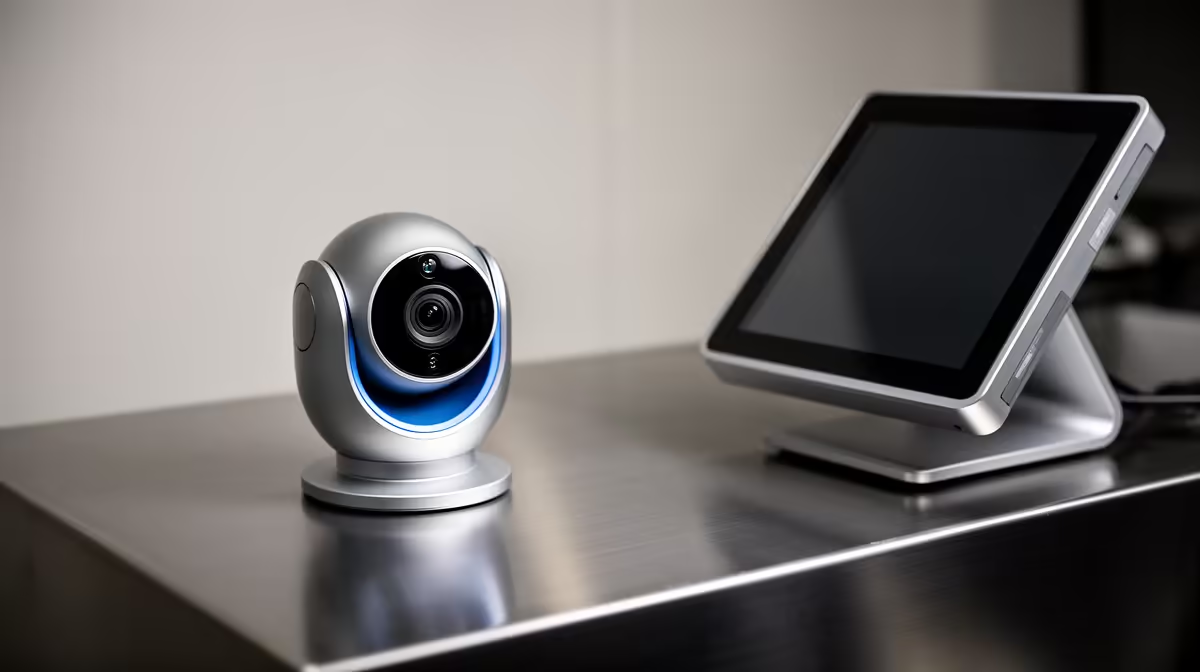
A smart-home camera can help monitor an authorised small-business POS area, but a consumer device is worthwhile only when placement, privacy, network security and retention meet the business need. It does not replace transaction controls or staff procedures.
Map the view and response process
Identify the legitimate security purpose, camera angle, blind spots and who may access footage. Avoid capturing PIN entry, screens or unrelated customer areas. Test Wi-Fi, notifications, storage and how an authorised incident will be exported.
The TP-Link Tapo C212 indoor Wi-Fi camera is verified at R451. This is a consumer-camera reference, not proof of suitability for a business, outdoor use or a complete POS system. Check current field of view, resolution, power, storage options, app controls, update policy, account security and warranty.
Use unique credentials and multi-factor authentication where supported. Display required notices, restrict exports and define retention plus deletion. Keep camera administration separate from POS credentials, secure the power lead and test an alert without exposing customer information.
Buy after the governance and response plan pass. A narrower physical control, staff process or professionally designed system may suit higher-risk premises better than one consumer camera.
Document who may view footage after hours and who handles an alert, since a camera without a response owner only creates more sensitive data.
Planning POS-area monitoring? > Compare Evetech cameras after confirming privacy, coverage and response.