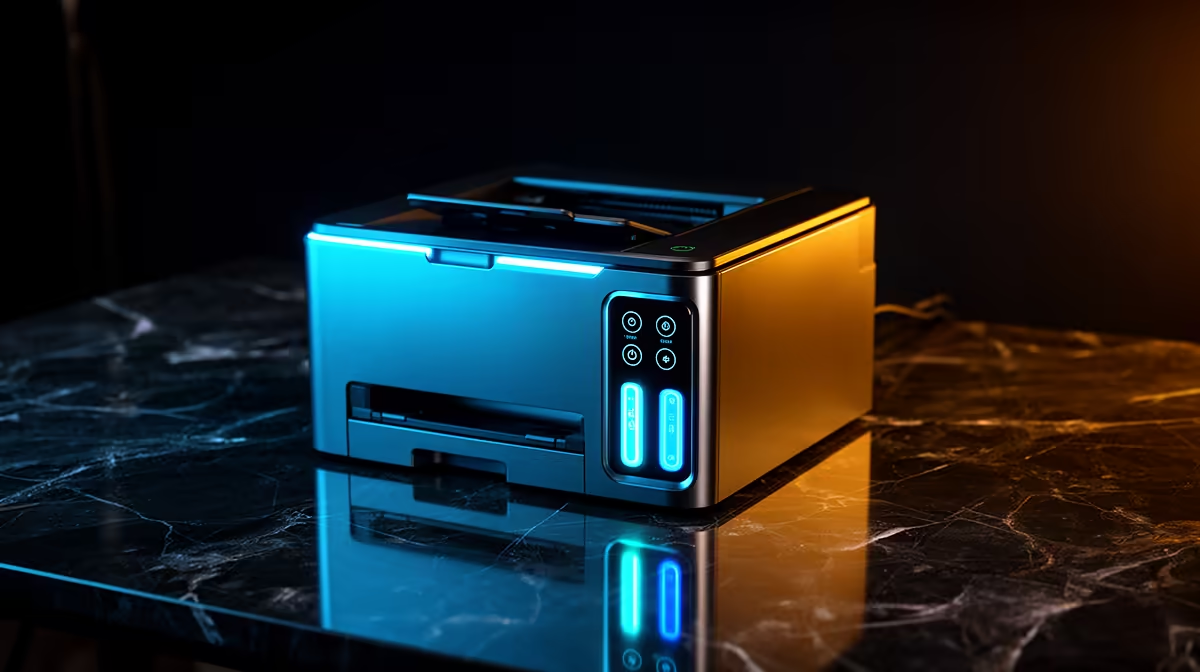
A laser printer should not be chosen as though it can ignore unstable power. Printing needs a safe, supported supply, and laser printers can draw substantial power during start-up or heating. The supplied factpacks verify no printer, power-protection device or price, so check both with their manufacturers and a qualified professional.
Design a safe document fallback
Identify which documents must be produced immediately and which can wait. Save work frequently, use approved backups and keep digital PDFs ready for another print location. A laptop can continue document editing briefly on its battery, but the printer remains a separate load with its own electrical requirements.
The ASUS ExpertBook P1503 laptop is factpack-verified at R9,858. Confirm battery condition, application support, memory, display and warranty. No inference about printer support or runtime should be made from the laptop specification. Test the exact driver and document format before relying on it.
For a printer, compare page volume, duplex output, toner supply, start-up draw, driver support and warranty. Do not connect it to an undersized UPS or power station without explicit compatibility and load confirmation. Repeated flicker, hot plugs or tripped breakers need qualified electrical assessment. Buy only after a safe power plan and print fallback exist. The smartest system protects documents first and allows the printer job to resume later, rather than risking equipment or data to finish one page during unstable supply.
Planning resilient document work? > Compare verified laptops with Evetech and source printer power guidance separately.