



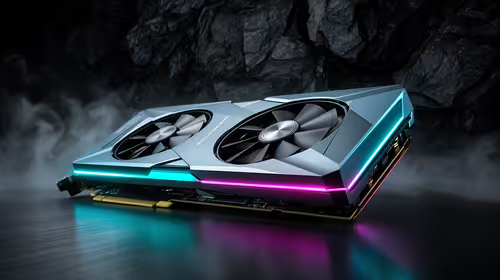
Value GPU planning for Balatro at 1440p ultrawide
Balatro at 1440p ultrawide on a R20,000 budget needs balanced GPU planning. Compare settings, CPU limits, monitor target, warranty support, and SA price movement before choosing.
Read moreLightroom culling under R30,000 benefits from quiet, controlled case airflow that keeps the PC responsive during large image reviews. Existing facts include Ryzen 5 5500 R1,100, ASUS Prime B850M-F WiFi R2,300, RM850e R1,900, and cooling from Gamemax Sigma R235 to Xigmat.
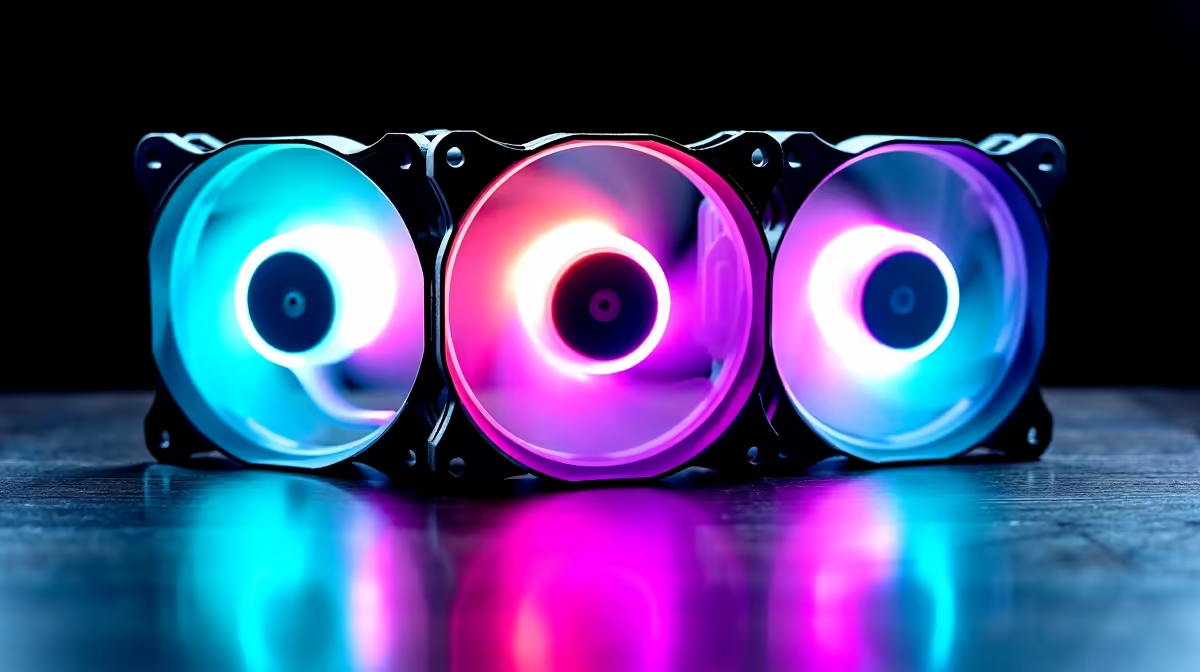
A smart set of case fans for Lightroom culling is one that solves measured heat or noise without consuming budget needed for a suitable display, responsive storage and backups. Photo selection is rarely a reason to fill every fan position or run the computer at maximum airflow.
Import a representative shoot, generate previews and cull for a realistic period while logging CPU, GPU, storage and temperatures. Clean filters and inspect intake plus exhaust paths. Identify available fan sizes, motherboard headers and cable routes before selecting a set.
A priced case-fan set is not included in the evidence. The WD Blue SN5000 2TB SSD at R1,684 is a verified storage reference, and the Palit RTX 3050 6GB at R2,700 is a separate GPU reference. Neither establishes cooling needs. Check current fan dimensions, airflow direction, speed range, bearing, connector load, splitter support and warranty.
Disconnect power before internal work, keep cables away from blades and connect only within documented header limits. Add or reposition one airflow stage at a time, then repeat the same catalogue task and tune the curve.
Buy fans after temperature data reveals a shortfall. For Lightroom, a clear monitor, fast previews and recoverable photo storage are likely to influence daily work more directly.
Cooling a Lightroom PC? > Compare Evetech systems and storage after measuring the full photo workflow.
Yes, case fans are a sensible PC component when the Lightroom system needs cleaner internal airflow.
For Lightroom culling, quieter fans help keep long selection sessions comfortable at the desk.
Make sure the fan connectors suit the motherboard headers before buying a larger set.
With a R30,000 ceiling, choose cooling that supports the full build instead of overspending on fans alone.
A front-to-back airflow path is more useful for image culling than a random mix of extra fans.
If Lightroom feels slow, check thermals alongside memory and storage behaviour before blaming the fans.
Balatro at 1440p ultrawide on a R20,000 budget needs balanced GPU planning. Compare settings, CPU limits, monitor target, warranty support, and SA price movement before choosing.
Read more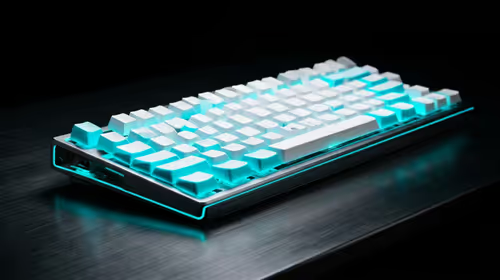
Every magnetic-switch keyboard in SA should be shortlisted around the job it must do. South African buyers should compare switch feel, latency, layout, and software, warranty path, and upgrade room before treating any pick as best.
Read more
Customs and warranty notes for gaming hardware in Makhanda should focus on proof of purchase, serial numbers, courier handling, and return steps. SA buyers should confirm policies before ordering costly parts.
Read more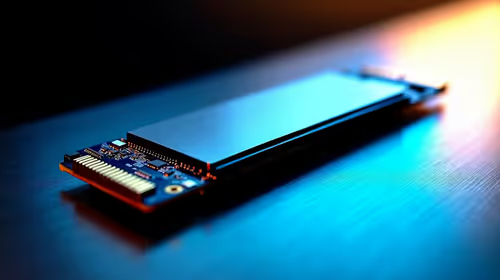
Can NVMe SSDs under R20,000 handle should be shortlisted around the job it must do. South African buyers should compare capacity, speed, thermals, and motherboard support, warranty path, and upgrade room before treating any pick as best.
Read more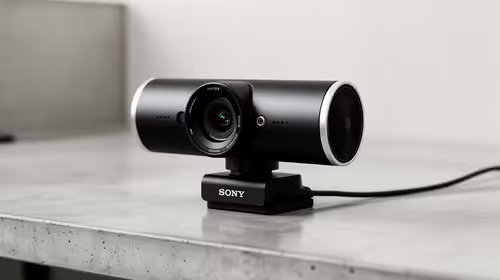
Buy now or upgrade later: webcams decisions should be shortlisted around the job it must do. South African buyers should compare fit, performance, compatibility, and upgrade room, warranty path, and upgrade room before treating any pick as best.
Read more
Frigate is free open-source NVR software running object detection locally on an Intel N100 mini-PC with a Coral TPU, versus cloud AI that requires a monthly plan. SA buyers get footage on-site with no fees and no reliance on uplink bandwidth. 📹
Read more
Chrome change search engine settings control ordinary address-bar searches. Check site shortcuts and managed-browser rules if the wrong provider keeps returning.
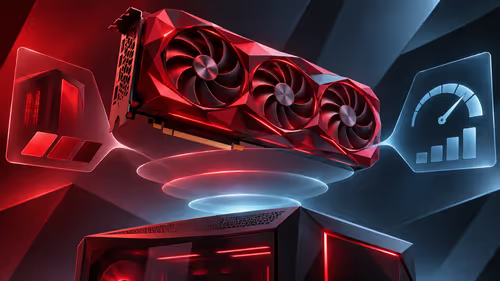
VASTARMOR RX 9070 XT red adds a matching red finish to the Super Alloy PRO family. Check its length, thickness and three power sockets before buying.

OLED edge rot is a panel-edge defect examined in new longevity research. Older TV results do not establish the failure rate of current gaming monitors.

Chrome translate not working often needs a page refresh or language-setting check. Test one foreign-language page before changing broader browser settings.
Chrome translate not working often needs a page refresh or language-setting check. Test one foreign-language page before changing broader browser settings.

Check when Chrome saves power, compare a repeatable task on battery and separate browser changes from battery health and Windows settings.

Find Chrome's caption control, check language and audio and bring back the floating bubble when captions disappear during playback.

Open the simplified Chrome reader, adjust type and spacing and check whether the page supports the view before changing your display setup.
Balatro at 1440p ultrawide on a R20,000 budget needs balanced GPU planning. Compare settings, CPU limits, monitor target, warranty support, and SA price movement before choosing.
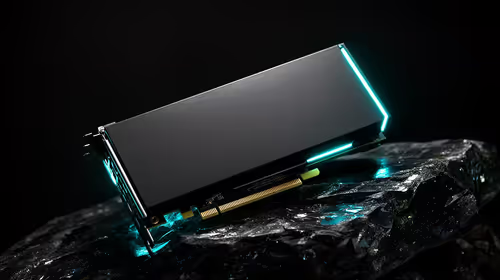
Should I spend more on the GPU or the CPU should be shortlisted around the job it must do. South African buyers should compare GPU tier, VRAM, cooling, and PSU headroom, warranty path, and upgrade room before treating any pick as best.
Every magnetic-switch keyboard in SA should be shortlisted around the job it must do. South African buyers should compare switch feel, latency, layout, and software, warranty path, and upgrade room before treating any pick as best.
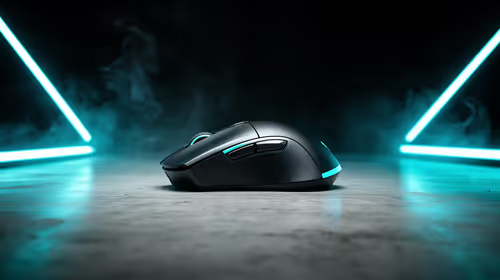
Optimal Balatro 144fps on RX 9070 needs frame cap, driver, display, and background load checks. SA gamers should tune one option at a time, retest the same scene, and treat the target as hardware, scene, and monitor dependent.