Wi-Fi gets the laptop online, but the wired cable seems to do nothing. With a laptop Ethernet port not working, prove the cable and the far end before diagnosing the connector. A wired connection can fail between the laptop and the router, or it can connect to the router while the internet remains unavailable. Check the local link first.
Quick Answer
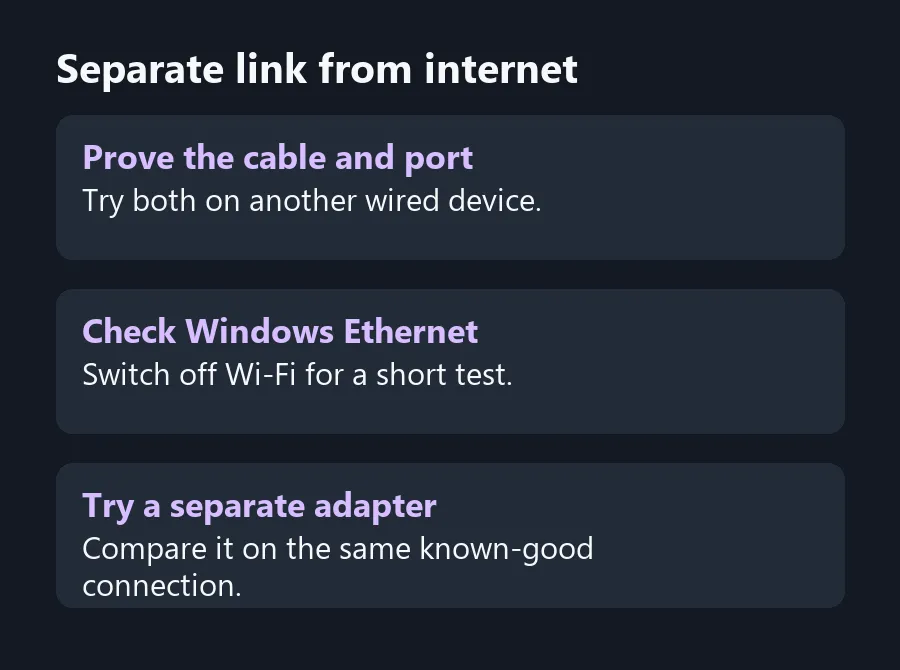
Try a known-good cable and a LAN port that works with another device. That test costs R0 if you can borrow the cable. Check whether Windows detects Ethernet with Wi-Fi briefly off, then compare the built-in port with a compatible USB adapter if you have one.
🔌 Start at the router end
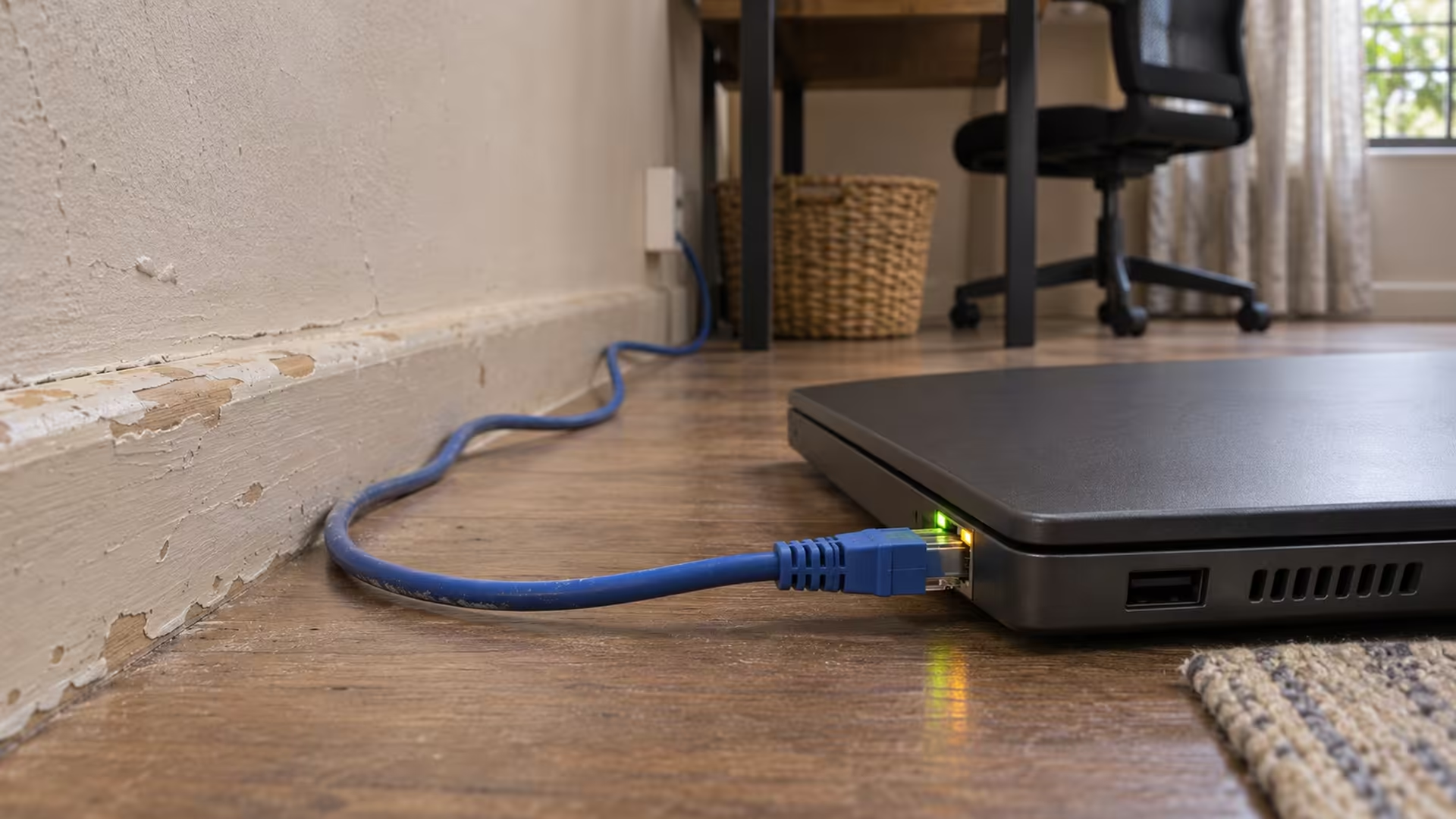
Push each connector fully into the socket. Use a router LAN port, and make sure that port works by trying the same cable and port with another wired device. If your laptop connects through a wall socket or a dock, bypass it for this test. Try a short direct link that you can follow from end to end.
Some ports have a light that indicates a link. If your model has one, look at both ends after you connect. An illuminated link helps show that the devices see each other across the cable. It does not tell you whether the router can reach the internet. Some laptop models have no visible light, so check their manual before treating a dark jack as evidence. If you need another lead, compare the lengths in Network Cables after you have tested the short route.
🖥️ Read the Ethernet status on its own
Open Network & Internet in Settings. Temporarily disconnect Wi-Fi so you know which connection your browser is using, then look for Ethernet. If Windows reports a connected local link but pages do not load, check whether another device on the same router can reach the internet. A failure on both devices points you towards the router or its internet connection.
If Windows shows the cable as unplugged, return to the cable, LAN port and laptop connector. If an Ethernet adapter does not appear in Device Manager on a laptop that includes one, check the PC maker's support page by exact model. Save any matching driver while Wi-Fi still works. Borrowing a different cable or port costs less time than resetting all of your Windows network settings.
🧪 Compare the built-in port with an adapter
A compatible USB Ethernet adapter can separate a problem with the built-in connection from a fault shared by the cable and router. Use exactly the same known working cable and port. If the adapter connects but the laptop socket does not, inspect the laptop port and confirm the built-in adapter's driver before deciding on repair. A loose connector that loses link when the lead moves is a reason to have the port checked.
A USB adapter can also supply Ethernet on a thin laptop with no built-in socket. When comparing All Laptops on Special, check the actual model's listed ports if you rely on a wired connection for work. An accessory might suit a fixed desk, while a built-in port saves a dongle if you move between wired rooms often.
Frequently Asked Questions
Can a good Ethernet link have no internet?
Yes. The router may be reachable while its internet connection is down. Check another device connected to that router.
Should I turn off Wi-Fi for this check?
Temporarily, yes. It confirms that a successful browser test used Ethernet and did not use the wireless connection.
Why is my laptop socket dark?
Your model may have no indicator, or it may have no link. Check the model's documentation and Windows Ethernet status.
How do I tell if the cable is bad?
Compare it with a cable that already works on the same two known working ports.
Does a USB adapter prove the laptop port is broken?
No. It shows the setup works through a different adapter. The built-in port can still have a driver or connector issue.
Which router port should I use?
Use a known working LAN port. Skip the dedicated WAN or Internet port unless the router documentation assigns it as LAN.
Separate link from internet
Test the wired connection with a cable and port you have already proved.