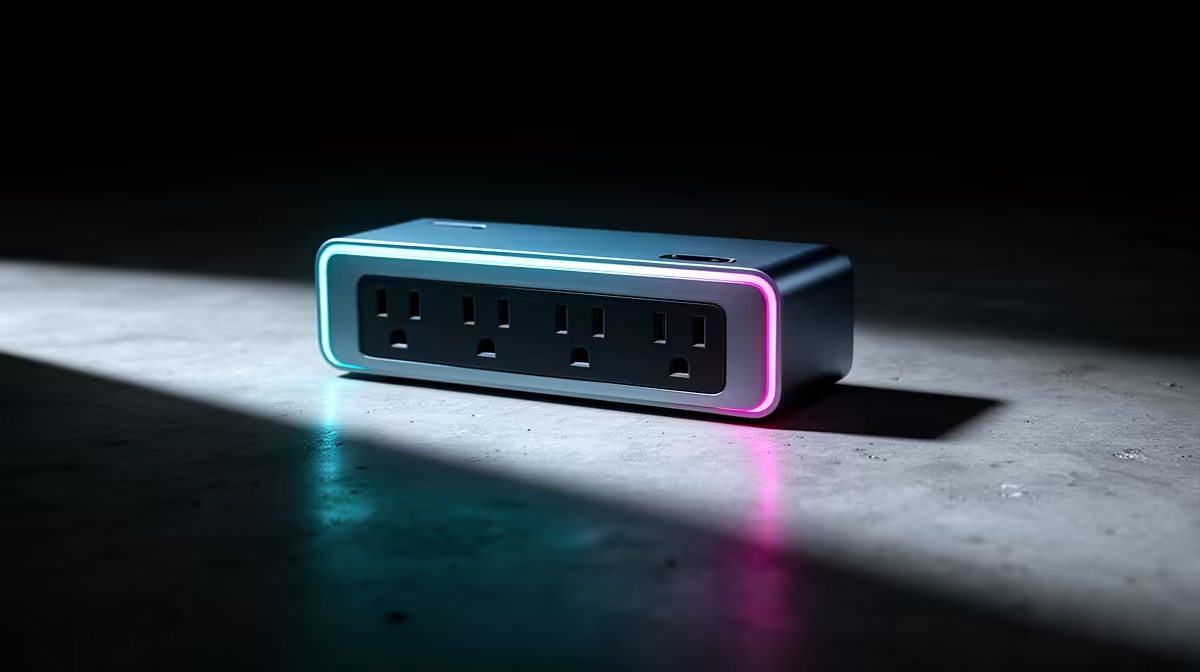
A surge protector can help shield Plex hardware from voltage spikes, but it does not keep a server, router or storage device running through an interruption. The equipment allowance in the title should cover the complete media system and backup plan, not an expensive strip. The verified facts contain no surge-protector SKU, so source one elsewhere from electrical ratings and supported warranty terms.
List the media equipment
Record the server, router, television, external drives and any network switch. Decide which devices need spike protection and which need battery-backed runtime for a safe shutdown. A UM750L mini PC at R4,600 provides a verified Ryzen 5, 16GB memory, 1TB storage and Windows 11 Pro configuration for supported server software, but confirm Plex codec and operating-system requirements.
Keep power and data protection separate
Use a properly wired wall outlet, stay within the protective device rating and avoid daisy-chained strips. Warm sockets, repeated flicker or electrical smells require a qualified electrician. Media libraries still need independent backups because surge protection cannot recover deletion or drive failure. Test server restart, library scan and client playback after a planned shutdown. If runtime matters, size a battery-backed device from measured load and desired shutdown time rather than the Plex label.
Label which sockets carry server equipment so household members do not replace them with lamps or cleaning appliances.
Planning a resilient Plex system? > Share the server, drives, network equipment and shutdown target with Evetech.