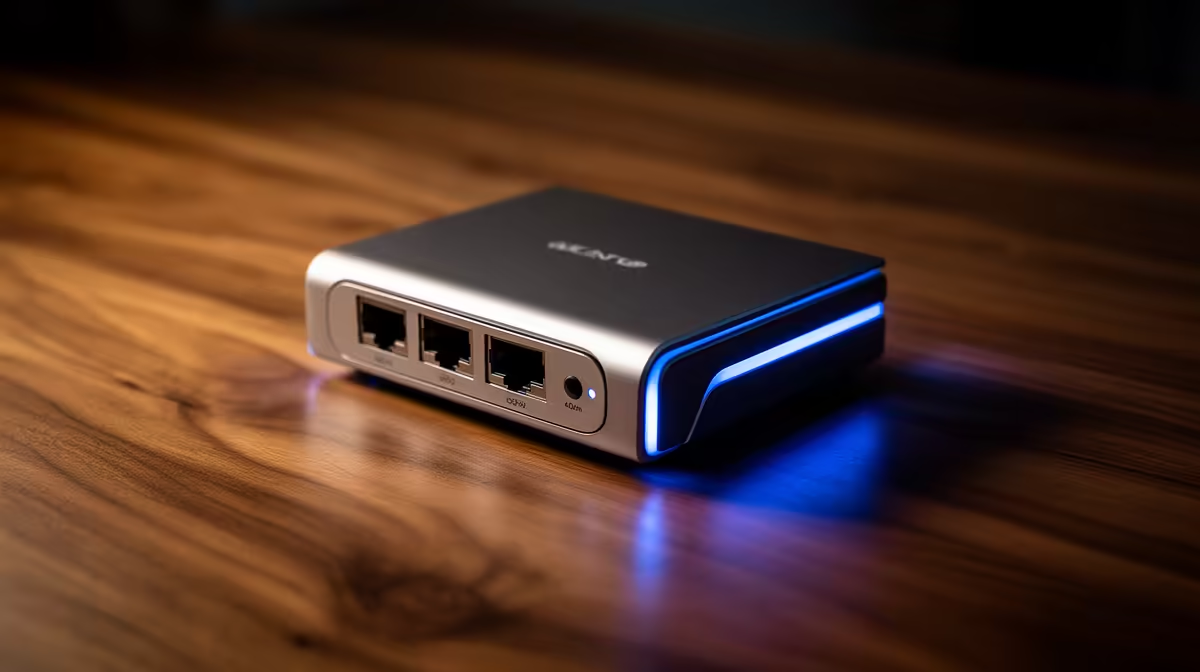
A smart USB-C hub purchase for distance learning starts with the laptop port, display and webcam rather than the total study budget. The hub should reconnect the class desk through one tested cable without dropping video, storage or network access. Extra sockets add little value when the host port cannot drive them together.
List the class-day devices
Check whether the laptop USB-C port supports video output and the needed charging level. Record monitor resolution, webcam, headset, Ethernet and removable storage. The verified Promate EZHUB-7 costs R270, and the verified TransHub-Lite costs R305. Confirm each current port and power specification because matching connector shapes do not guarantee the same functions.
Rehearse a full lesson
Join a practice call, share a document and copy a course file while the external display remains connected. Watch for camera freezes, display resets and power warnings. Put the laptop to sleep, wake it and verify that microphone, speakers and network return to the intended devices. A direct port may suit the webcam better if shared bandwidth causes instability.
Secure loose cables behind the desk and keep the hub off bedding or soft surfaces. Back up assignments independently and eject storage before unplugging. The right hub removes repeated setup work and survives a complete lesson, rather than offering the largest untested collection of ports.
Simplifying an online-study desk? > Compare Evetech USB-C hubs against the laptop port and class peripherals.