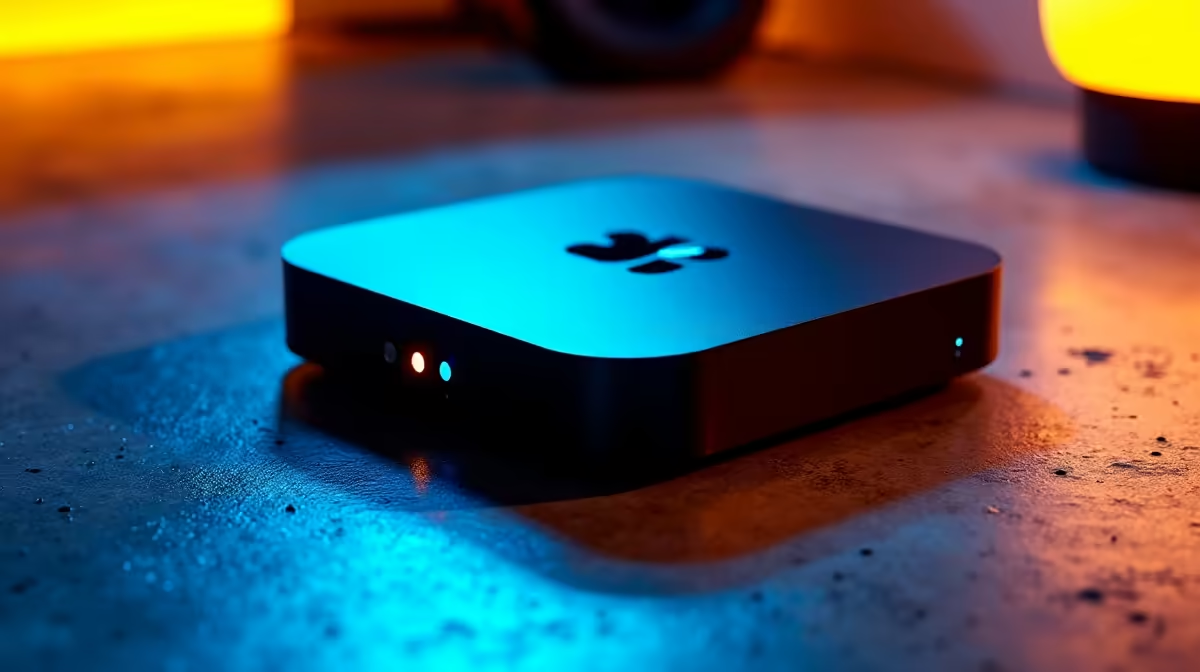
Tired of fighting for the TV remote? Whether the family’s hogging the lounge to watch 7de Laan or you’re in a student digs with no space for a big screen, there’s a smarter way to get your Netflix, Showmax, or DStv fix. Your PC monitor is the unsung hero of entertainment. Setting up a dedicated streaming box with a monitor is easier than you think, giving you a private cinema experience without the cost or clutter.
Why Use a Monitor for Streaming?
Using a streaming box with a monitor isn't just a workaround; it's often a superior viewing experience. Modern PC monitors pack technology that can outperform similarly priced televisions, especially in smaller sizes.
Here’s why it’s a brilliant idea:
- Pixel Density: A 27-inch 4K monitor has far more pixels per inch than a 55-inch 4K TV. This means sharper, more detailed images up close—perfect for a desk setup.
- Colour Accuracy: Many monitors, especially those designed for gaming or creative work, boast superior colour gamuts (like sRGB or DCI-P3 coverage), making movies and series look exactly as the director intended.
- Cost-Effective: You can get a high-quality 1440p or 4K monitor for a fraction of the price of a premium TV, giving you more bang for your buck.
- Space Saving: It’s the perfect solution for bedrooms, home offices, or dorm rooms where a bulky TV just won’t fit.
Setting Up Your Streaming Box Monitor
Hooking up your streaming device (like a Mi Box, Apple TV, or Fire Stick) is usually straightforward, but there's one key detail to watch out for: audio. Here’s a quick guide to get you started. 📺
Step 1: Check Your Connections
The vast majority of modern streaming boxes and monitors use HDMI. It’s a single cable that carries both video and audio. Simply plug one end into your streaming box and the other into your monitor’s HDMI port. Power everything on, and you should see a picture. Simple as that.
Step 2: Solving the Sound Situation
This is the most common hurdle. Most PC monitors don't have built-in speakers. If yours doesn't, you won't hear a thing. No stress, you have several easy options:
- Headphones: The easiest solution. Plug your favourite gaming headset or earphones directly into the 3.5mm audio jack on your streaming box (if it has one) or your monitor (if it has an audio-out port).
- External Speakers: Connect a set of PC speakers to the audio-out port on your streaming box or monitor.
- HDMI Audio Extractor: This nifty gadget sits between your streaming box and monitor. It splits the audio signal out to a separate 3.5mm or optical port, allowing you to connect to almost any speaker system. You can find these with other essential monitor accessories.
Pro Tip: Check for HDCP 2.2
To stream 4K content from services like Netflix, both your streaming box and your monitor must support HDCP 2.2 (High-bandwidth Digital Content Protection). Most modern 4K monitors do, but it's always worth checking the specs to avoid frustrating black screens.
Choosing the Perfect Monitor for Streaming
Now for the fun part! The right monitor can transform your viewing experience from good to incredible. It’s not just about size; resolution, panel type, and even shape play a massive role.
Resolution: Go for Detail
For streaming, resolution is king. While 1080p (Full HD) is perfectly fine, stepping up to 1440p (QHD) or 4K (UHD) makes a huge difference. Textures are clearer, landscapes are more immersive, and the overall picture is just stunningly sharp. If your budget allows, exploring crisp 4K monitors is the best way to future-proof your setup. ✨
Immersion and Form Factor
Want to feel like you're right in the action? An immersive curved monitor wraps the picture around your field of view, creating a more cinematic feel. For those constantly on the move or in tight spaces, ultra-convenient portable monitors offer a fantastic plug-and-play solution you can pack in a backpack.
Ultimately, many of the features that make a monitor great for gaming also make it brilliant for streaming. High contrast ratios, fast response times, and vibrant colours are universal wins. That’s why browsing through all our gaming monitors is a great place to find a screen that excels at both work and play.
Ready for Your Personal Cinema?
Stop sharing the screen and create your own perfect streaming setup today. Explore our incredible range and check out our latest monitor deals for unbeatable value and performance.