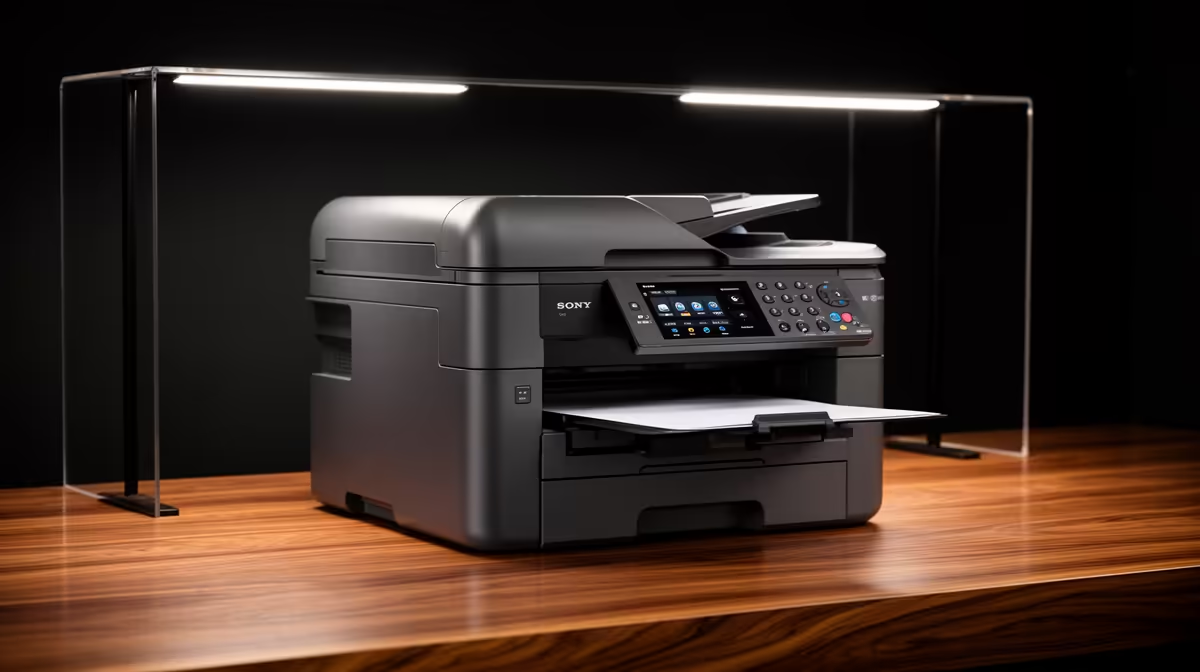
An IT student should choose a home printer from monthly page volume, colour needs, driver support and consumable cost. The verified facts contain no model. Source one elsewhere after deciding whether coursework needs reports, labels, diagrams or scanning. A cheap printer can become expensive when cartridges are small or unavailable.
Build a real semester print sample
The ASUS ExpertBook P1503 at R9,858 provides verified Core i5-13420H hardware with 8GB memory, 512GB storage and Windows 11 Pro.
The Cudy WR1300 at R327 supplies confirmed home networking where wireless printing needs a suitable router. IT coursework can use the confirmed 512GB Hiksemi Pocket external SSD for portable backup at R600.
Test drivers and network recovery
Use sample assignments to count black, colour and duplex pages. Check operating-system driver support, scanner resolution, paper tray size and replacement consumables. Connect through the intended USB or network route, then print from a standard student account. Change the router connection and verify that the printer can be found again. Secure wireless settings, remove old print jobs and protect personal details on discarded pages. Compare the annual consumable cost with campus printing before giving the device permanent desk space.
Ask another student to print from their account before purchase, since one working administrator laptop does not prove shared driver support.
Choosing an IT study printer? > Tell Evetech the page volume, colour needs and computer platform.