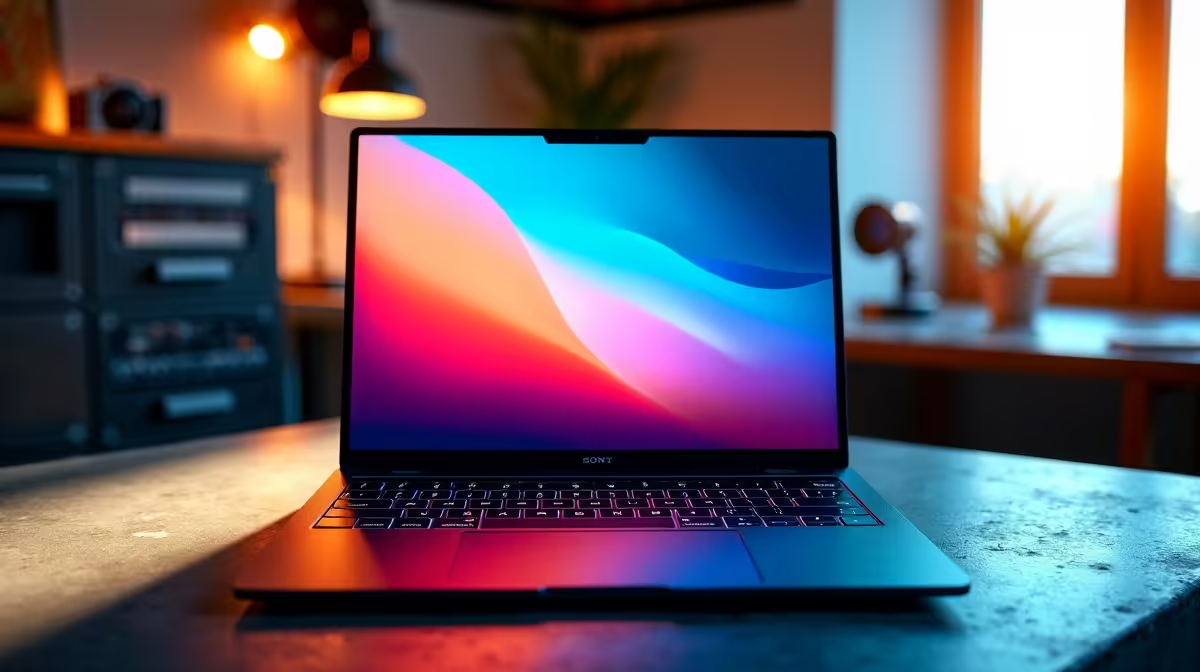
Yes, the Lenovo LOQ RTX3050 at R9,500 is the clearest pick for a student who wants a laptop that can handle study work and live streaming without feeling underpowered. Its RTX3050 spec matters because streaming asks more from a machine than essays, browser tabs, and slides do.
What to buy first for streaming
The Lenovo LOQ RTX3050 at R9,500 is the strongest value choice here because the RTX3050 gives it a better base for video work, screen recording, and gaming clips than a normal classroom notebook. For a student who wants one machine for lectures, assignments, Discord, and a stream overlay, it is the most sensible first look.
The ASUS Vivobook S14 OLED at R10,719 is a good alternative when the screen matters more than gaming power. Its OLED spec is useful for a creator desk where colour, contrast, and a clean viewing experience make editing thumbnails, watching footage, and checking stream layouts feel more polished.
The ASUS ExpertBook P1503 i5 at R9,858 suits a student who mainly needs a reliable study machine and only streams lightly. Its i5 spec is fine for campus work, research, admin, and occasional broadcasting, while the ASUS ExpertBook P5405 at R12,700 gives the same practical business-laptop angle at a higher price point.
Student desk streaming setup
For a res room or shared study desk, the Lenovo IdeaPad Slim 3 i7 at R13,400 and ASUS Vivobook X1504VA i7 at R13,999 make sense if the priority is fast general performance rather than RTX graphics. Their i7 spec helps with multitasking when notes, browser tabs, chat, and streaming software are open together.
Ready to choose the right laptop?
For the student desk decision, ASUS ExpertBook P1503 i5 at R9,858 gives you its listed spec to measure against the brief.