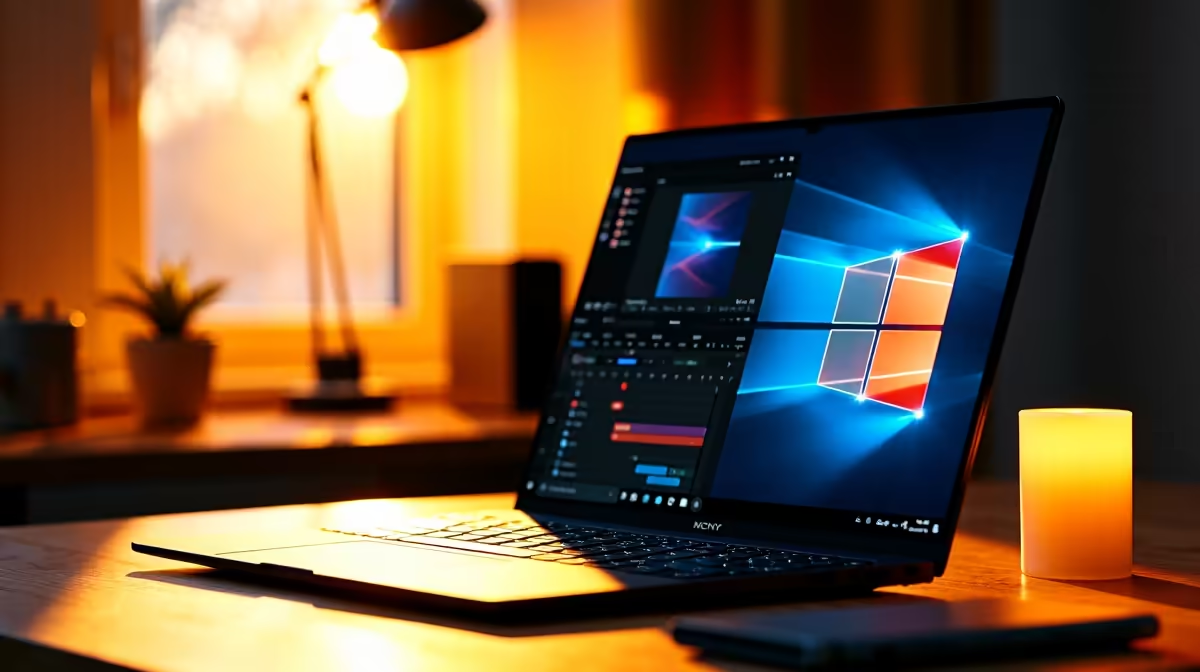
Lenovo LOQ RTX3050 at R9,500 is the most sensible laptop here for a student who wants to edit in DaVinci Resolve without turning every timeline preview into a patience test. The RTX3050 spec matters because video editing benefits from graphics help, especially once colour work, effects, and exports become part of the assignment rather than an occasional experiment.
What to buy first
For a student creator desk, the Lenovo LOQ RTX3050 at R9,500 is the standout because it gives you the listed RTX3050 spec at a lower price than several office-focused options. That makes it a stronger fit for editing coursework, short reels, YouTube projects, and portfolio clips where smooth playback matters more than having the thinnest machine.
The ASUS ExpertBook P1503 i5 at R9,858 is better treated as a study-first option. Its i5 spec is fine for writing, research, browser work, and lighter edits, but it is not the one I would prioritise if editing is a weekly workload. The ASUS ExpertBook P5405 at R12,700 sits in the same practical lane, with a higher price but a business-style ExpertBook focus.
SA student desk reality
The Lenovo IdeaPad Slim 3 i7 at R13,400 and ASUS Vivobook X1504VA i7 at R13,999 give you listed i7 specs, which helps with general responsiveness and multitasking while lectures, notes, and media files are open. The ASUS Vivobook S14 OLED at R10,719 adds an OLED spec, making it attractive for a student who values screen quality for checking colour and contrast, though the LOQ remains the sharper editing pick because of RTX3050.
Ready to choose the right laptop?
Use ASUS ExpertBook P1503 i5 at R9,858 as the student desk benchmark, then check whether its listed spec matches the space, workload, and upgrade path.