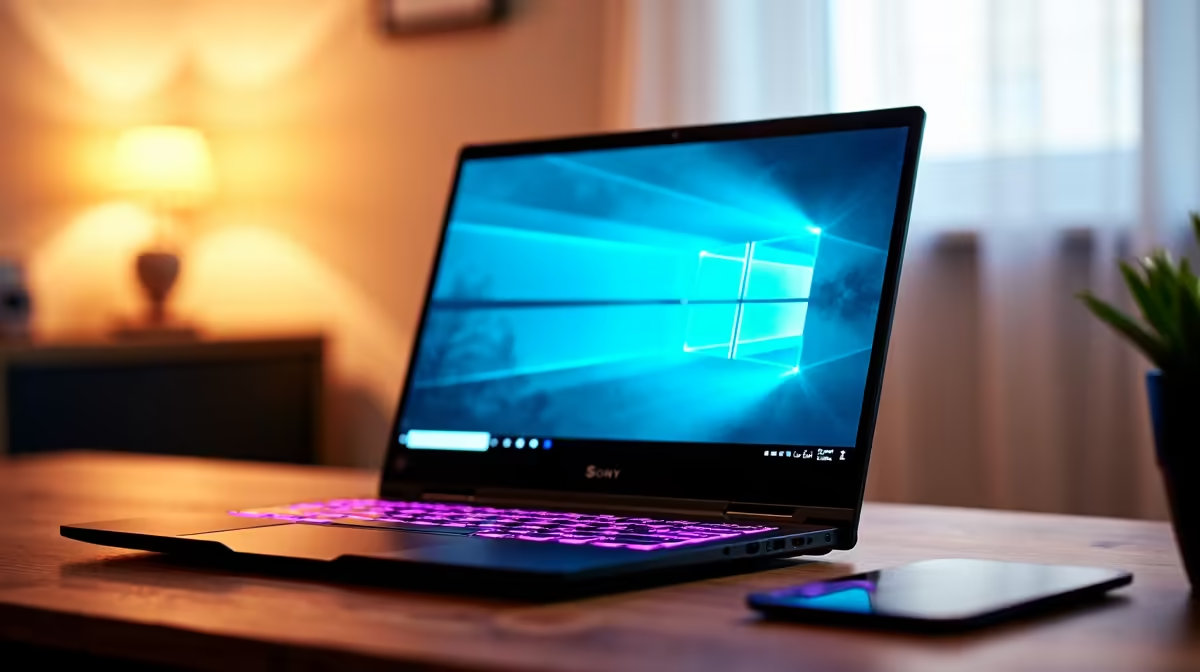
The Lenovo LOQ RTX3050 at R9,500 is the strongest listed pick for a student who wants a laptop that can handle study work while giving streaming a realistic chance. Its RTX3050 spec matters because live video, game capture, browser tabs, and chat tools are a heavier mix than notes, slides, and research alone.
What to buy first
The Lenovo LOQ RTX3050 at R9,500 is the value-first option here because the RTX3050 gives it a more suitable base for streaming on Twitch than a standard study notebook. For a student who also plays games, edits clips, or keeps a broadcast layout open, that graphics spec is the reason it stands out.
The ASUS ExpertBook P1503 i5 at R9,858 is better suited to coursework, research, assignments, and lighter streaming experiments. Its i5 spec keeps the price sensible, but this is the more practical choice when the main priority is a dependable campus machine rather than a gaming room setup.
The ASUS Vivobook S14 OLED at R10,719 is the cleaner choice for a student creator desk where screen quality matters. Its OLED spec is useful for watching recordings, checking thumbnails, and reviewing video colour, while still staying below the Lenovo IdeaPad Slim 3 i7 at R13,400 and ASUS Vivobook X1504VA i7 at R13,999.
Student Desk Streaming Reality
A small student desk usually has a notebook, headset, mouse, phone stand, and maybe a second screen fighting for space. The ASUS ExpertBook P5405 at R12,700 suits that neat academic setup, while the Lenovo LOQ RTX3050 at R9,500 makes more sense when the desk is also being used for game capture and a live chat window.
Ready to choose the right laptop?
Use ASUS ExpertBook P1503 i5 at R9,858 as the student desk benchmark, then check whether its listed spec matches the space, workload, and upgrade path.