




IPS vs VA for Strategy and Sim Games in SA
IPS vs VA for strategy and sim games should be judged by fit, not a single winner. Compare compatibility, latency, capacity, upgrade path, cost planning, and South African setup needs.
Read moreSurge protector gaming PC tips to keep your rig safe in South African thunderstorms. Learn the best UPS, grounding, ethernet surge protection, and safe shutdown steps to prevent damage and data loss. ⚡🛡️
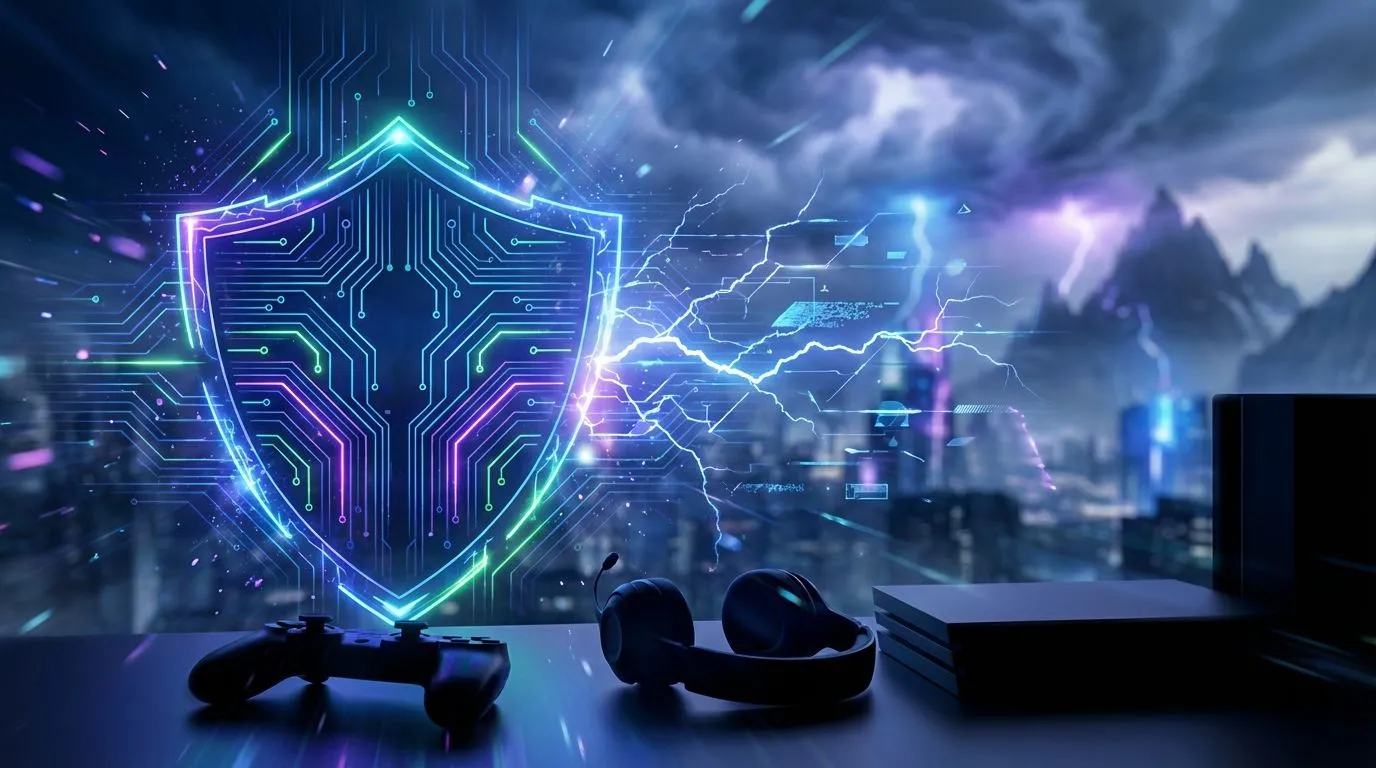
That familiar rumble... the Highveld sky turning a menacing grey. For most, it's just another thunderstorm. For a South African gamer, it's a code-red alert. ⛈️ Your multi-thousand-Rand rig is a sitting duck for the one thing that kills electronics instantly: a power surge. Before you unplug everything in a panic, let's talk about a real defence. A proper surge protector for your gaming PC isn't just a good idea; it's essential armour.
It’s easy to think that cheap multi-plug from the grocery store is enough. It’s not. Most are just extension cords with extra sockets. They offer zero protection. A power surge is a sudden, massive increase in voltage, often caused by lightning strikes or issues on the power grid. These spikes can fry the delicate components inside your machine in a nanosecond.
The danger isn't just the power going out; it's the unstable "inrush" of current when it comes back on. This can be just as damaging as a lightning strike. A dedicated surge protector for your gaming PC contains components called Metal Oxide Varistors (MOVs) that absorb and divert this excess voltage, sacrificing themselves to save your gear.
Not all surge protectors are created equal. When you're shopping for one to guard your precious build, you need to look at a few key specifications. Think of it as choosing armour for your PC.
A quality surge protector is the foundation of a safe and organised power plan for your entire gaming desk, keeping cables tidy and your mind at ease.
Many high-quality surge protectors come with a 'Connected Equipment Warranty'. This is an insurance policy that covers the replacement cost of your devices if they are damaged by a surge while connected. It's a massive vote of confidence from the manufacturer and a huge plus for protecting your valuable gaming PC.
A surge doesn't just travel through your power lines. It can also sneak in through your Ethernet or telephone cables. For comprehensive gaming PC surge protection, consider a protector that includes ports for these lines as well.
For the ultimate peace of mind, the best upgrade is an Uninterruptible Power Supply (UPS). A UPS is a surge protector with a built-in battery. It not only defends against surges but also keeps your PC running for a few minutes when the power cuts out. This gives you enough time to save your game and shut down safely, preventing data corruption and hardware stress. You've invested in your entire Arrozi gaming setup, so why leave its survival to chance?
Imagine you've just clinched a ranked match... the power clicks back on, and you hear a faint 'pop' from your tower. Silence. That's the sound of a fried power supply, or worse, a dead motherboard. A nasty surge doesn't discriminate; it can fry your R20,000 GPU just as easily as your slick custom NZXT case lighting.
The cost of a decent surge protector or entry-level UPS is a tiny fraction of your PC's value. It’s a small, one-time investment for massive peace of mind. The last thing you want after settling into your gaming chair for a long session is the anxiety of an impending storm or outage schedule. Protect your investment. 💪
Ready to Upgrade Your Setup? A secure PC is a happy PC. Whether you're reinforcing your current rig or building a new beast from the ground up, we've got the hardware to make it happen. Explore our massive range of PC specials and find the perfect gear to conquer your world.
A UPS with AVR is best. It keeps your PC on during dips and smooths voltage. Pair it with a quality surge protector for fuller lightning and surge protection.
Aim for 2000–4000 joules or higher. More joules mean better absorption of spikes during thunderstorms and longer lifespan.
Yes. Unplug power and ethernet to fully isolate from lightning. Use an ethernet surge protector and a UPS when you must stay online.
Install an ethernet surge protector, ground your router, and use shielded cables. If storms are severe, disconnect the WAN line to prevent surge entry.
Use a pure sine wave inverter or inverter generator plus a UPS with AVR. Avoid cheap units that cause voltage spikes and dirty power.
Plug the surge protector into a grounded wall outlet. Connect PC, monitor, and router to it. Avoid daisy-chaining power strips to cut fire and surge risks.
Check indicator lights monthly, replace units after big surges, and note purchase dates. Upgrade when protection status fails.
IPS vs VA for strategy and sim games should be judged by fit, not a single winner. Compare compatibility, latency, capacity, upgrade path, cost planning, and South African setup needs.
Read more
Gen 5 NVMe SSD guide for Bloemfontein gamers should be shortlisted around the job it must do. South African buyers should compare capacity, speed, thermals, and motherboard support, warranty path, and upgrade room before treating any pick as best.
Read more
Skip the RTX 5070 if your first-time builder budget needs better balance. Better SA picks can free room for the right CPU, PSU, case, monitor, storage, and cooling while still giving a strong first gaming PC experience this year in South Africa.
Read more
RTX 5080: weighing the pros and cons for SA should be shortlisted around the job it must do. South African buyers should compare GPU tier, VRAM, cooling, and PSU headroom, warranty path, and upgrade room before treating any pick as best.
Read more
Core i5-13400F gives South African PC builders a capable mid-range CPU choice with clear limits. Check its gaming fit, discrete GPU requirement, LGA1700 platform costs, and upgrade path before locking in your parts list.
Read more
Pros and cons of the Wi-Fi 7 routers for SA should be shortlisted around the job it must do. South African buyers should compare WiFi standard, coverage, latency, and device support, warranty path, and upgrade room before treating any pick as best.
Read more
Steam content servers unreachable needs a download-path check, not an immediate reinstall of every game. Restart the client, inspect download settings and compare another connection when practical. Clearing the download cache is separate from deleting installed games.

Keychron G6 HE has built-in and swappable battery versions with different weights. The product brief lists 42g and 46g respectively, each with a 3g tolerance. Choose by grip and battery preference before treating one headline weight as universal.

Corsair HS80 v2 MAX supports 2.4GHz wireless and Bluetooth. Its maximum battery figures use RGB-off conditions and differ by connection. Check microphone routing, comfort and the exact device support before assuming every wireless mode behaves alike.

Windows taskbar notification badges can be shown or hidden in Taskbar behaviours. This changes the small app indicators, not the underlying messages. Choose a calmer desktop while keeping a deliberate routine for checking important conversations and app updates.

Windows title bar window shake can minimise other open windows when you shake the active window by its title bar. Inspect the Multitasking setting and switch it off if that gesture interrupts your work. The preference costs R0 and does not require new hardware.

Windows Print Screen opens Snipping Tool when its keyboard preference is enabled. Change the option under Accessibility, Keyboard to choose another workflow. Test whether you need a clipboard image or a saved file.

Windows desktop icons missing may be a visibility setting. Right-click the desktop, choose View and inspect Show desktop icons. If only system icons are absent, use Desktop icon settings. Check the Desktop folder before assuming files were deleted.

Windows set time zone automatically greyed out calls for a location and device-policy check. Automatic time-zone selection relies on location services. A manual time-zone choice is separate from synchronising the clock; check both before replacing hardware.
Windows title bar window shake can minimise other open windows when you shake the active window by its title bar. Inspect the Multitasking setting and switch it off if that gesture interrupts your work. The preference costs R0 and does not require new hardware.
Windows Print Screen opens Snipping Tool when its keyboard preference is enabled. Change the option under Accessibility, Keyboard to choose another workflow. Test whether you need a clipboard image or a saved file.
Windows desktop icons missing may be a visibility setting. Right-click the desktop, choose View and inspect Show desktop icons. If only system icons are absent, use Desktop icon settings. Check the Desktop folder before assuming files were deleted.
Windows set time zone automatically greyed out calls for a location and device-policy check. Automatic time-zone selection relies on location services. A manual time-zone choice is separate from synchronising the clock; check both before replacing hardware.