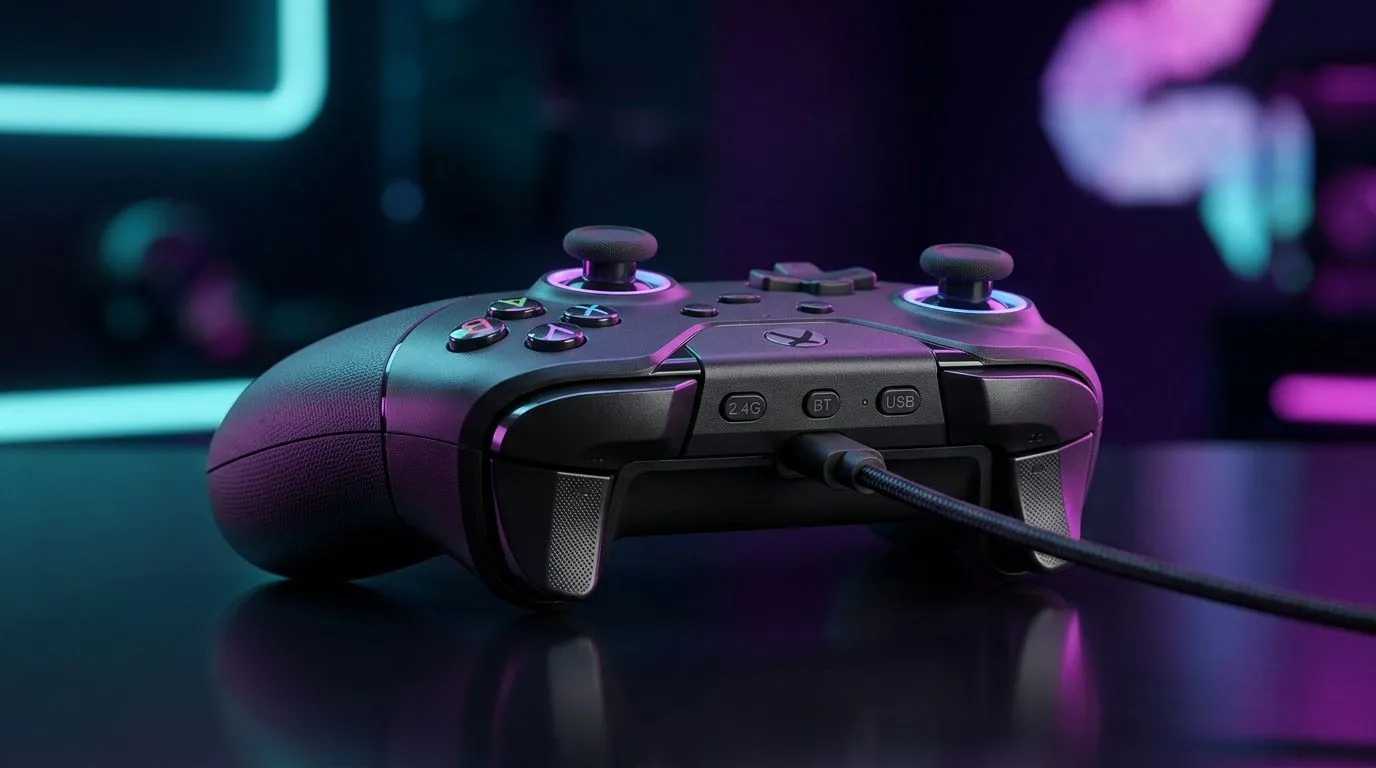
Switch Between 2.4 GHz Wireless, Bluetooth, and USB Without Fuss
South African gamers don’t have time for flaky connections. One minute you’re in a clutch CS2 round, the next your keyboard is lagging, pairing again, or eating a USB port you needed for something else. That’s where a keyboard with flexible connectivity earns its keep. If you want clean desk setups, solid response times, and easy device switching, this deep dive will help you choose wisely 🔧
Switch Between 2.4 GHz Wireless, Bluetooth, and USB: what each mode really does
A good multi-mode keyboard usually gives you three options for different situations. The 2.4 GHz wireless mode is the one most gamers prefer for low-latency play. Bluetooth is better for tablets, laptops, and work-on-the-go convenience. USB gives you a direct wired connection and no battery anxiety.
In plain English, each mode has a job:
2.4 GHz wireless
This is the sweet spot for gaming on most modern wireless keyboards. You get freedom from cable clutter, but with a dongle-based connection that tends to feel snappier than Bluetooth.
Bluetooth
Bluetooth is handy for switching between a laptop, tablet, and phone. It usually uses less power, but it is not the first choice for fast-paced competitive play.
USB wired
When you want the most predictable connection, USB still makes sense. It’s ideal if your battery is low, or you simply prefer zero interruptions.
If you are browsing options, start with the latest gaming keyboard deals to compare feature sets and pricing in rand.
Switch Between 2.4 GHz Wireless, Bluetooth, and USB for the right use case
The best setup depends on how you actually use your PC. A student in Pretoria might want Bluetooth for a tablet and laptop. A competitive player in Cape Town may want 2.4 GHz wireless for fast input and cleaner desk space. Someone building a simple work-and-play setup could stick with USB for reliability.
A practical rule of thumb:
- Use 2.4 GHz wireless for gaming and faster response
- Use Bluetooth for multi-device convenience
- Use USB for uninterrupted work or long sessions
If you are shopping on a tighter budget, have a look at the cheapest gaming keyboard options in South Africa. You can often find solid entry-level models without overpaying for extras you may never use.
Switch Between 2.4 GHz Wireless, Bluetooth, and USB with better buying decisions
Before you add a keyboard to cart, check three things. First, how many devices it can remember. Second, whether it supports easy hot-swapping between modes. Third, whether the battery life matches your routine.
Here’s the part many buyers miss: a keyboard can be wireless and still feel practical only if switching is simple. If you need to dive into menus every time, the convenience disappears quickly. That is why the switch button layout matters just as much as the wireless spec itself.
For a more complete setup, you can also compare a keyboard and mouse combo. Bundles are useful when you want a matched look and one-box convenience, especially for new builds or office upgrades.
Switch Between 2.4 GHz Wireless, Bluetooth, and USB in real South African setups
Let’s make it practical.
Imagine you work during the day on a laptop, then jump into gaming at night. Bluetooth lets you bounce between devices easily. Then, when it’s time to queue for a match, 2.4 GHz wireless takes over for a better gaming feel. If your battery is running low after an unexpected outage or a long session, USB saves the day. Simple.
That flexibility matters more in South Africa than many overseas reviews admit. We juggle power, space, and budget more carefully. A keyboard that does all three well can be a smart buy, not a luxury ✨
If you already know you want a cabled setup, check wired gaming keyboard listings for a no-nonsense option. If you want freedom from cables, browse wireless gaming keyboard listings instead.
Quick buying tip
Connectivity Pro Tip ⚡
Before you buy, confirm whether the keyboard can save profiles for each connection mode. That makes switching between PC, laptop, and tablet much smoother, especially if you share a desk or work from one setup all day.
Switch Between 2.4 GHz Wireless, Bluetooth, and USB with confidence
The best choice is not always the flashiest one. It is the one that fits how you type, play, and move between devices. If you value speed, lean toward 2.4 GHz. If you want flexibility, Bluetooth helps. If you want certainty, USB remains dependable.
For most South African buyers, the smartest move is to balance convenience with reliability. Compare features, check the price in ZAR, and choose the mode mix that matches your daily routine. That way, your keyboard works with your lifestyle instead of fighting it ⚡
Ready to Find Your Perfect Match?
The Mac vs Windows debate is complex, but for maximum power, choice, and value in South Africa, Windows is hard to beat. Explore our massive range of laptop specials and find the perfect machine to conquer your world.