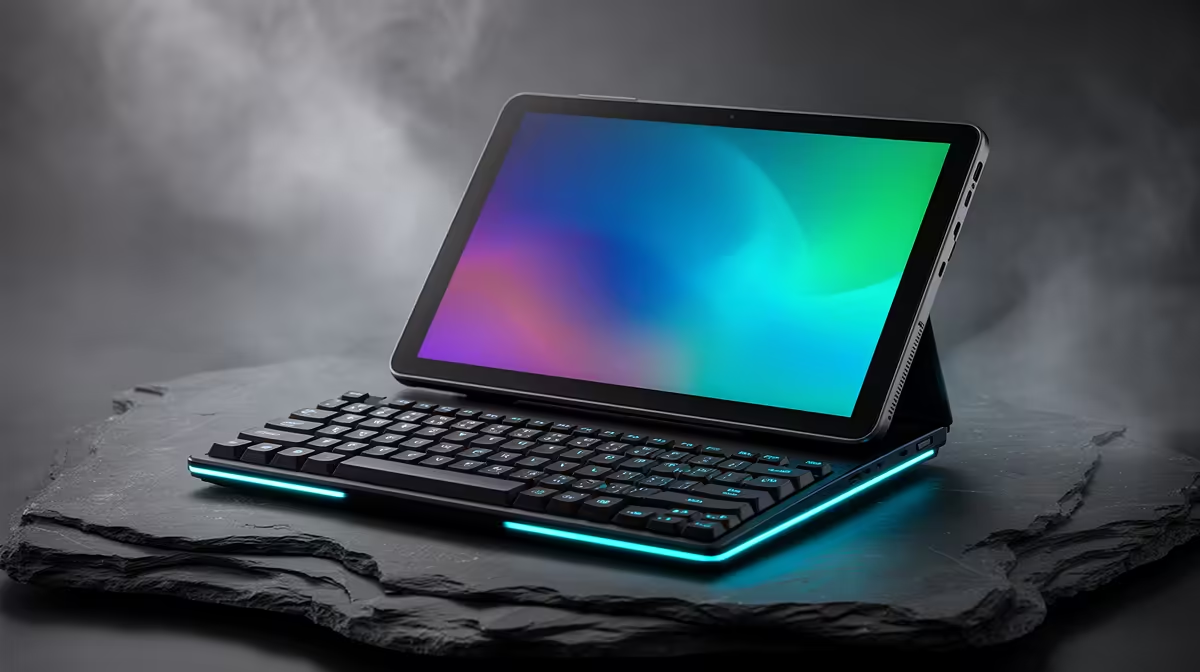
The Logitech MX Keys S at R1,759 suits draughting students and mobile CAD users who want a serious typing surface before spending on a tablet-first desk setup. A gaming keyboard is still worth considering because 2D drafting work often depends on fast command entry, shortcuts, layer naming, and clean number input, not only screen size.
Keyboard picks for 2D drafting control
Student Desk Reality For Drafting Work
The GAMDIAS Hermes P2A R130 is the budget option for someone testing a tablet-plus-keyboard workflow without overcommitting. Its listed R130 price keeps the desk accessory spend low, while the GAMDIAS Hermes P2A R130 name gives you a dedicated keyboard instead of relying on a cramped cover-style input setup.
The Logitech G413 SE R1,160 is the more sensible step-up if shortcuts are part of the daily routine. At R1,160, it sits well below the Logitech MX Keys S R1,759, so it can suit a home desk where the tablet is mainly a drawing screen and the keyboard handles repeated commands.
The Corsair K70 CORE R1,300 is the stronger middle pick when the desk setup needs to feel permanent. Its R1,300 price places it between the Logitech G413 SE R1,160 and Logitech MX Keys S R1,759, which makes it a practical option for learners who want a dedicated drafting keyboard without jumping straight to the highest listed price.
Ready to choose the right gaming keyboard?
Use GAMDIAS Hermes P2A at R130 as the gaming keyboard shortlist benchmark, then check whether its listed spec matches the space, workload, and upgrade path.