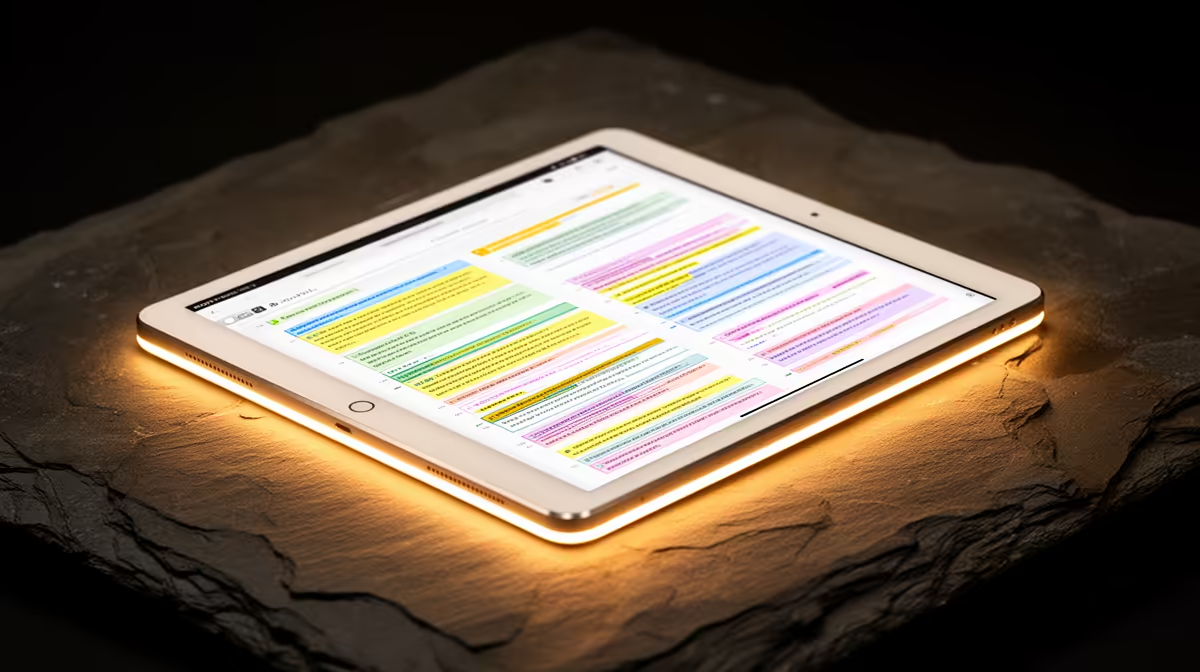
A tablet is the right choice for a first-year student when lectures, reading, annotation and light assignments dominate, but it may not replace a laptop. Course software, long-form typing, coding and file management can expose mobile limitations quickly. The decision should follow the faculty requirements rather than campus aesthetics.
Audit one semester of tasks
List every required application, assessment format, video-call tool and file type. Check whether exams use desktop-only software and whether the university platform works fully on the tablet browser. Add the cost and weight of a keyboard, stylus, case and charger before comparing it with a laptop.
The supplied factpacks verify no tablet model or price. Check current listings for operating system, memory, storage, screen size, stylus support, keyboard compatibility, update policy, ports and warranty. Confirm whether accessories are included and whether files can move easily to university computers. A large screen helps reading but can reduce portability.
Use strong account protection and keep notes synchronised to a recoverable location. Try writing a full assignment and submitting it through the course platform before relying on a tablet alone. Buy when that test covers the actual module needs and mobility benefit is clear. If one compulsory application requires Windows or macOS, choose a compatible laptop first and treat the tablet as an optional reading companion.
Choosing a first-year device? > Check Evetech for current tablets and laptops after confirming every faculty application.