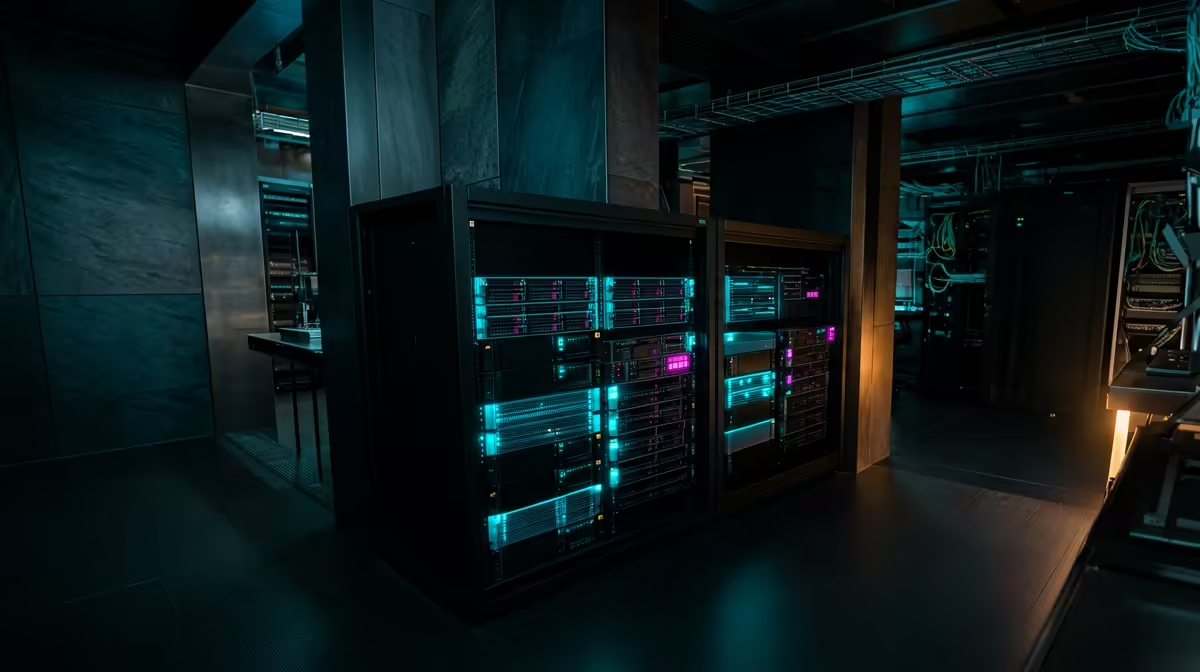
Every photo you back up to a big cloud service, every password in a hosted vault, every site your phone resolves through someone else's DNS leaves a trail on hardware you do not control. A privacy-conscious home lab flips that arrangement: you run the services yourself, on a small machine in your own home, and your data stops being someone else's product. For South African users there is a second win, because files kept on a box in your lounge are not routed through and stored on overseas infrastructure.
Quick Answer
A privacy-focused home lab runs three core services on hardware you own: Immich for photo and video backup, Vaultwarden for passwords, and Pi-hole for network-wide DNS filtering. A small low-power mini PC with around 16GB of RAM and a couple of drives handles all three comfortably. Access it from outside the house over a private VPN tunnel rather than opening it to the public internet.
Why self-host instead of using the cloud
The pitch for self-hosting is control. When Immich holds your photos, the facial recognition, search and album sharing all run on your own machine, so the images are never scanned or mined by a third party. When Vaultwarden holds your passwords, the vault lives on your hardware while still working with the standard Bitwarden apps on your phone and browser. When Pi-hole handles DNS, every device on your network gets ad and tracker filtering, and your browsing lookups stop flowing to an outside resolver.
There is also a practical, local angle. Keeping your data on a machine at home means it is not sitting on servers on another continent, which matters for both latency and for knowing exactly where your personal files physically live.
The hardware that runs it
You do not need a server rack. The privacy stack is light, and the right machine is a quiet, low-power box that can sit on a shelf and run continuously.
A mini PC is the sweet spot
A modern mini PC fits this role precisely. It draws little power, runs silently, and has the CPU and RAM headroom to run several services side by side. Around 16GB of RAM gives comfortable room for the core stack with space to grow, and a model with fast USB or an extra drive bay lets you expand storage as your photo library swells. The mini PCs at Evetech cover exactly this class of always-on machine.
Storage planning
Vaultwarden and Pi-hole barely touch your disk; Vaultwarden famously runs in well under 100MB of memory and a tiny footprint. Immich is the one that grows, because it stores your entire photo and video history. Plan for a drive sized to your library with room to expand, and treat a separate backup copy of that data as non-negotiable, since a single drive failure should never lose family photos.
Building the stack, layer by layer
1. Set up the base machine
Install a stable Linux distribution on the mini PC and get it onto your network with a fixed local address. A container runtime such as Docker is the standard way to run these services cleanly, keeping each app and its data tidy and easy to back up.
2. Add Pi-hole first
Pi-hole is the quickest win and the foundation of the privacy layer. Point your router's DNS at the Pi-hole, and every phone, laptop and TV on the network gets ad and tracker filtering automatically. It also lets you create private local hostnames, which the other services will use.
3. Add Vaultwarden
Vaultwarden is the lightweight, fully compatible server behind the Bitwarden apps. Give it a proper local hostname and encrypted connection so it is secure, then connect your existing Bitwarden browser extensions and phone apps to it. Your passwords now sync through your own machine.
4. Add Immich
Immich is the heaviest service and the most rewarding. Install it, point the mobile app at your server, and it backs up your camera roll automatically, with search, map view, shared albums and face grouping all running locally. This is the piece that replaces a big-name photo cloud entirely.
Reaching it safely from outside
The single most important security rule is to not expose these services directly to the public internet. Instead, run a private VPN tunnel, such as WireGuard, so your phone connects back into your home network securely when you are out. A common, tidy approach keeps the VPN always active on your devices and only routes traffic bound for your home network through the tunnel, leaving normal browsing untouched. Done this way, your services stay invisible to the outside world while remaining available to you anywhere.
If you want a practical benchmark for hardware quality and value at each price point, browsing the popular PCs at Evetech shows you what consistently proves reliable for always-on use.
Frequently Asked Questions
What hardware do I need to start a privacy home lab?
A quiet, low-power mini PC with around 16GB of RAM and enough storage for your photo library is plenty for the core stack. The services are light apart from Immich, which grows with your photo and video collection.
Is it safe to access my home lab from outside?
Yes, if you do it through a private VPN tunnel such as WireGuard rather than opening ports to the public internet. The VPN lets your devices reach the services securely while keeping them hidden from everyone else.
Can one machine run Immich, Vaultwarden and Pi-hole together?
Easily. Pi-hole and Vaultwarden use very few resources, with Vaultwarden running in under 100MB of RAM, so a capable mini PC handles all three at once with room to add more services later.
Do I still need backups if I am self-hosting?
Absolutely. Self-hosting gives you control, not immunity from drive failure. Keep at least one separate backup of your Immich data and Vaultwarden vault so a single dead drive never costs you your photos or passwords.
Why does keeping data local matter in South Africa?
Files on a machine in your home are not routed to and stored on overseas servers, which means lower latency to your own data and certainty about where your personal information physically sits.