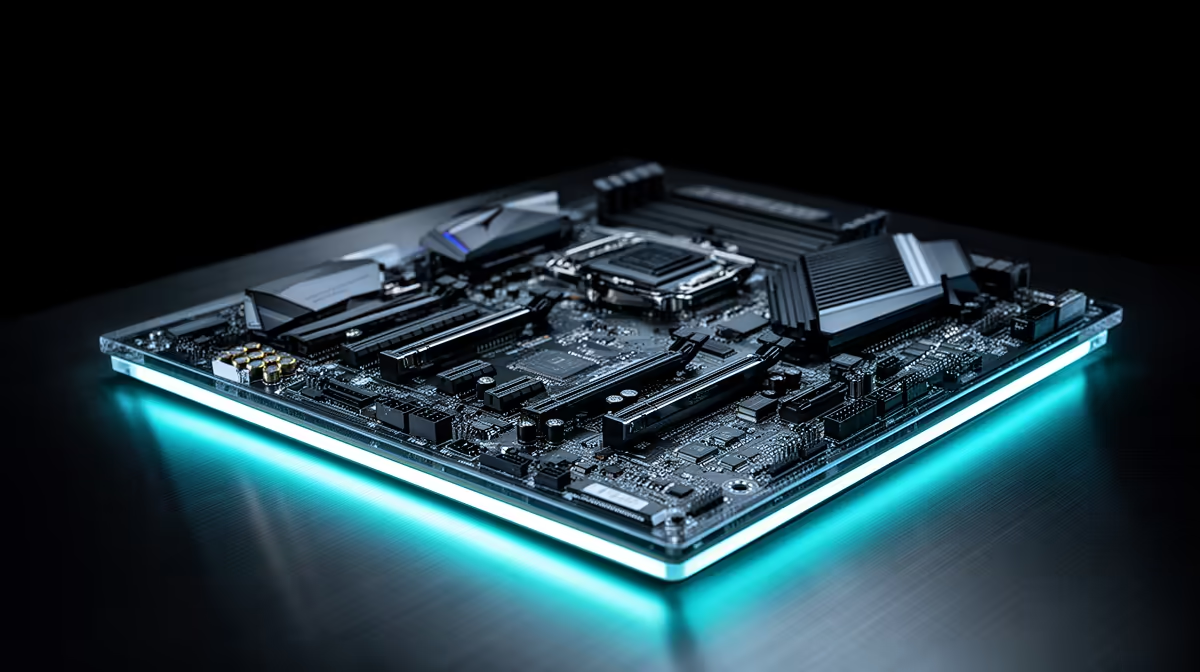
Motherboard shopping gets confusing fast once you notice that ATX, Micro-ATX and Mini-ITX boards all claim to fit "standard" mid-tower cases, yet they are physically different sizes with different mounting holes. Buyers often assume any case fits any board, then discover missing standoffs or unused screw holes after the parts arrive. This guide breaks down what actually changes between the three formats and how an atx mid-tower case handles all of them without extra hardware.
Quick Answer
ATX, Micro-ATX and Mini-ITX motherboards differ mainly in physical size and expansion slot count, not core features, and a case built to accept all three saves buyers from guessing before they order parts. This chassis costs R1,499 and mounts all three formats on one set of standoffs, so the motherboard choice does not force a different case purchase.
📐 What actually separates the three formats
Physical dimensions
ATX is the full-size standard at roughly 305mm by 244mm, Micro-ATX trims that down to about 244mm square, and Mini-ITX shrinks further to a compact 170mm square board. Every smaller format keeps the same mounting hole pattern as the size above it, just with fewer holes populated, which is what allows one case to support all three without swapping frames.
Expansion slot count
ATX boards typically offer up to seven expansion slots for graphics cards and other add-in cards, Micro-ATX usually drops to four, and Mini-ITX is limited to a single slot, almost always used for the graphics card. Fewer slots is rarely a problem for a gaming build, since most systems only ever populate the top slot anyway.
Memory and connectivity
Smaller boards are not automatically worse for memory support, and many Mini-ITX boards still offer two DIMM slots and full-speed storage connectors, though ATX and Micro-ATX boards generally have more room for additional M.2 slots and fan headers simply because there is more physical space to place them.
Airflow implications of board size
A smaller board leaves more open space around it inside the same chassis, which can actually improve airflow around the graphics card and front intake fans, while a full ATX board fills more of the frame and relies more heavily on the case's own fan placement to keep air moving past its components.
🔩 How one case mounts three formats
The standoff layout
A case designed for multi-format support ships with a standoff pattern that covers the mounting holes for all three sizes at once, so fitting a smaller board simply means using a subset of the available positions rather than relocating brass standoffs by hand.
Why this matters for future upgrades
Building around a case that already supports ATX means a future upgrade from a Mini-ITX or Micro-ATX board does not require a new chassis, since the mounting points for the larger format are already present even if unused on day one.
Assuming rear I/O always lines up
Even within the same format, motherboard rear I/O shields differ slightly between brands, so a case's rear cutout is usually sized generously to fit most standard shields, though it is still worth checking an unusual board's I/O layout against the cutout before finalising a purchase.
Ignoring case depth alongside a long graphics card
A full ATX board paired with a 330mm graphics card leaves less spare room at the front of the case than a Mini-ITX build would, so anyone combining a full-size board with a long card should plan cable routing and any radiator installation together rather than as separate afterthoughts.
🖥️ Matching the format to the build
When ATX makes sense
Builders planning several expansion cards, extra fan headers, or maximum M.2 storage generally get more out of a full ATX board, and this case has the internal room to support one comfortably alongside a 330mm graphics card.
When a smaller board is the better call
Compact builds, or systems where only the graphics card slot will ever be used, do not lose meaningful functionality by going Micro-ATX or Mini-ITX, and choosing one still leaves the option of upgrading the case's other features, including its 360mm front radiator support, unaffected.
🛠️ Practical build order regardless of format
Whichever motherboard size is chosen, mounting the board before the PSU or drive cages usually makes access to the standoff screws easier, and confirming the exact model listed on the Pulse P100 white edition against your motherboard's format before ordering avoids any last-minute surprises. Anyone weighing up a different case size for a particular board can also look through EINAREX's full case lineup, and builders wanting extra airflow once the board and cooler are fitted can check our case fan range.
Frequently Asked Questions
Can I put a Mini-ITX board in an ATX case?
Yes, since the smaller mounting hole pattern is a subset of the larger one, an ATX-capable case will always fit Micro-ATX and Mini-ITX boards as well.
Does a smaller motherboard mean worse performance?
No, core performance comes from the CPU, memory and graphics card rather than board size; smaller formats mainly reduce expansion slots and some connector options.
Do I need different screws for a Micro-ATX board?
No, the same standoffs and screws used for ATX apply to the smaller formats, since only a subset of the mounting points is used.
Is Mini-ITX harder to build in?
It can be slightly more fiddly due to less working space around the board, though a case with generous internal clearance, like 330mm of GPU room here, makes it more manageable.
Will this case fit a full ATX board with a 360mm radiator installed?
Yes, both are supported at the same time, since the motherboard tray and the front radiator bay occupy separate areas of the chassis.
Why do some cases only support Micro-ATX and smaller?
Smaller cases are built with a shorter or narrower frame to save space, which means they simply do not have room for the extra mounting holes ATX requires.
Does board format affect how many drives I can install?
Not directly through the motherboard itself, though smaller cases built around Mini-ITX boards sometimes include fewer drive bays, so it is worth checking the case's storage mounts rather than the board's format alone.
Can I switch from a Micro-ATX board to full ATX later without changing the case?
Yes, provided the case already supports ATX, which this chassis does, so a future upgrade to a larger board only involves the motherboard swap itself and populating the additional standoff positions already present.
Ready to master motherboard compatibility once and for all?
Go grab this Pulse P100 chassis through Evetech's build section at R1,499, current price. It's compatible with ATX, Micro-ATX and Mini-ITX boards.