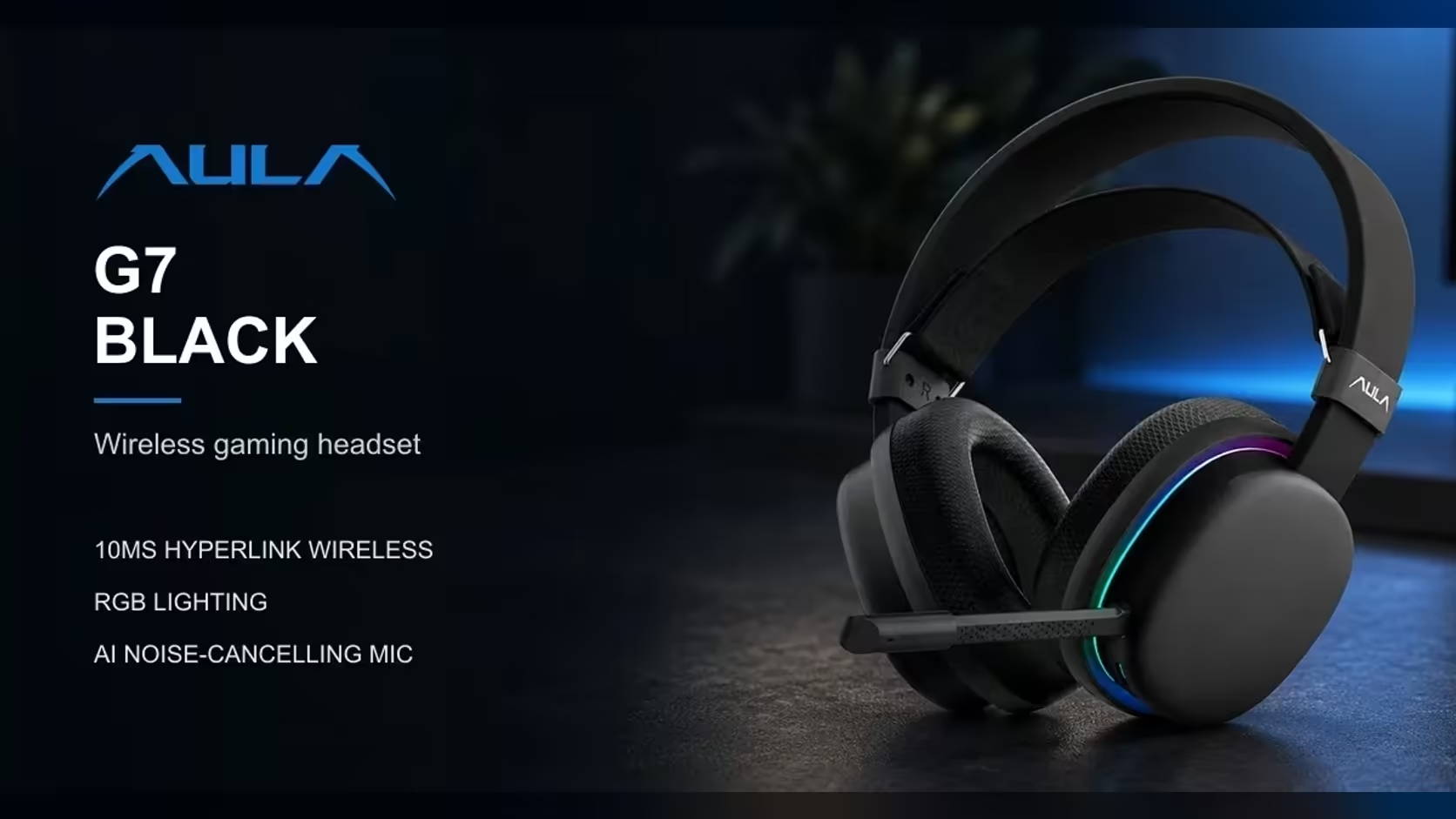
"Wired is always faster" is one of those rules that is technically true and practically overrated. The AULA G7 gives you both options in one headset: a 2.4GHz wireless link AULA calls HyperLink, rated at 10ms, and a wired mode for a fixed desk. The interesting question is not which one wins on paper but whether the gap is big enough to change how a match feels. This piece looks at what 10ms wireless latency really means, where the rest of the delay in your setup comes from, and when each connection makes more sense.
Quick Answer
For most play on the AULA G7, which Evetech sells for R299, the difference is tiny. AULA quotes 10ms wireless latency for the G7's HyperLink technology, which is one hundredth of a second and shorter than a single frame on a 60Hz display. A cable takes the radio link out of the chain, so it suits a desk you never leave, while wireless frees you from the lead. AULA gives no latency figure for the wired mode or for Bluetooth.
⏱️ How long is 10ms, really?
Numbers in milliseconds are hard to feel, so compare them with things you already know:
- One frame at 60Hz lasts about 16.7ms. At 144Hz it is roughly 6.9ms.
- A human reaction to a sound is commonly measured in the hundreds of milliseconds, not tens.
- A blink takes far longer than either.
Set against those, 10ms is small. It sits under a single 60Hz frame and a little over one frame at 144Hz. The concern with audio latency is not reaction time but sync: whether a sound lines up with its picture closely enough that your brain treats them as the same event. At 10ms, for most people, it does.
📡 What HyperLink does
HyperLink is AULA's name for the G7's 2.4GHz wireless link. A dedicated 2.4GHz connection has an advantage over Bluetooth for games. It talks to one device, it does not have to support a broad range of phones and codecs, and it can be tuned for low delay rather than broad compatibility.
AULA's quoted figure for this link is 10ms. That is the number to use when comparing the G7's wireless performance with other headsets, as long as you compare like with like: another maker's 2.4GHz figure, not a Bluetooth one.
Keeping a 2.4GHz link clean
Wireless latency figures assume a clean link. In a real room, a few general habits keep any 2.4GHz connection that way:
- Keep a clear line between the PC end of the link and where you sit, rather than routing it through a desk or cabinet.
- Avoid a pile of other 2.4GHz gear, such as a busy router or a stack of wireless devices, right beside the PC.
- Avoid putting the PC inside a closed metal cabinet or behind a steel desk panel.
None of these are AULA-specific rules. They are how 2.4GHz radio links behave in general.
🔌 What the cable changes
The G7 also runs wired. A cable removes the radio step entirely: nothing transmitted through the air, no chance of interference from a neighbour's router. AULA does not publish a latency figure for the wired mode, so it would be wrong to put a number on it. What can be said is that the wireless leg is simply absent, which is one fewer thing in the chain.
That makes wired mode the natural fit for:
- A desk you sit at for every session and never leave mid-match.
- Anyone who wants the fewest possible variables, for example when testing settings.
- A room crowded with 2.4GHz devices where you would rather not think about interference.
Wireless makes more sense when you move around: reaching for a drink, standing up during a queue, or gaming from the couch on a laptop across the room.
🧩 Where the rest of the delay lives
Headset latency is only one link in a longer chain. Between a gunshot happening in a game and the sound reaching your ears, the audio passes through several stages:
- The game engine decides the event happened and queues the sound.
- The operating system's audio stack mixes and buffers it before sending it out.
- The connection carries it to the headset, where the 10ms HyperLink figure applies on wireless.
- The headset turns the signal into sound through its drivers.
Some of those stages can add more delay than the wireless link does, especially if audio enhancements, virtual surround layers or large buffers are active in software. That is why chasing the last few milliseconds on the headset alone rarely changes much. If audio ever feels out of step, check your system sound settings and any extra processing before blaming the connection.
Where Bluetooth fits
The G7 is tri-mode: Bluetooth, 2.4GHz and wired. Bluetooth is there for phones, tablets and laptops. AULA gives no latency figure for it, and Bluetooth audio is generally slower than a dedicated 2.4GHz link because it is built for compatibility across a huge range of devices. For music, podcasts and video it is ideal, because players compensate for audio delay on playback. For competitive shooters, go back to HyperLink or the cable.
Pairing the link with the right sound
Whichever connection you use, the G7's FPS surround sound profile is the setting AULA tunes for placing footsteps and direction. For music and films, AULA's audio tuning software offers a custom EQ. The 360-degree omnidirectional mic, with AI noise cancelling, does the same job across connections.
The G7 on Evetech's books is the ordinary black edition rather than the Pro, and a 1 Year Local Warranty covers it in whichever mode you run it. You can compare it with wired and wireless alternatives in the gaming headset category, or browse Evetech's wireless headsets for other 2.4GHz designs.
Frequently Asked Questions
How much is 10ms in a match?
One hundredth of a second, which is shorter than one frame on a 60Hz screen and far below human reaction time to a sound.
What exactly is HyperLink?
AULA's name for the G7's 2.4GHz wireless link, rated at 10ms.
Is there a latency figure for wired mode?
No. AULA does not publish one, though a cable removes the wireless step altogether.
Which connection lets me move around?
HyperLink wireless, since there is no lead tying you to the desk.
Where does Bluetooth fit in?
It is for phones, tablets and laptops. AULA gives no figure for it, so keep shooters on HyperLink or the cable.
Can software settings add more delay than the headset?
Yes. Audio enhancements and large buffers in the operating system can add noticeable delay, so check those if sound ever feels out of step.
Who covers the G7 whichever mode I use?
Evetech, under its local warranty on the headset.
Wireless or wired for your next headset?
Weigh up the gaming headsets at Evetech and compare low-latency wireless models with wired designs for your desk.