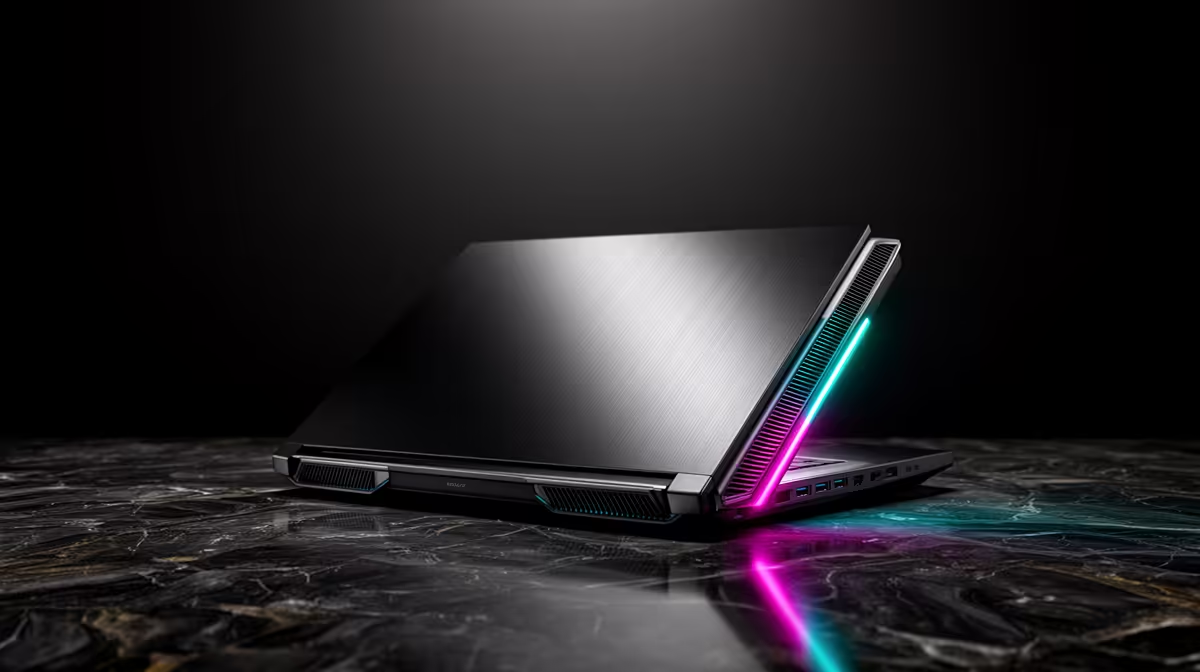
The quietest gaming laptop is rarely the thinnest or the fastest in a short benchmark. A roomy chassis, large fans, broad heatsinks and a sensible CPU/GPU power profile give heat somewhere to go without a high-pitched fan rush. Buy around sustained noise and frame rate together. Raw specifications cannot tell you how the machine will sound.
Quick Answer
Look for a 16-inch or 18-inch gaming laptop with a tested balanced mode, a cooling design that uses the available chassis space and a GPU power target it can hold. Compare noise in decibels, fan tone and frame-time stability after twenty minutes. A vapour chamber can help spread heat, but the finished laptop test matters more than the cooling label.
Why gaming laptops become loud
The CPU and GPU turn electrical power into heat. A desktop can spread that heat across a tall cooler, several case fans and a large graphics card. A laptop must move it through thin fins and short vents while the keyboard, battery and screen sit close by.
Small fans need more speed to move the same air, and fast fan blades often create a sharper tone. Dust, blocked intakes and warm room air add pressure. The laptop responds by increasing fan speed or reducing component power.
A quiet design therefore starts with heat density. A 175W GPU inside a thin chassis is a harder acoustic job than a tuned 115W part in a larger body, even when both carry the same GPU family name.
Cooling hardware that can help
Large fans can move useful air at a lower rotational speed. Broad fin stacks and several heat pipes provide more surface area. A vapour chamber spreads heat across a flat plate, which can help the fans share the load across CPU, GPU and voltage-regulation components.
None of these parts guarantees quiet operation. Vent shape can whistle. A fan curve can chase small temperature changes. Shared cooling may let a CPU burst push GPU temperatures up. Seek a review of the complete model, with the exact processor and graphics configuration.
Start with popular laptop configurations to see the chassis sizes and hardware pairings in current demand. Read the detailed thermal and mode information for the exact unit.
Power modes decide the character
Many gaming laptops offer silent, balanced and performance profiles. Silent mode can reduce fan noise by cutting CPU and GPU power, but it may also lower frame rate or allow a warmer surface. Performance mode raises limits and fan speed. Balanced mode is often the useful middle ground.
Do not assume a profile name means the same thing across brands. One balanced mode may hold the GPU close to full speed. Another may sacrifice a large portion of performance. Check matched benchmark results for every mode.
A manual fan curve can help if the software permits it, though the maker's safe temperature controls should remain active. An effective approach is to cap the game at a frame rate the laptop can hold. Rendering 160 fps for a 120Hz panel wastes power and adds heat when you cannot use the excess.
Read noise measurements with care
Decibels use a logarithmic scale, so a small numerical change can be audible. The measurement distance, room noise and microphone position matter. Compare figures from the same reviewer and test method rather than combining unrelated charts.
Tone matters beside volume. A low airflow sound can fade into the room, while a narrow whine draws attention at a lower reading. Listen to a recording through good headphones if the reviewer provides one, remembering that the recording chain changes the sound.
Check idle and light-work behaviour too. A gaming laptop that spins its fans up and down during a document can be more irritating than one that is a little louder during play. Reviews should mention whether the fans stop at idle and how often they pulse.
Performance per watt is your friend
Modern chips can deliver much of their maximum performance below their top power limit. Reducing CPU boost or setting a lower GPU power target may cut heat more than it cuts frame rate. Some systems expose these controls through maker software; others keep them fixed.
Undervolting can also reduce heat on hardware that supports it, but firmware restrictions and stability vary. Treat it as an optional tuning exercise, test each change and keep a route back to default. A buyer should never depend on an undocumented tweak to make a new laptop tolerable.
The gaming laptop deal page lets you compare configurations around your budget. Give extra weight to a stronger cooler and a useful balanced mode rather than paying for a processor tier that will spend its life power-limited.
The room and desk affect cooling
Use the laptop on a hard surface so the bottom intakes stay open. A stand can improve access to cool air and place the screen higher. It does not need bright fans or an aggressive angle. A stable platform with clear vents is enough for many designs.
Keep the rear exhaust away from a wall and avoid feeding hot exhaust into an external monitor or your hand. Clean accessible filters and vents according to the maker's instructions. If fan behaviour changes over time, dust is one possible cause.
Ambient temperature sets the starting point. A review recorded in a cool room may understate summer fan behaviour in South Africa. Look for the review's room temperature and leave extra cooling margin.
Do not forget surface temperature
A machine can stay quiet by allowing the chassis to become warm. Check keyboard, palm-rest and underside measurements. Heat around WASD or the centre keys can become distracting even when the processor remains within specification.
External keyboard use changes the trade. If the laptop lives on a stand, a warm keyboard is less important, while fan tone near the microphone still matters. Streamers should check whether the laptop microphone or external mic picks up the exhaust.
A practical shortlist method
Choose three laptops that meet your game target. For each one, record sustained performance-mode noise, balanced-mode noise, one-percent lows, surface temperature and weight. Remove any model whose quiet mode falls below your acceptable frame rate.
Then compare port placement, screen and upgrade access. Rear power and display ports can keep cables away from your mouse. User-accessible fans make future cleaning easier where the warranty terms permit maintenance.
The winner is the machine whose balanced profile you will use every day, not the one that tops a loud turbo chart by a few frames.
Frequently Asked Questions
Are larger gaming laptops always quieter?
No. Extra internal space helps, but fan tuning, cooler design and component power determine the finished result.
Does a vapour chamber make a laptop silent?
No. It can spread heat well, while the fans, vents, power profile and room still shape noise.
Can a frame cap reduce fan noise?
Yes. Capping the game at a stable rate can reduce unnecessary GPU work, heat and fan speed.
Compare gaming laptops by sustained balanced-mode noise, fan tone and one-percent lows, choosing the cooling profile you can live with every evening.