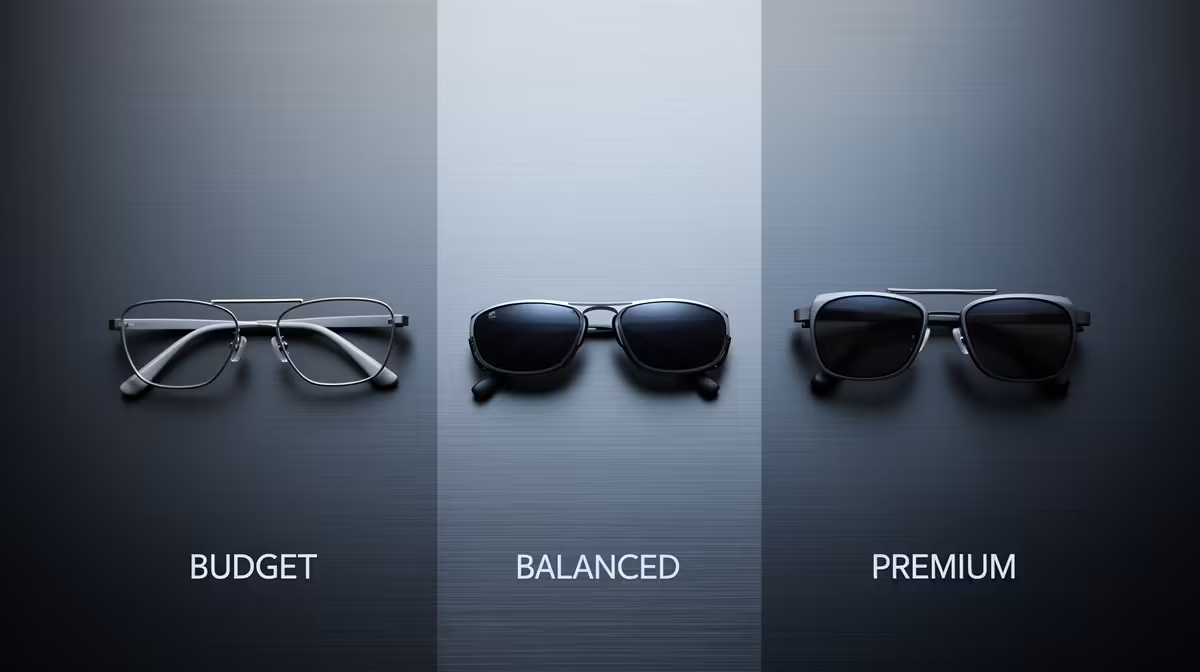
AR glasses suit a quiet PC build because a virtual big-screen display needs no extra fans or a bulky monitor, keeping the desk silent and minimal. The three tiers below match budget, balanced and premium spend to how much screen quality you actually need.
Quick Answer
For a quiet build, budget AR glasses around R3,500 to R5,000 give a 1080p virtual screen, balanced models at R6,000 to R9,000 add higher brightness and sharper Full HD per eye, and premium pairs above R10,000 push toward larger 120Hz virtual displays. All run silently off a USB-C feed, so none add fan noise to a minimalist setup.
Budget, balanced and premium tiers
Budget AR glasses (R3,500 to R5,000) project a 1080p virtual display good for productivity and casual gaming on a silent desk. Balanced models (R6,000 to R9,000) lift brightness and per-eye sharpness toward crisp Full HD, better for detail work and movies. Premium pairs (R10,000+) offer larger virtual screens and refresh up to 120Hz for smoother gaming. Because they draw from USB-C and use no fans, every tier keeps a quiet build truly silent.
Match the tier to your use
If you just want a private big screen for browsing and light gaming, the budget tier is enough; do not overpay. Choose balanced if you read fine text or watch a lot of media, where brightness and sharpness matter. Go premium only if you game seriously and want a 120Hz virtual panel. Check the glasses work over your laptop or handheld's USB-C DisplayPort output before buying, since not every port supports video out.
FAQ
How much do AR glasses cost in South Africa?
Budget AR glasses run R3,500 to R5,000, balanced models R6,000 to R9,000, and premium pairs above R10,000 at Evetech. Higher tiers add brightness, per-eye sharpness and up to 120Hz refresh.
Do AR glasses add noise to a quiet PC build?
No. AR glasses draw from a USB-C feed and use no fans, so they keep a silent build silent. They replace a bulky monitor without adding heat or whirr to the desk.
Which AR glasses tier should I buy?
Budget for browsing and light gaming, balanced for fine text and media, premium only for serious gaming at 120Hz. Confirm your device's USB-C port supports DisplayPort video output first.
any AR glasses, confirm your laptop or handheld's USB-C port supports DisplayPort Alt Mode video out; without it, the glasses will not show a picture no matter the tier.