Memory is the quiet upgrade that decides whether your system glides or grinds when the tabs and apps pile up.
Quick Answer
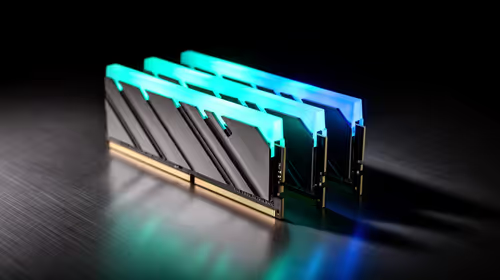
For most content creation work builds in South Africa, a matched 32GB DDR5-6000 kit hits the sweet spot, typically landing between R1,800 and R2,600 at Evetech. Buy the full kit at once so both sticks run in dual channel rather than mixing single modules later.
How much DDR5 you actually need for content creation work
Capacity is the first lever. 16GB still boots and games, but content creation work leaves almost no headroom once a browser, chat app and a background sync client are open. A 32GB kit (2x16GB) is the practical floor for this workload, and 64GB only earns its keep if you regularly hold huge timelines or many virtual machines in memory at once. Two matched sticks let the memory controller run in dual channel, which is worth far more real-world speed than chasing an extra few hundred MT/s on a single stick.
Speed, EXPO and what your board can actually run
DDR5-5600 and DDR5-6000 are the dependable everyday tiers on current AM5 and Intel boards. A kit rated at 6000 MT/s only reaches that speed once you switch on its EXPO or XMP profile in BIOS; left at JEDEC defaults it idles around 4800 MT/s. Before paying extra for a 6400 or 7200 kit, check your motherboard's memory QVL, because pushing very high speeds across four populated slots is where stability quietly disappears. For this build, a clean-booting 6000 kit beats a fast kit that needs constant BIOS babysitting.
Avoiding waste on a content creation work budget
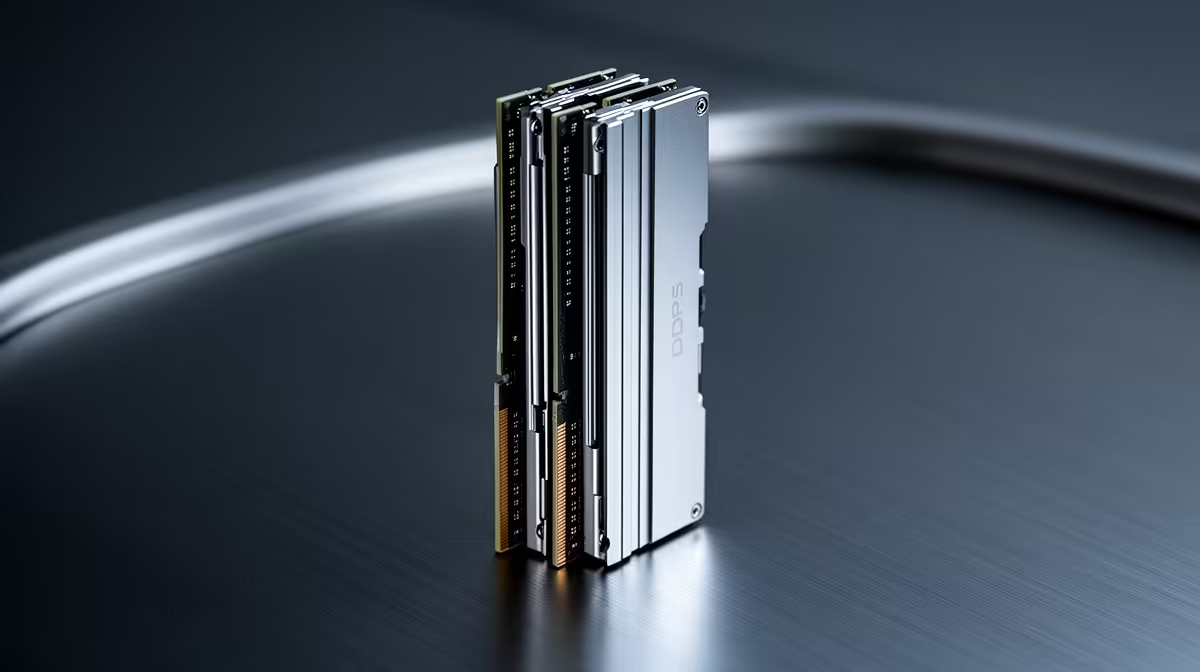
Tall RGB heat spreaders can foul large air coolers in compact cases, so measure DIMM clearance before you buy. If your board has four slots, a single 2x16GB kit keeps a clean upgrade path open; if you only run two slots, buy the capacity you intend to live with. Skip white-label modules with vague warranties and stick to kits carrying a clear local return path through Evetech, since DDR5 faults usually show up as random reboots rather than a dead stick.
FAQ
Is 32GB of DDR5 enough for content creation work?
Yes, 32GB is the comfortable default and covers content creation work with room for background apps. Move to 64GB only if you routinely max out memory in task manager during real work.
Do I have to enable EXPO to get the rated speed?
You do. A DDR5-6000 kit runs near 4800 MT/s until you switch on its EXPO or XMP profile in BIOS. It is a one-time toggle and the single biggest free performance gain you get from the kit.
Can I just add one stick later to save money?
It is risky. Mixing modules from different batches often breaks the rated profile and forces lower speeds. A matched 2-stick kit bought together is more stable and easier to support.
motherboard model, confirm it is DDR5 (not DDR4 - the slots are not interchangeable), then pick a matched 32GB DDR5-6000 kit and enable EXPO on first boot.