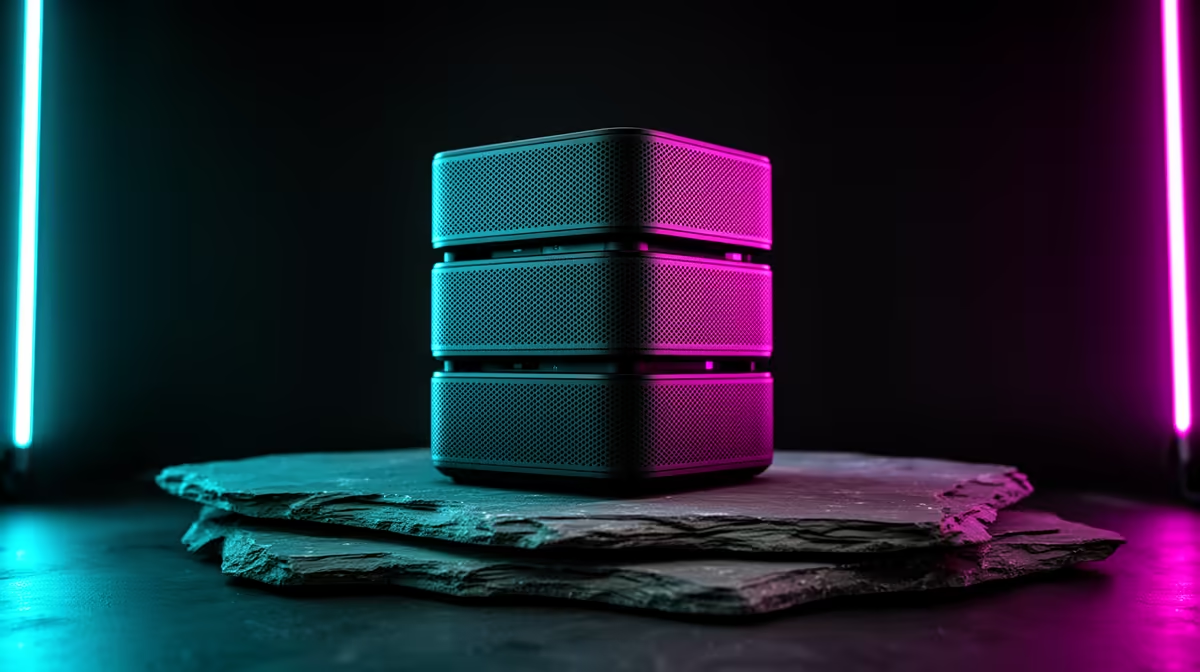
In a family gaming room, a mesh Wi-Fi kit matters because several devices stream and game at once, so coverage and capacity decide whether everyone stays online smoothly. The three tiers below scale nodes and band to your household.
Quick Answer
Budget mesh kits around R2,500 to R4,000 (Wi-Fi 6, 2 nodes) cover a small family home, balanced kits at R4,500 to R7,000 (Wi-Fi 6E, 2 to 3 nodes) add a clear 6GHz band for many devices, and premium Wi-Fi 7 kits above R8,000 handle a large busy household. For a family room with simultaneous users, capacity and node count matter most.
Budget, balanced and premium mesh tiers
Budget Wi-Fi 6 two-node kits (R2,500 to R4,000) cover a small family home where a few devices share the line. Balanced Wi-Fi 6E kits (R4,500 to R7,000, 2 to 3 nodes) add a 6GHz band that keeps gaming smooth while others stream, ideal for a busy family. Premium Wi-Fi 7 kits (R8,000+) deliver the capacity a large household with many simultaneous devices needs. For a family room, the number of devices, not just floor area, drives the choice.
Handle many devices at once
A family gaming room often has a gaming PC, a console, phones and a TV streaming together, so capacity matters. A mesh kit with a 6GHz band (Wi-Fi 6E or 7) gives congested 2.4 and 5GHz bands room to breathe. Put a node near the gaming spot with a wired Ethernet backhaul for the lowest latency, and pair with a fibre line. Matching node count to home size keeps every family device online without the evening slowdown a single router would suffer.
FAQ
What mesh kit suits a family gaming room?
Match it to device count and size: budget Wi-Fi 6 (R2,500 to R4,000) for a small home, balanced Wi-Fi 6E (R4,500 to R7,000) for many devices, premium Wi-Fi 7 (R8,000+) for a large busy household.
Why does a family need more Wi-Fi capacity?
A family room runs a PC, console, phones and a TV streaming at once. A 6GHz band on Wi-Fi 6E or 7 adds capacity so gaming stays smooth while others stream, avoiding the evening slowdown.
Where should I place mesh nodes in a family home?
Put a node near the gaming spot, ideally with a wired Ethernet backhaul, and spread the rest to cover dead zones. Good placement plus a fibre line keeps every device online smoothly.
busy family room, choose a Wi-Fi 6E or 7 kit so a 6GHz band adds capacity for many devices, and wire a node near the gaming spot; that keeps gaming smooth while others stream.