Quick Answer
For CapCut editing, use budget for the minimum that works, balanced for everyday value, and premium only when the extra spec is visible every session. Start around R900-R1,500 1TB budget NVMe, R1,800-R3,500 faster 2TB Gen4 and check 1TB minimum, 2TB for large libraries, PCIe Gen4, 3,000-7,000MB/s reads. Match the part to the screen, room, workload and next realistic upgrade, not only the headline spec.
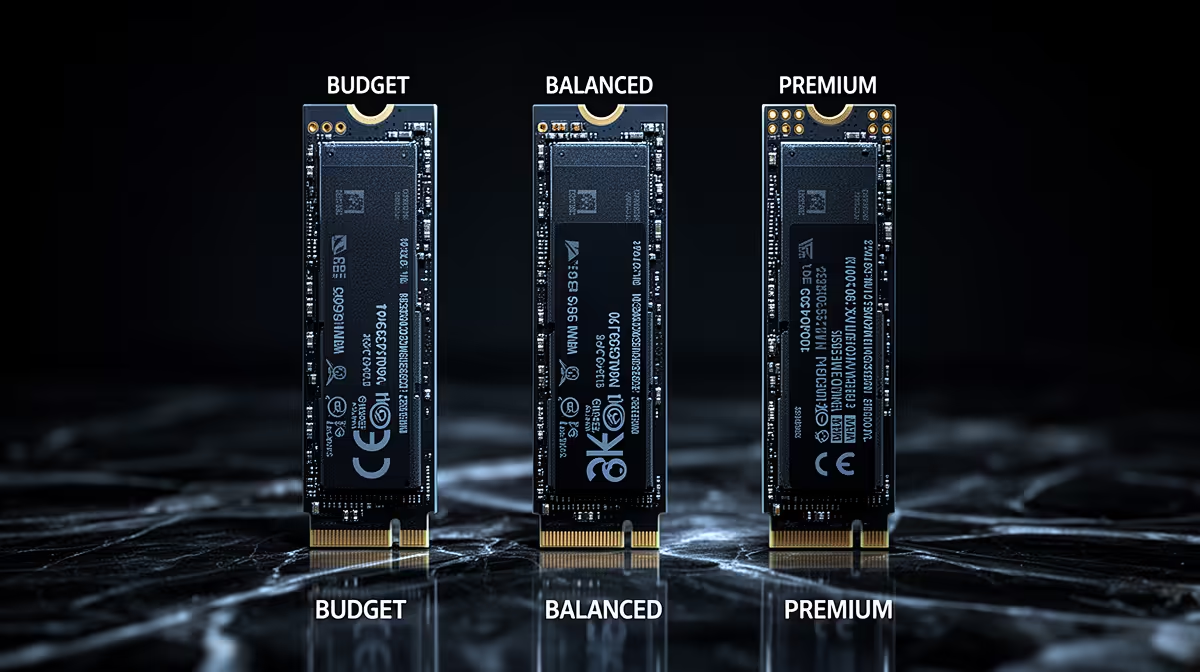
Budget Tier
Start with compatibility. For CapCut editing, the safe floor is 1TB minimum, 2TB for large libraries, PCIe Gen4, 3,000-7,000MB/s reads. Use WD Black SN770, Samsung 990 EVO, Crucial P3 Plus and Kingston KC3000-class drives as reference points; check stock before checkout.
Budget is valid only when it avoids a second urgent purchase. The common weak points are low TBW endurance, hot controllers, tiny cache, slow sustained writes and full-drive slowdowns, so the cheapest option is not always the best value.
Balanced Tier
This is where most SA buyers should shortlist first. It normally buys the clearest daily gain: faster loads than SATA or hard drives; stronger sustained writes for editing and labs. It also improves ports, cooling or power headroom.
Recording and editing punish weak sustained performance, so check heat, write speed and USB layout. If the current setup misses the target badly, fix that bottleneck first. If it is already close, choose reliability before chasing a number you will rarely notice.
Premium Tier
Premium spending makes sense when it improves a weekly pain point: noise, frame-time stability, export speed, headset smoothness, desk fit or recording reliability. If the premium feature is mostly cosmetic, keep the money for RAM, storage or cooling.
FAQ
What is the safest budget for CapCut editing?
Start near R900-R1,500 1TB budget NVMe, R1,800-R3,500 faster 2TB Gen4, then move up only when the cheaper option cuts the spec that affects daily use. A sensible buy should still cover 1TB minimum, 2TB for large libraries, PCIe Gen4, 3,000-7,000MB/s reads.
Which spec should I check first?
Check the part that limits the task: refresh rate for monitors, VRAM for graphics cards, socket and VRM quality for boards, sustained write speed for NVMe SSDs, and wattage for power parts. One strong number is not enough alone.
Is premium worth it for this use case?
Premium is worth it when it removes a clear weekly frustration. If the benefit is mostly cosmetic, the balanced tier is usually the better South African buy.