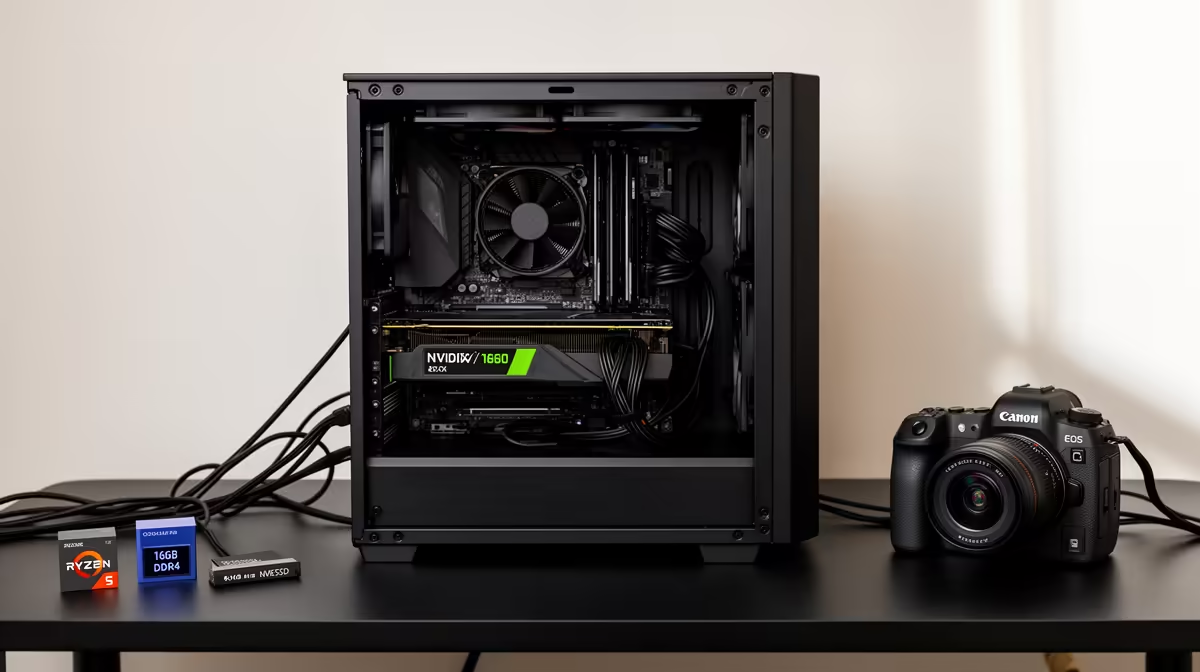
A three-tier PC case plan for Adobe Premiere Pro editing matches the case to your build's cooling and storage needs, from a compact budget box to an airflow-focused premium case. Editing rigs run hot under long exports, so airflow and drive bays matter more than looks.
Quick Answer
For Premiere editing, budget is a compact airflow case like a Montech Air or NR200-style box (around R900 to R1,400 at Evetech), balanced is a mid-tower with mesh front and multiple drive bays (around R1,500 to R2,500), premium is a high-airflow case with room for a 360mm radiator (around R2,500 to R4,500). Airflow beats aesthetics for editing.
The Three Tiers
Budget (R900 to R1,400): a compact mesh case fits a capable editing build and keeps it cool on a budget. Balanced (R1,500 to R2,500): a mid-tower with a mesh front, good cable management and three-plus drive bays suits an editor adding storage for footage. Premium (~R2,500 to R4,500): a high-airflow full case takes a 360mm AIO and many drives for a serious 4K editing workstation. All three should prioritise mesh airflow, since Premiere exports load CPU and GPU together.
Why Airflow Leads For Editing
A Premiere export pushes the CPU and GPU hard for minutes, generating sustained heat a sealed glass-front case traps. A mesh front pulls cool air across both, keeping clocks high and exports fast. Drive bays matter because video editors accumulate footage, so plan for multiple SSDs and a HDD. Cable management keeps airflow clean. Match the case to your cooler and GPU length, and favour a mesh front over a closed glass one for any editing build.
FAQ
What case matters most for a Premiere editing PC?
Airflow. Premiere exports load the CPU and GPU together for minutes, so a mesh-front case that keeps both cool maintains high clocks and fast exports, unlike a sealed glass-front case that traps heat.
How many drive bays does an editing case need?
Plan for at least three: an NVMe boot drive, a fast SSD scratch disk, and a larger drive for footage archive. Video editors accumulate storage fast, so a case with multiple bays saves a later upgrade.
Do I need a premium case for editing?
Not for 1080p and light 4K; a R900 to R1,400 mesh case is fine. A premium high-airflow case with room for a 360mm radiator only matters for a serious 4K multicam workstation.
case with a mesh front, not solid glass, for any editing build. The mesh keeps the CPU and GPU cool during long exports, which holds clocks high and finishes renders faster.