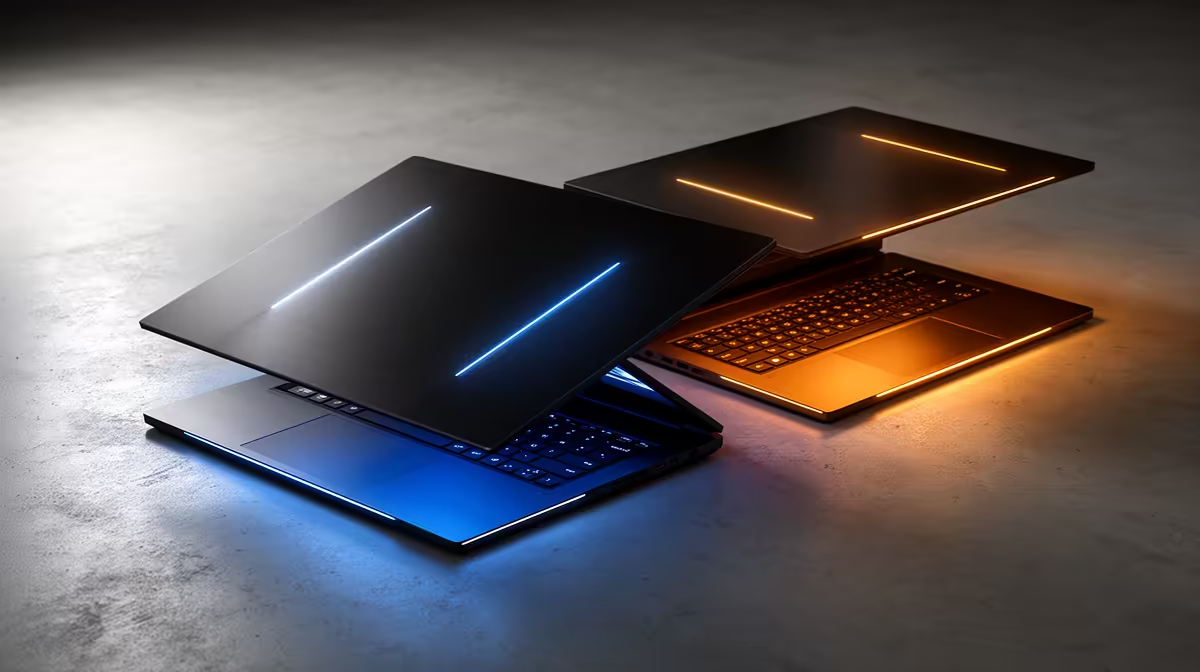
You’ve seen the hype. Thunderbolt 5 is here, promising mind-blowing speeds and single-cable simplicity. For South African gamers and creators, this isn't just a small upgrade; it’s a peek into the future of high-performance computing. But with new tech comes the big question: do you need a beastly high-end machine to benefit, or can a more budget-friendly option still deliver the goods? This Thunderbolt 5 laptops comparison will help you decide where to spend your Rands.
Understanding Thunderbolt 5: More Than Just Speed
Before we compare laptops, let's quickly break down what makes Thunderbolt 5 so special. Think of it as the ultimate all-in-one port. It uses a standard USB-C connector but packs a serious punch 🚀.
The key benefits are:
- Insane Bandwidth: It delivers 80Gbps of bandwidth in both directions simultaneously. Need even more for your high-refresh-rate gaming monitor? A feature called Bandwidth Boost can push up to 120Gbps in one direction.
- Multi-Monitor Dominance: It can drive multiple 8K displays or several 4K displays at 144Hz from a single port. This is perfect for streamers, video editors, and multitasking pros.
- Powerful Charging: It provides at least 140W of power, meaning you can charge even the most demanding laptops with the same cable you use for data and video.
Essentially, a Thunderbolt 5 port streamlines your setup, reduces cable clutter, and unlocks performance previously reserved for desktops.
The High-End Thunderbolt 5 Laptop: For Ultimate Performance
This is the top tier. A high-end Thunderbolt 5 laptop is built for professionals and enthusiasts who refuse to compromise. We're talking about 4K video editors, 3D artists, and competitive gamers who need to connect external GPUs, high-speed storage arrays, and multiple high-resolution monitors without a single bottleneck.
These machines pair the incredible bandwidth of Thunderbolt 5 with the best components available. You'll typically find them equipped with bleeding-edge processors. The raw power of top-tier Intel Core i9 laptops provides the necessary horsepower to handle massive data throughput. For those focused on AI-accelerated workflows and next-gen efficiency, the latest Core Ultra 9 powerhouses are the perfect match, ensuring the CPU never holds back the potential of your Thunderbolt 5 accessories.
If your workflow involves transferring terabytes of data or running a complex, multi-display command centre, the investment in a high-end model is absolutely justified.
Docking Station Pro Tip ⚡
When choosing a Thunderbolt 5 dock, match it to your workflow. If you're a gamer, prioritise one with a 2.5Gb Ethernet port for lag-free online play. For creators, look for multiple display outputs and a high-speed SD card reader. A quality dock unlocks the full potential of your single port.
The Budget Thunderbolt 5 Laptop: Smart, Future-Proof Power
Let's be clear: "budget" here doesn't mean weak. A more affordable Thunderbolt 5 laptop is about smart value and future-proofing your purchase. This category is perfect for students, aspiring creators, and mainstream gamers who want a clean, powerful setup without needing the absolute peak of performance.
You still get the core benefits: a single cable for charging, data, and a 4K monitor. Your external SSD will still feel incredibly snappy. The main difference in this Thunderbolt 5 laptops comparison lies in the internal hardware. These machines often feature brilliant all-rounders like the CPUs found in versatile Intel Core i7 laptops, which offer a fantastic balance of price and performance. Similarly, the new generation of efficient Core Ultra 7 models brings AI features and excellent battery life into the mix, making them fantastic daily drivers.
For these users, Thunderbolt 5 is less about pushing extreme limits and more about convenience, minimalism, and being ready for the next wave of accessories. ✨
The Verdict: Is a Thunderbolt 5 Laptop Worth It in SA?
So, should your next laptop have Thunderbolt 5? If you're buying a new performance machine in 2024 and beyond, the answer is a resounding yes. The real question is how much you should spend.
- Go High-End if: You're a creative professional, data scientist, or hardcore gamer whose productivity is directly tied to transfer speeds and display capabilities. The time you save is worth the cost.
- Go for a Value Model if: You want a clean, modern setup, appreciate fast external storage, and want to ensure your laptop remains compatible with cutting-edge accessories for years to come.
The technology is no longer just for the elite. As it becomes more standard, you'll find it in a wider range of machines. Keep an eye out for great deals on Intel laptops to find a machine that brings this next-gen connectivity into your budget.
Ready to Unleash Next-Gen Speed?
Whether you're a power user needing maximum bandwidth or just want to future-proof your next purchase, a Thunderbolt 5 laptop is a brilliant investment. Explore our massive range of laptop specials and find the perfect machine to conquer your world.