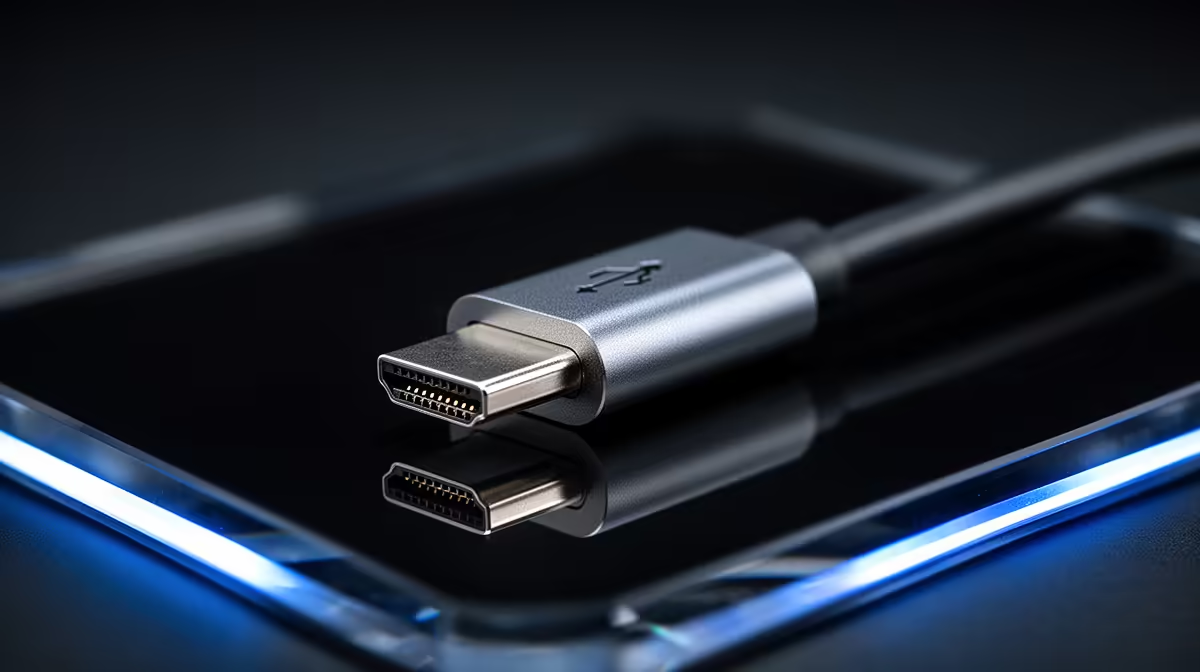
Tired of watching progress bars crawl when transferring massive game files or 4K video projects? We've all been there. That digital bottleneck is a vibe-killer. Enter Thunderbolt 5, the next leap in connectivity that promises to make those waits a thing of the past. It’s not just a minor update; it's a fundamental redesign of how data moves, and understanding the Thunderbolt 5 performance is key to future-proofing your next high-end rig.
What's the Big Deal with Thunderbolt 5?
At its core, Thunderbolt 5 is the next generation of the universal connectivity standard developed by Intel. It uses the familiar USB-C connector but massively cranks up the speed. While Thunderbolt 4 was impressive at 40 Gigabits per second (Gbps), Thunderbolt 5 doubles that to a staggering 80 Gbps of bi-directional bandwidth. That means 80 Gbps for data going out and 80 Gbps for data coming in… simultaneously. This raw power is already finding its way into the ecosystem of incredible Intel laptops on special, setting a new benchmark for what a single port can do.
The Science Behind its Superior Speed ⚡
So, how did Intel's engineers manage to double the performance without changing the cable? The magic lies in a sophisticated new signalling technology. The incredible Thunderbolt 5 performance isn't just about making things wider; it's about making the data itself smarter.
PAM-3 Signalling: The Secret Sauce
Previous generations of Thunderbolt used a simple binary signal called NRZ (Non-Return-to-Zero). Think of it like a light switch: it's either on (1) or off (0).
Thunderbolt 5 introduces PAM-3 (Pulse Amplitude Modulation with 3 levels). Instead of just on or off, PAM-3 uses three distinct signal levels (-1, 0, +1). It’s like swapping your light switch for a dimmer with three settings. This clever method allows Thunderbolt 5 to transmit 1.5 times more data bits per cycle than its predecessor, unlocking a huge performance boost over the same physical wires. This is the core science that enables such a dramatic increase in speed.
Bandwidth Boost for Ultimate Visuals 🚀
For gamers and video editors, display bandwidth is everything. Thunderbolt 5 has another trick up its sleeve: Bandwidth Boost. For high-resolution, high-refresh-rate monitors, the connection can dynamically shift its resources, delivering up to 120 Gbps to your display. This ensures that even the most demanding multi-monitor setups or future 8K gaming displays run flawlessly, a perfect match for the power found in high-end Intel Core i9 laptops.
Real-World Thunderbolt 5 Performance for South Africans
Okay, the numbers are big, but what does this mean for your daily grind in Mzansi?
- For Gamers: Imagine loading your entire game library onto an external NVMe SSD. With Thunderbolt 5, you'll get internal-drive-level speeds, meaning near-instant load times without sacrificing storage on your main drive. It also means single-cable docking for a super clean desk setup.
- For Content Creators: Transferring a 100GB 4K video project could take seconds, not long, agonising minutes. This superior speed transforms your workflow, whether you're editing on one of the many powerful Intel Core i7 laptops or collaborating with a team.
Cable Pro Tip 🔧
Not all USB-C cables are created equal! To guarantee you get the full speed and power of Thunderbolt 5, you must use a certified passive cable up to 1 metre or an active cable for longer distances. Using a standard USB-C charging cable will severely bottleneck your performance. Always check for the Thunderbolt lightning bolt symbol!
Is Your Next PC Ready for the Future?
Thunderbolt 5 is the new standard for high-performance connectivity. We expect to see it featured prominently in the next wave of premium devices, including the latest Intel Core Ultra 9 laptops that are built for intense workloads.
The good news is that it's fully backward compatible with Thunderbolt 4, USB4, and older USB standards, so your current gear won't become obsolete. However, to unlock its full potential, both your computer and your peripheral (like a dock or external drive) will need to support the new specification. This makes it a crucial feature to look for in next-generation hardware, from top-tier machines down to the impressively capable Intel Core Ultra 7 laptops.
Ultimately, understanding the science behind Thunderbolt 5's speed shows it's more than just a number—it’s a gateway to more efficient, powerful, and streamlined computing. It's a key feature to watch out for when browsing for the best Intel laptop deals to secure a truly future-proof machine. ✨