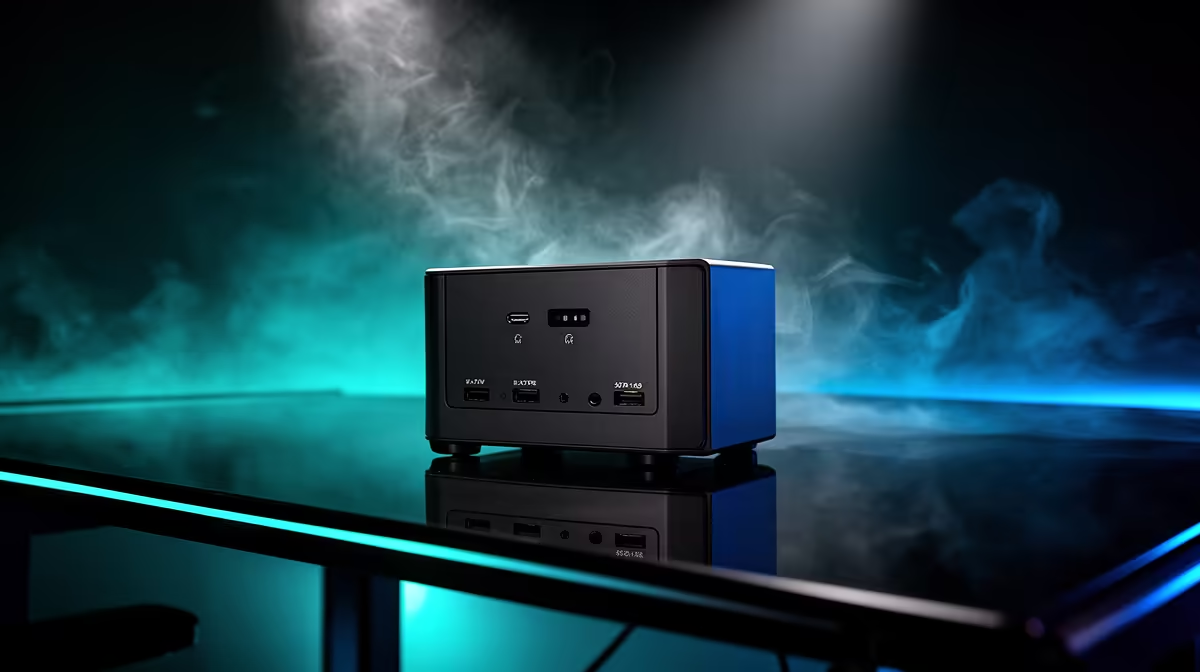
The CUDY AC1200 4G LTE at R1,396 suits a creator who wants a router setup that can keep a content desk connected through a compact backup-power plan. For short-form uploads, live replies, and scheduled posting, start with the network device you need to protect, then choose a UPS that can run that device cleanly instead of overbuying for a whole workstation.
Match the router to the backup plan
The CUDY AC1200 4G LTE at R1,396 is the stronger pick when the creator desk needs a router with 4G LTE support. That matters because mobile data fallback can be part of the continuity plan, while the UPS keeps the unit powered during a brief interruption.
The CUDY N300 Travel at R450 makes sense for a lighter setup where the priority is a small N300 travel unit rather than a bigger fixed desk arrangement. It is easier to place near a fibre termination point, camera shelf, or editing corner, so the UPS cable run stays simple.
The ASUS PCE-AX1800 adapter at R147 is not the router, but it can help the creator PC connect on AX1800 WiFi when the network gear is placed where the signal is cleaner. Use it when the desk location is good for filming but not ideal for running another cable.
Creator desk backup check
For a South African creator desk, choose the UPS around the actual device that must stay online first. A CUDY AC1200 4G LTE at R1,396 is the sensible anchor if uploads, drafts, and account management depend on a steady connection at the desk.
Ready to choose the right router?
Use CUDY AC1200 4G LTE at R1,396 as the creator desk benchmark, then check whether its listed spec matches the space, workload, and upgrade path.