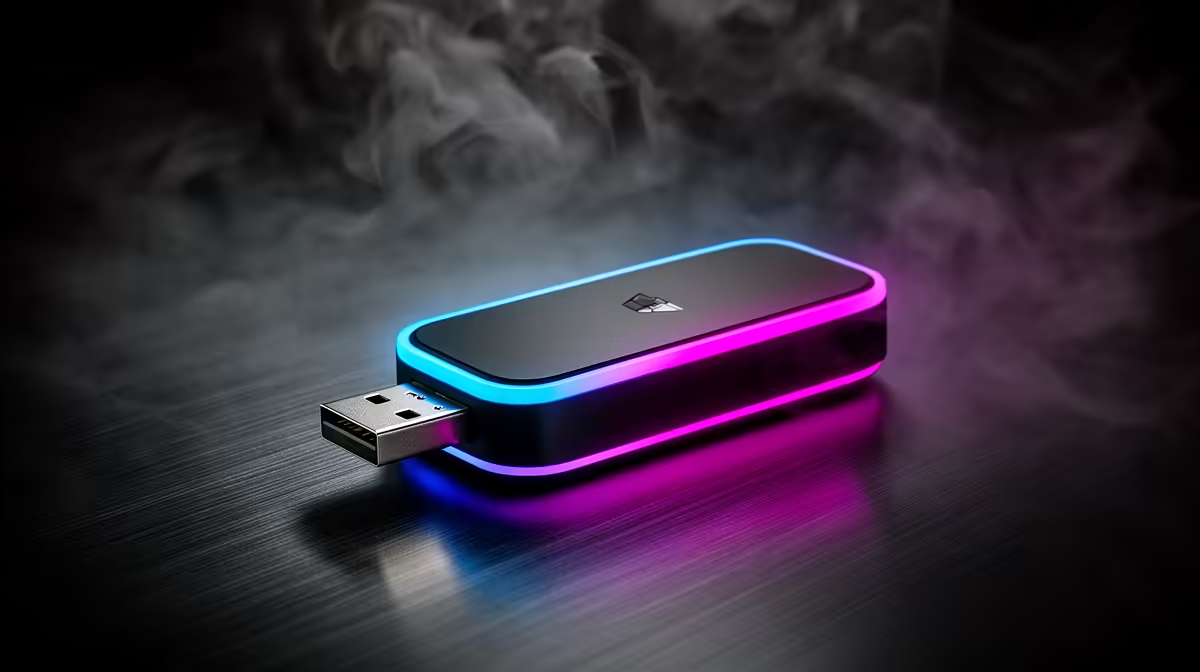
A TikTok creator should choose a USB Wi-Fi adapter by testing upload stability from the editing desk, not by chasing the largest headline speed. Evetech factpacks contain no verified USB adapter SKU and price. Antenna placement, driver support and the router link determine whether short-video uploads complete cleanly.
Inspect the creator connection
Check the computer operating system, available USB interface and router bands. Compare current adapters by Wi-Fi generation, antenna design, supported bands, driver updates, heat and warranty. A tiny dongle hidden behind a metal tower may receive poorly; a model on a short cradle can be positioned above the desk.
Run an upload beside the router, then repeat from the editing location. If the second result collapses, improve local placement or coverage. If both tests struggle, investigate the upstream service. The adapter cannot create internet capacity that the router never receives.
The verified R147 ASUS PCE-AX1800 is an internal WiFi 6 PCIe option for a desktop rather than a USB adapter. It requires a compatible slot and installation. The CUDY WR3600E Wi-Fi 7 router carries a verified R766 price for a router comparison after band, port and device-support checks.
Upload a complete draft
Send a representative video at normal publishing time while another household device uses the connection. Watch transfer stability, heat and reconnect behaviour. Keep the original clip and caption file backed up before publishing. Secure the creator account with multi-factor authentication.
Choose the USB model that passes the desk test and has maintained drivers for the computer.
Improving a creator upload link? > Ask Evetech to compare USB, PCIe and router options for the workspace.