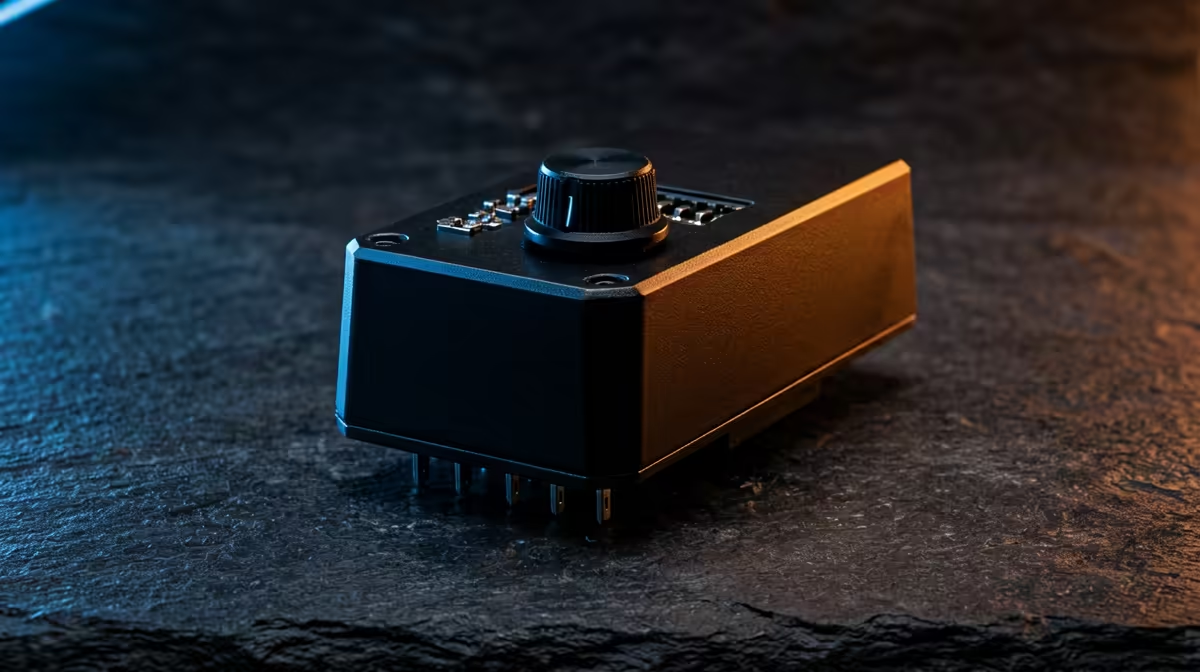
A TPM 2.0 check is not a product to buy for emulation. It is a Windows compatibility and security verification that may matter to the operating system, while emulator performance depends on processor, graphics, drivers and the console being reproduced.
Verify security and game compatibility separately
Use built-in system information and official guidance to read the TPM specification and readiness. Then test lawful emulator software with personally obtained games and required firmware. Record performance without changing firmware settings merely to improve a game.
No standalone TPM module has confirmed pricing in the supplied facts. The ASUS ExpertBook P1503 with Core i5-13420H, 8GB memory, 512GB storage and Windows 11 Pro is verified at R9,858 as a current laptop reference. Confirm exact security, emulator, graphics and port requirements before any purchase.
Back up files and save recovery keys before authorised firmware changes. Motherboard TPM headers are not universal, so never fit a random module. Avoid untrusted ROM and driver sites, and preserve game saves plus configurations in versioned copies.
Replace hardware only after identifying the precise unsupported requirement. A correctly configured existing computer may pass the security check while emulation limitations need a separate, evidence-based fix. Document firmware settings before any authorised change so the secure baseline can be restored. Keep a printed baseline.
Checking a retro-gaming PC? > Compare Evetech Windows laptops only after verifying the actual gap.