Quick Answer
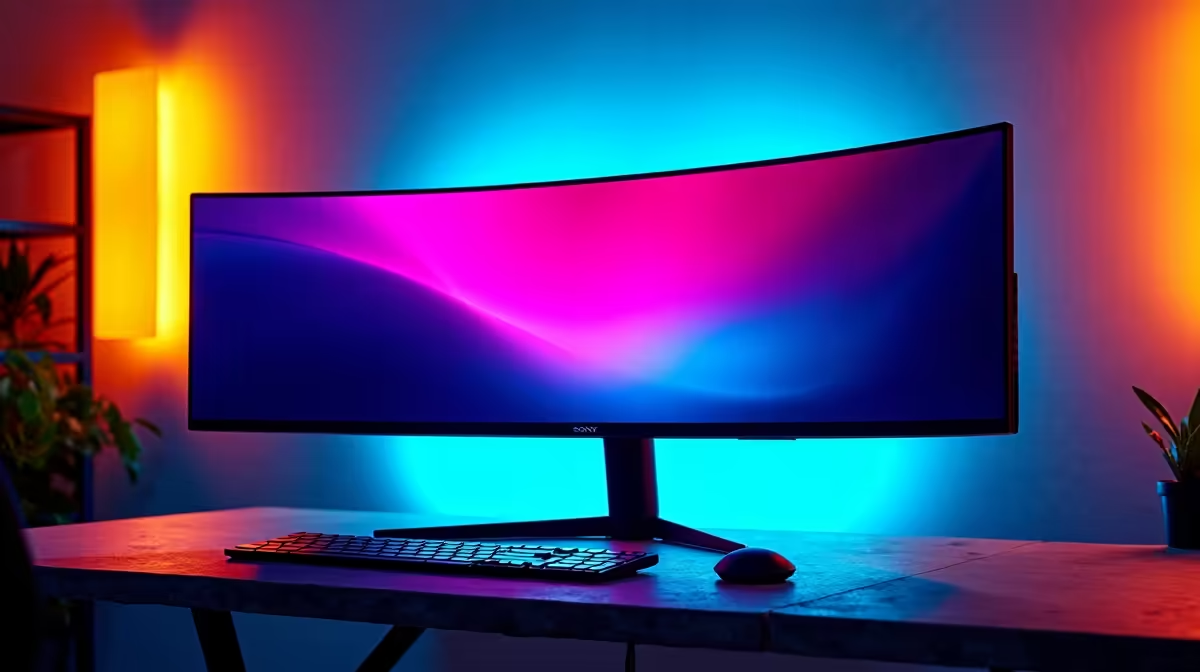
For SA buyers, the best ultrawide monitor for MMO and live-service games is usually a 34-inch 3440x1440 model with the right panel type, stand, and refresh rate. Budget around R6,000 to R18,000 for most practical choices, with premium OLED or 49-inch models sitting higher. Choose the monitor around your GPU, desk depth, and daily app layout before chasing the widest panel.
Size, Resolution, And Panel Choice
Start with 34-inch 144 Hz, good black levels, and enough width for UI panels. A 29-inch ultrawide can feel cramped for serious work, while 49-inch models need a deep desk and stronger GPU planning. IPS is safe for colour and text, VA is strong for contrast, and OLED looks excellent for games but needs careful desktop habits.
GPU And Laptop Fit
A 3440x1440 ultrawide pushes about 4.95 million pixels, which is much heavier than 1080p. For gaming, pair it with RTX 4060, RTX 4070, RX 7800 XT, or stronger graphics depending on the FPS target. For laptop use, confirm USB-C display support or HDMI bandwidth before assuming the machine can drive 100 Hz or 144 Hz.
SA Desk And Workload Checks
For raids, maps, Discord, and live events, width is useful only when text remains sharp and windows are easy to arrange. Measure the desk, check VESA arm support, and leave space for speakers, a microphone arm, or a laptop stand. In flats, dorm rooms, and home offices, one 34-inch monitor can replace two smaller screens with less cable clutter.
FAQ
Is 3440x1440 better than two monitors?
Yes for a cleaner desk and uninterrupted workspace. Two monitors still win when you need one screen vertical or want a separate full-screen app.
What refresh rate should SA buyers choose?
Choose 100 Hz for work and casual gaming, and 144 Hz or higher for faster games. The GPU must be able to feed that refresh at 3440x1440.
How much should I budget?
Plan around R6,000 to R18,000 for practical 34-inch ultrawides. Spend more only when OLED, 49-inch width, USB-C docking, or creator colour features are genuinely needed.
Monitor check
Before choosing an ultrawide, confirm your GPU or laptop can drive 3440x1440 at the refresh rate you plan to use.