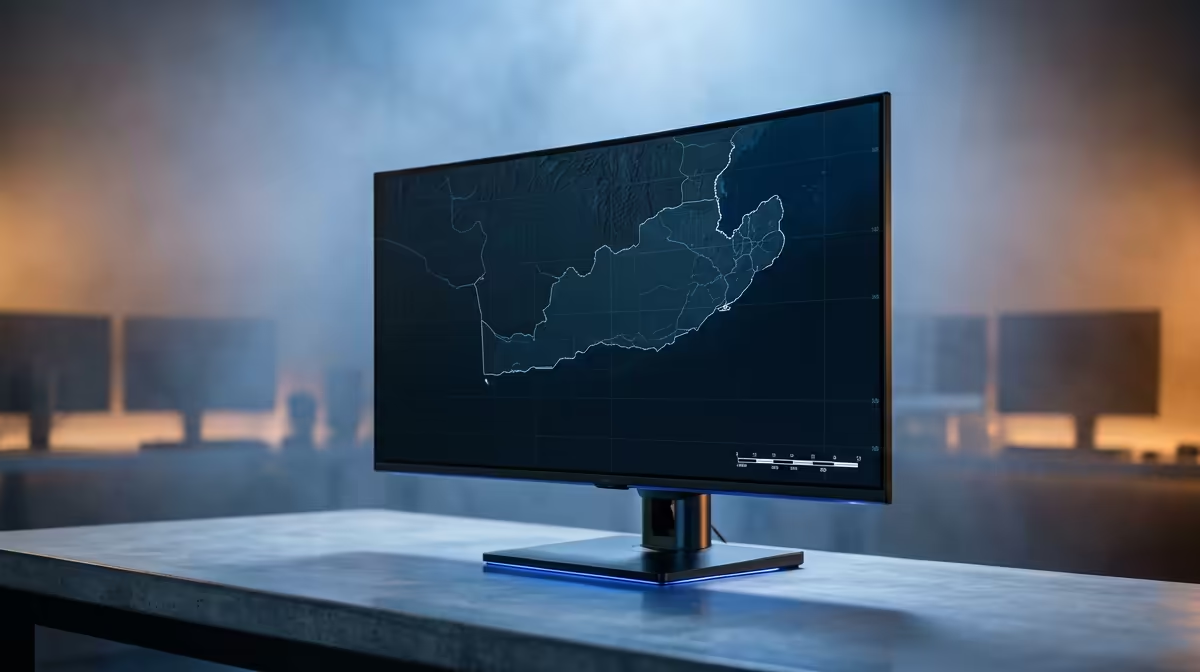
ASUS TUF VG34WQML5A 34 Inch UWQHD Curved Fast VA LED 21:9 250 Hz Gaming Mo at R7700 suits a South African mapping user who wants wide workspace for QGIS panels, map canvas, attribute tables, and browser references on one ultrawide monitor.
Best ultrawide monitor pick for mapping work
The ASUS TUF VG34WQML5A is the cleanest first pick because its 34 Inch UWQHD 21:9 curved VA panel gives you room to keep tools visible without constantly stacking windows. At R7700 with 7 in stock, it also brings a very fast 250 Hz spec, which is more than this workload needs but useful if the same desk doubles for gaming after hours.
Samsung Odyssey 34 Inch QHD 3440 x 1440 pixels UltraWide Gaming Monitor at R7999 is another strong choice if you want the resolution stated clearly. The 3440 x 1440 pixel layout is the key advantage here: you can inspect a wide project view while keeping layer controls and reference material open alongside it. Stock is tighter at 2 units.
SA mapping desk reality
For a student, planner, GIS freelancer, or small office user in South Africa, the real win is not just screen size. It is reducing tab switching when checking parcels, routes, labels, and exports. HP MONITOR OMEN CURVED GAMING 34 INCH WQHD 165HZ 1 YEAR Warranty at R10405 gives a 34 inch curved WQHD workspace with 165Hz refresh, while Arozzi Nova Curved 34 inch VA, 165Hz in Black at R4100 keeps the price lower with 9 in stock.
Ready to choose the right ultrawide monitor?
Use ASUS TUF VG34WQML5A 34 Inch UWQHD Curved Fast VA LED 21:9 250 Hz Gaming Mo at R7,700 as the ultrawide monitor shortlist benchmark, then check whether (7 in stock) matches the space, workload, and upgrade path.