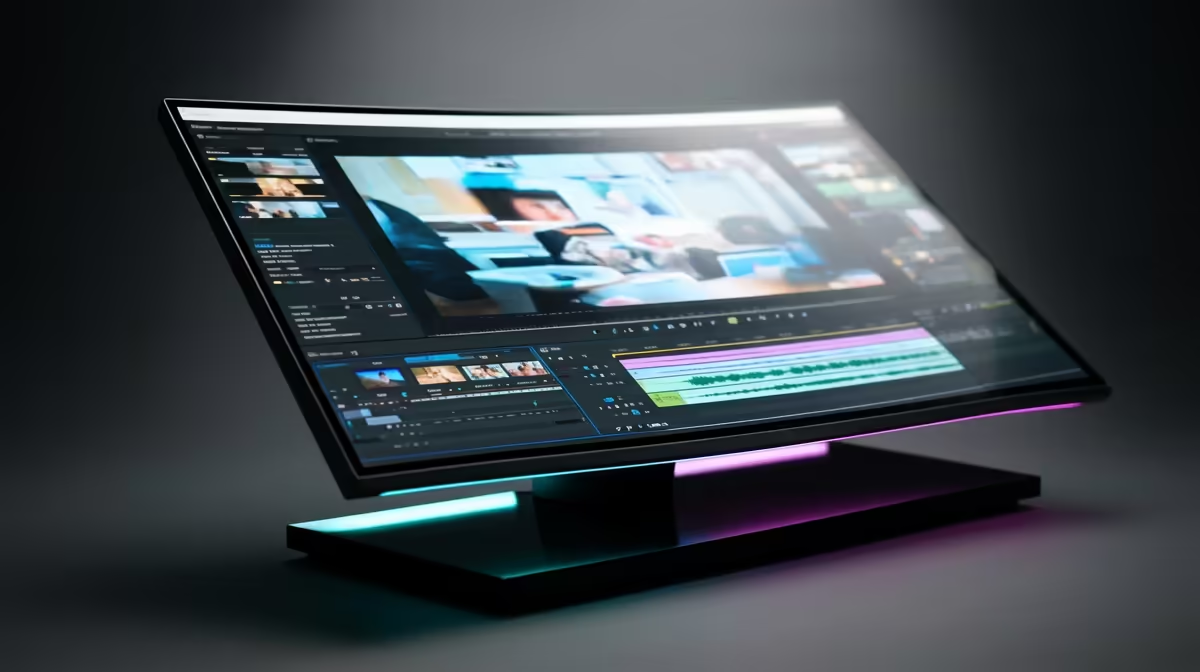
The ASUS TUF VG34WQML5A 34 Inch UWQHD Curved Fast VA LED 21:9 250 Hz Gaming Monitor at R7700 suits a creator who wants one wide editing timeline, preview space, and room for uploads without juggling two screens. A good ultrawide monitor is worth it when the desk is used for planning, editing, thumbnails, and channel admin in the same session.
Best ultrawide monitor picks for creators
The ASUS TUF VG34WQML5A at R7700 is the strongest value pick here because its 34 inch UWQHD curved 21:9 panel gives you a wide workspace for a video timeline, notes, file browser, and preview window. Its 250 Hz spec is more than most editing work needs, but it is useful if the same setup is also used for fast gaming after work.
The Samsung Odyssey 34 inch QHD 3440 x 1440 UltraWide Gaming Monitor at R7999 is another practical choice if you want the clean 3440 x 1440 canvas for media work. That resolution gives enough horizontal room to keep the media library visible while adjusting clips, captions, and export settings for YouTube without constantly switching windows.
On a South African creator desk
On a Joburg apartment creator desk, the Arozzi Nova Curved 34 inch VA 165Hz at R4100 is the budget-friendly route into a wider workspace, especially if the channel is still growing and the setup needs to stay lean. The HP OMEN Curved Gaming 34 inch WQHD 165Hz at R10405 makes more sense for a premium single-screen desk where the curved 34 inch WQHD panel is shared between editing, gaming, and content review.
Ready to choose the right ultrawide monitor?
Compare the listed ultrawide monitor range by size, resolution, refresh rate, price, and stock before you settle on the best fit for your creator desk.